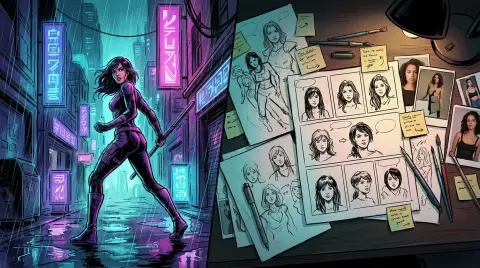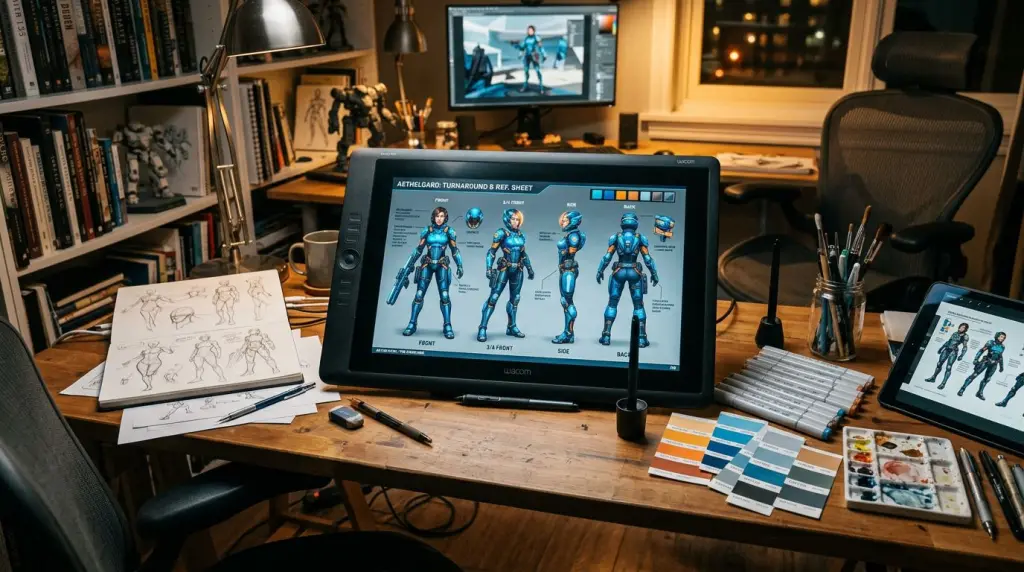
Creating a compelling comic requires more than just one good drawing. It requires a cast that readers recognize instantly. In the past, this meant years of practice to master anatomical muscle memory. Today, learning how to create comic characters with AI has changed the landscape for indie creators. You can now design complex, professional-grade protagonists in minutes. However, the real challenge isn't making a character once; it is making them look the same in every single scene. This guide breaks down the professional workflow for achieving perfect character stability.
How to Create Comic Characters with AI: The Basics
To create comic characters with AI, start by defining a detailed visual profile including age, hair style, and specific clothing. Use a specialized AI character generator to lock in these traits. This ensures the character looks identical across different poses, lighting conditions, and various emotional expressions throughout your story.
When you begin your journey in AI character design, specificity is your best friend. Generic prompts like "a brave knight" will give you a different person every time you hit generate. Instead, build a "physical ID card" for your character. Mention the exact shade of their hair, the shape of their scar, or the specific brand of their jacket. This level of detail gives the AI a narrow path to follow, reducing the variance between generations.
Most creators start with a text-to-image prompt. For example, instead of "a girl in a school uniform," try "a 16-year-old Japanese girl with short bob-cut black hair, wearing a navy blue blazer with a red ribbon, hazel eyes, and a small silver earring in her left ear." This specific string of descriptors acts as an anchor. When you move to the next panel, you repeat these core descriptors to maintain the character's identity.
Using a Character Reference Sheet AI for Better Precision
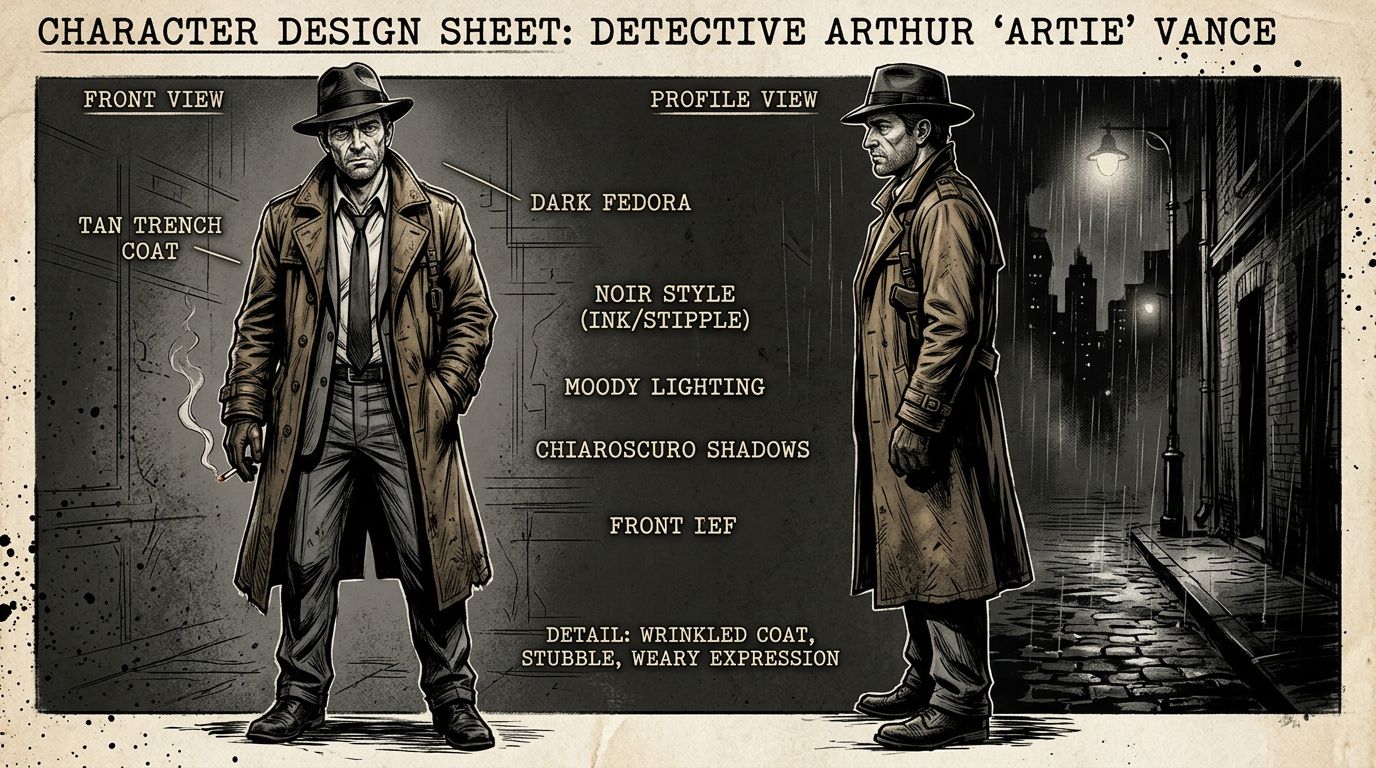
Effective AI character design requires a character reference sheet AI approach. You generate a multi-angle view of your character first. This sheet acts as a visual anchor, allowing the AI to reference the same geometry and features for every subsequent panel or scene in your comic book project.
One of the most powerful techniques in 2026 is the "turnaround" or reference sheet. In traditional animation, artists use these to ensure every animator draws the character correctly. You can do the same with AI. By prompting for a "character sheet, front view, side view, back view, white background," you create a master file.
You can then use this master file as an image prompt or a reference. Many advanced tools allow you to upload this sheet so the AI understands the 3D volume of the character's head and body. This prevents the common issue where a character's nose changes shape or their hair grows longer between panels. If you are just starting, learning How to Make Manga Without Drawing Skills (2026 Workflow) can help you understand how these sheets fit into a larger production pipeline.
Maintaining Consistent AI Characters Across Multiple Panels
Maintaining consistent AI characters involves using fixed seeds, character names as unique tokens, or LoRA (Low-Rank Adaptation) models. Advanced tools like TabStory automate this by creating a permanent digital identity for your character, which the system recalls automatically whenever that character appears in your comic script.
Consistency is the "holy grail" of AI comics. If your protagonist looks like a different person in panel three, you lose the reader's immersion. The most reliable way to solve this is through an AI character generator that supports identity locking. These systems don't just generate a new image from scratch; they use a mathematical "embedding" of your character's face.
Another pro tip is the use of "seeds." Every AI image has a seed number. If you find a character you love, keep that seed number. By keeping the seed the same and only changing the action (e.g., "walking" to "sitting"), you maintain a higher degree of visual similarity. However, this method is limited. For long-form storytelling, using a platform that manages character IDs for you is much more efficient than manual seed hacking.
Choosing the Best Comic Character Creator for Your Project
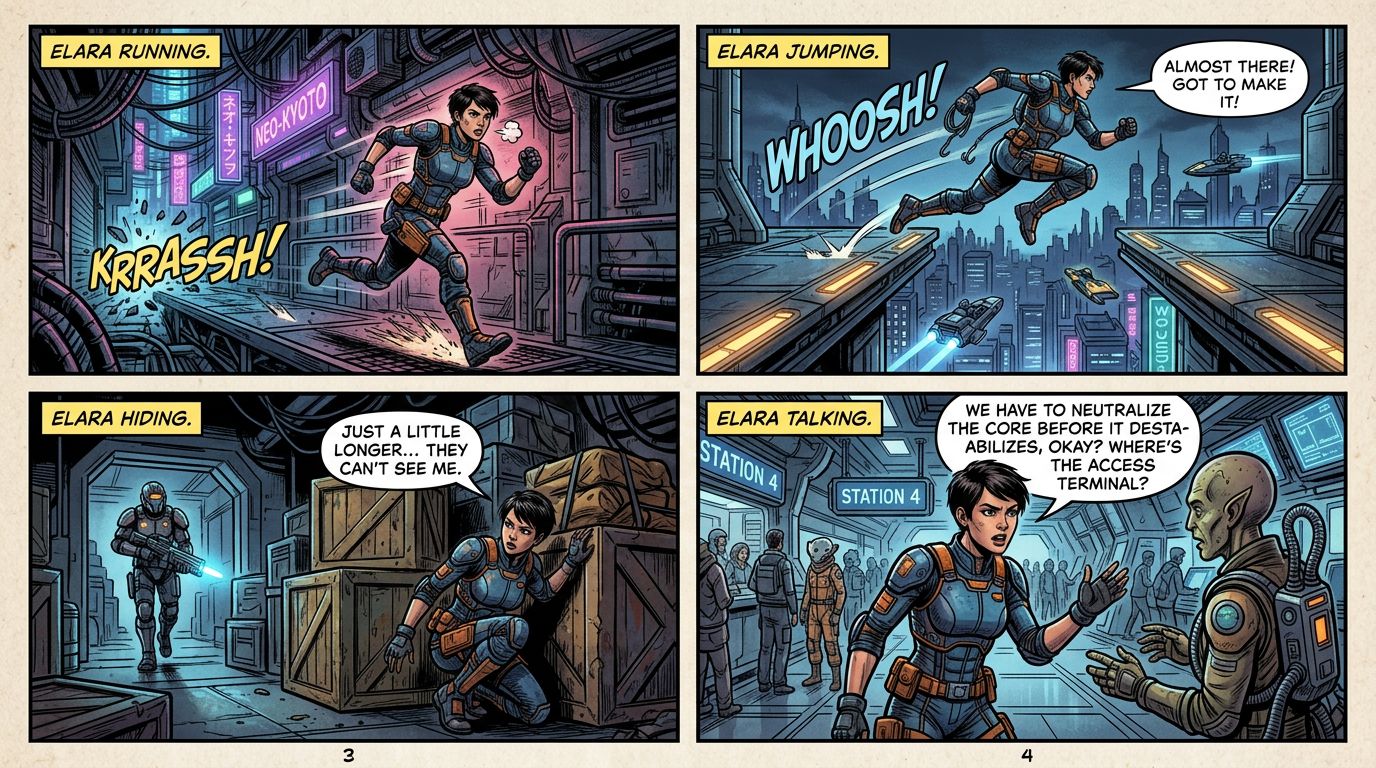
Selecting a comic character creator depends on your technical skill and story complexity. While general tools like Midjourney offer high quality, story-first platforms like TabStory provide built-in consistency tools that handle the heavy lifting of character management, saving creators hours of manual prompting and editing.
Not all AI tools are built for storytellers. Some are great at making a single, beautiful illustration but fail when you need that same person to appear in 100 different poses. When evaluating a tool, look for features like "fixed identity," "character library," and "pose control."
If you are adapting an existing work, such as learning How to Make a Comic with AI in 2026 (Step-by-Step Guide), you need a tool that understands narrative flow. You don't want to spend your time fighting the AI to keep the clothes the same color. You want to spend your time on the dialogue and the pacing.
Comparison of Popular AI Comic Tools
| Tool | Primary Strength | Consistency Level | Best For |
|---|---|---|---|
| TabStory | Story-to-Comic Workflow | High (Automated ID) | Webtoon & Manga Creators |
| Midjourney | Artistic Quality | Medium (Manual) | Concept Artists |
| ComicAI | Panel Layouts | Medium | Hobbyists |
| Canva AI | Ease of Use | Low | Social Media Graphics |
Advanced Prompting for AI Character Design
To get the most out of your comic character creator, you need to master the "Negative Prompt" and "Style Consistency." Negative prompts allow you to tell the AI what not to include. For example, adding "extra fingers, deformed face, changing clothes" to your negative prompt can help keep the character's anatomy and wardrobe stable.
Style consistency is equally important. Even if the character looks the same, if the art style shifts from watercolor to 3D render, the comic will look messy. Always include a style tag in your character prompts, such as "90s anime style" or "American DC comics ink style." This ensures the environment and the character share the same visual language.
Troubleshooting Common Consistency Issues
- The Face Changes Slightly: Use a "Face Swap" or "Identity Lock" feature. If the tool doesn't have one, try adding the name of a specific (but not famous) person to the prompt to act as a facial anchor.
- Clothing Changes Color: Be extremely specific about the outfit. Instead of "red shirt," use "crimson cotton crew-neck t-shirt with no logos."
- The Art Style Drifts: Use a consistent set of artist names or style descriptors at the beginning of every prompt.
FAQ
How do I make my AI character look the same in every panel?
The most effective way is to use a platform with built-in character identity features. Alternatively, you can use a character reference sheet and consistent seed numbers combined with very specific physical descriptions in your prompts.
Can I use AI to design characters for a commercial comic?
Yes, most AI tools allow for commercial use if you have a paid subscription. However, always check the specific Terms of Service of the tool you are using to ensure you own the rights to the generated characters.
Do I need to know how to draw to use an AI character creator?
No drawing skills are required. AI tools translate your text descriptions into visual art. While an eye for composition and color helps, the AI handles the technical execution of the drawing, making comic creation accessible to writers and storytellers.
Ready to bring your cast to life? Stop struggling with inconsistent panels and start building your universe. Use the AI character generator at TabStory to create stable, professional characters for your next comic or webtoon today.