Linework, a denser page, a locked cast
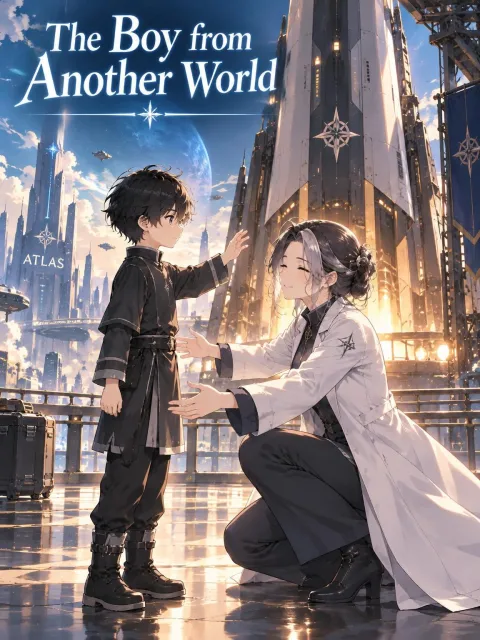
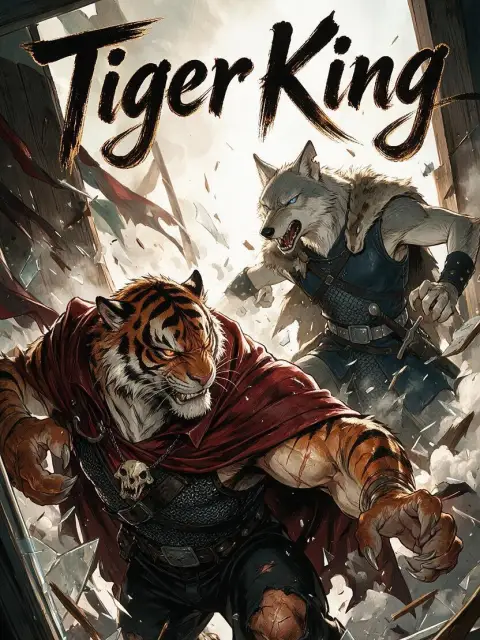
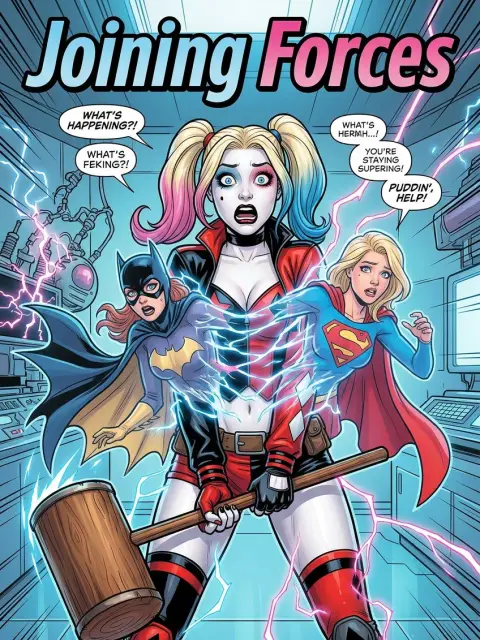
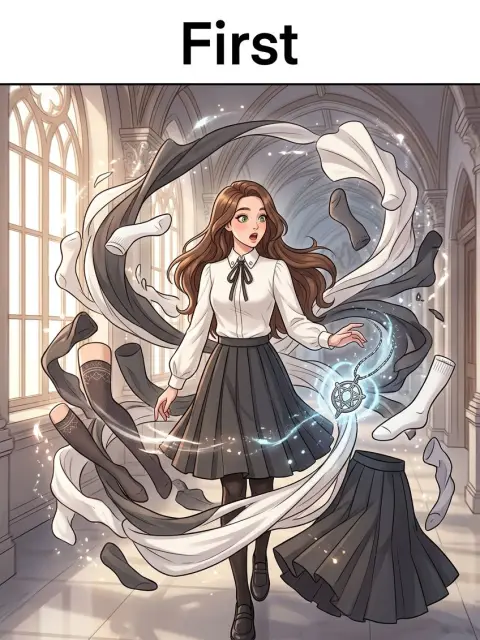
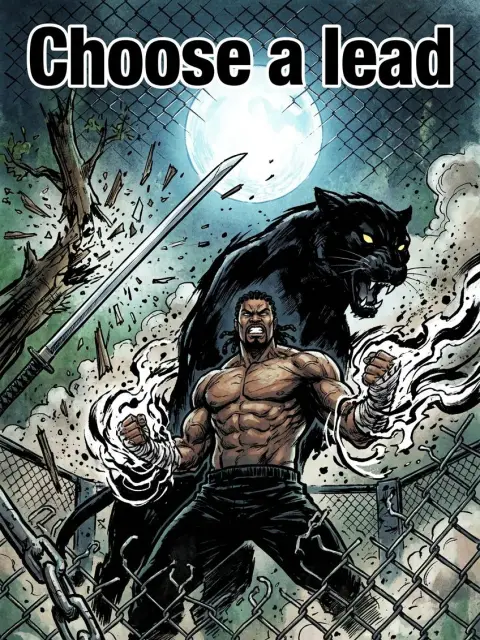
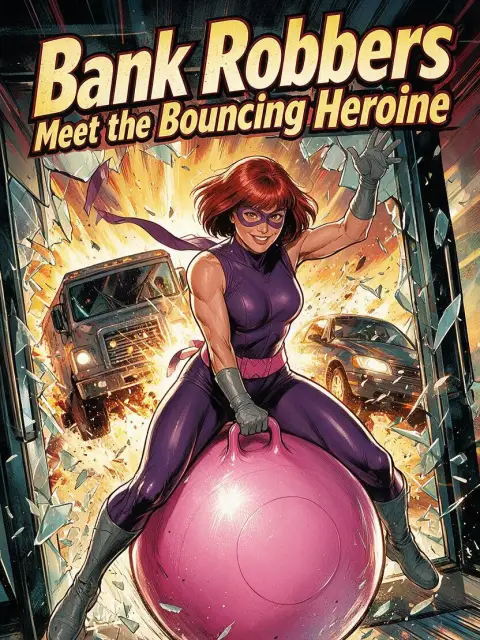
The covers above are published Tab Story comics. A manga page is linework, with more panels on the page than a poster, and the cast you lock stays in those panels. Lock the cast before the batch so page twelve still has yesterday’s eyes.
The start button opens Create and selects a manga style pack when that pack is in the style list. A finished chapter exports as a ZIP of the panel images and as a PDF. Video export waits until the chapter is published. New accounts receive a signup credit grant; the amount is shown after you sign in.
Hands, faces, and night scenes still slip. This will not letter a print magazine or replace Clip Studio. Regenerate the panel that missed.
If you cannot draw
That is the usual case. How to make manga without drawing skills is the long guide. This page is the tool: paste the scene and generate the pages. The start button already selects a manga style.
- Write the beat in the reading order you want. Tab Story will not invent a professional mangaka’s panel grammar from a vibe.
- Regenerate one panel when a hand or a background sign fails.
- Need a novel-length adaptation in manga pages? Start from novel to comic and choose a manga style.
Honest limits
This will not replace a weekly magazine assistant. Right-to-left publishing, screentone discipline, and print lettering are still your job — or a later tool. Tab Story gets a readable manga-styled episode out of the chapter you wrote.