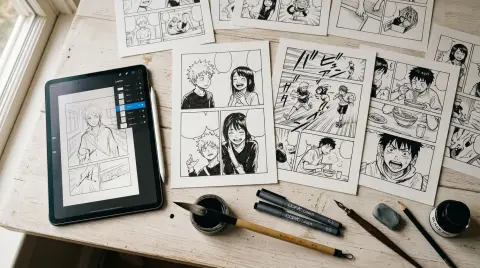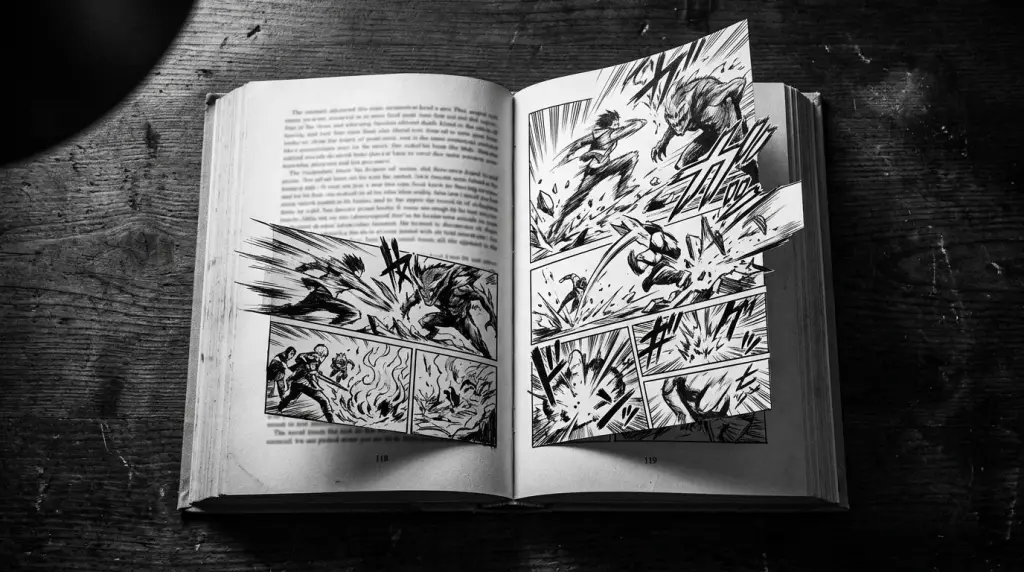
If you've written a novel — or even a few chapters of one — you already have the hardest part of a manga done: the story. A novel to manga converter takes that prose and breaks it into panels, assigns visual direction to each scene, and generates manga-style art that matches your characters. This article walks through exactly how that process works in 2026, what you need to prepare, and where AI still struggles.
What Is a Novel to Manga Converter?
A novel to manga converter is an AI tool that reads prose — chapters, scenes, or full manuscripts — and outputs a sequence of manga panels with consistent characters, dialogue bubbles, and visual staging. It bridges the gap between written narrative and sequential art without requiring you to draw or hire an artist.
The core workflow looks like this:
- You paste or upload a chapter of your novel.
- The AI parses the text into discrete scenes and beats.
- Each beat becomes a panel prompt — character position, expression, background, camera angle.
- The AI generates art for each panel using a locked character model.
- You review, tweak individual panels, and export.
The key phrase there is locked character model. Without it, your protagonist looks like three different people across ten pages. The tools that solve this problem are the ones worth using in 2026.
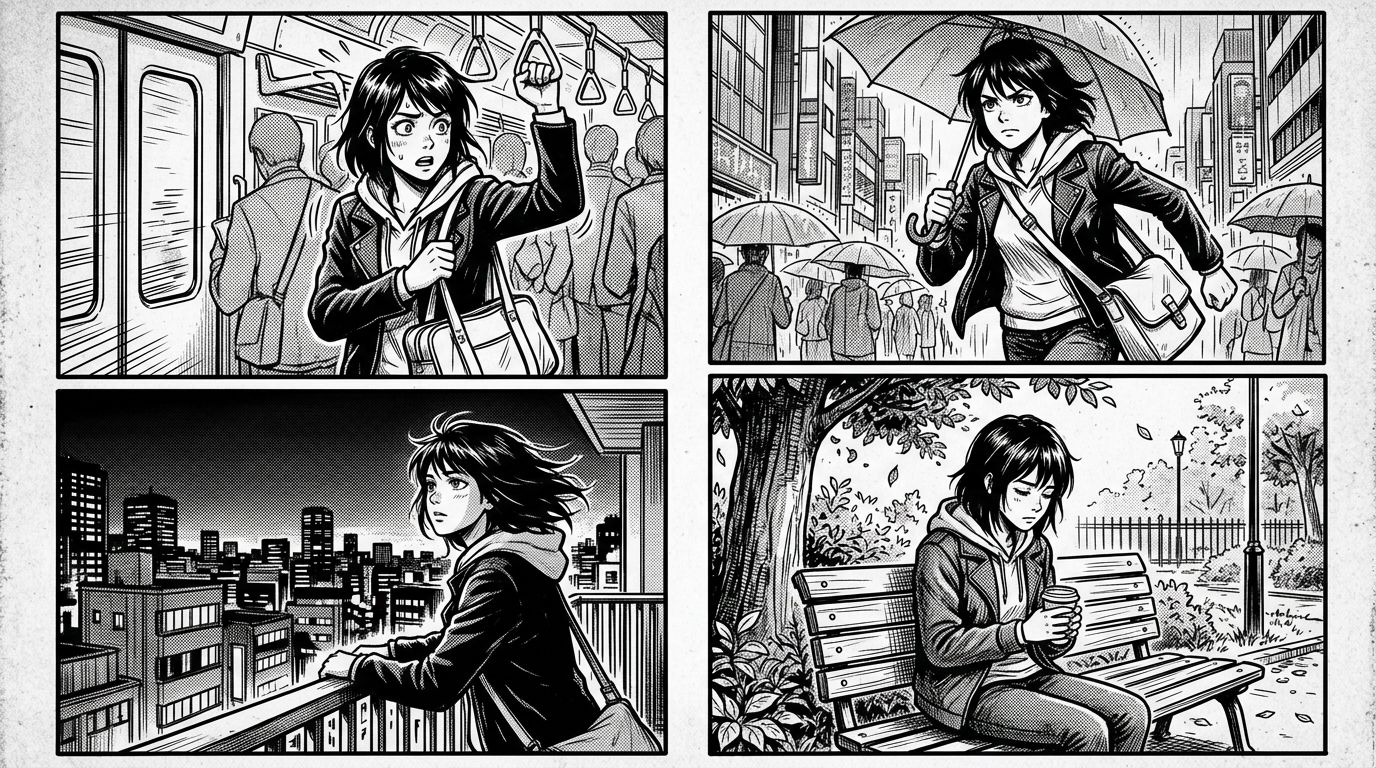
How to Convert a Light Novel to Manga Step by Step
Converting a light novel to manga with AI takes four stages: character definition, scene segmentation, panel generation, and layout assembly. Doing each stage deliberately — rather than dumping raw prose into a generator — is what separates a readable manga from a mess of inconsistent images.
Stage 1: Define Your Cast Before You Generate Anything
This is the step most people skip. Before you touch a single panel, write a character sheet for every major character. Include:
- Hair color, length, and style
- Eye shape and color
- Clothing (be specific — "school uniform" is not enough; describe the collar, the buttons, the accessories)
- Height relative to other characters
- One or two signature expressions
In TabStory's AI manga generator, you lock these descriptions into a character profile. Every panel that features that character pulls from the same seed. That's what keeps Ren looking like Ren in chapter 1 and chapter 12.
Stage 2: Segment Your Chapter Into Scenes
A standard manga chapter runs 18–24 pages, roughly 3–5 panels per page. That's 54–120 panels per chapter. A 3,000-word light novel chapter maps to about 20–30 panels if you're selective.
You don't illustrate every sentence. You illustrate beats — moments where something changes emotionally or physically. Go through your chapter and mark:
- Scene transitions (new location, time skip)
- Emotional peaks (the reveal, the argument, the quiet moment after)
- Action sequences (one panel per significant move, not every frame)
- Dialogue exchanges that carry visual subtext
Stage 3: Write Panel Prompts From Your Prose
This is where the novel-to-manga conversion actually happens. You're translating prose into visual direction.
Before (prose):
Mira stepped into the rain-soaked alley and saw him leaning against the wall, arms crossed, not looking at her.
After (panel prompt):
Wide shot. Rain-soaked alley at night. Mira enters from the left, wet hair, surprised expression. Across the alley, Kai leans against a brick wall, arms crossed, looking away. Low-key lighting from a single streetlamp above.
Some converters handle this translation automatically. TabStory's novel-to-comic pipeline does this segmentation for you — paste the scene, and it drafts panel directions you can edit before generating. You can also do it manually for tighter control.
See the full workflow breakdown in How to Make Manga Without Drawing Skills (2026 Workflow).
Stage 4: Generate, Review, Regenerate One Panel at a Time
Don't generate all 30 panels and then review. Generate 5, check character consistency, adjust the character prompt if something drifted, then continue. If one panel looks off — wrong expression, wrong background — regenerate just that panel. You shouldn't have to redo the whole page.
TabStory lets you regenerate individual panels without touching the rest of the chapter. That single feature saves hours.
Worked Example: A Fantasy Light Novel Scene
Here's a real conversion from a fantasy light novel opening.
Source prose (excerpt):
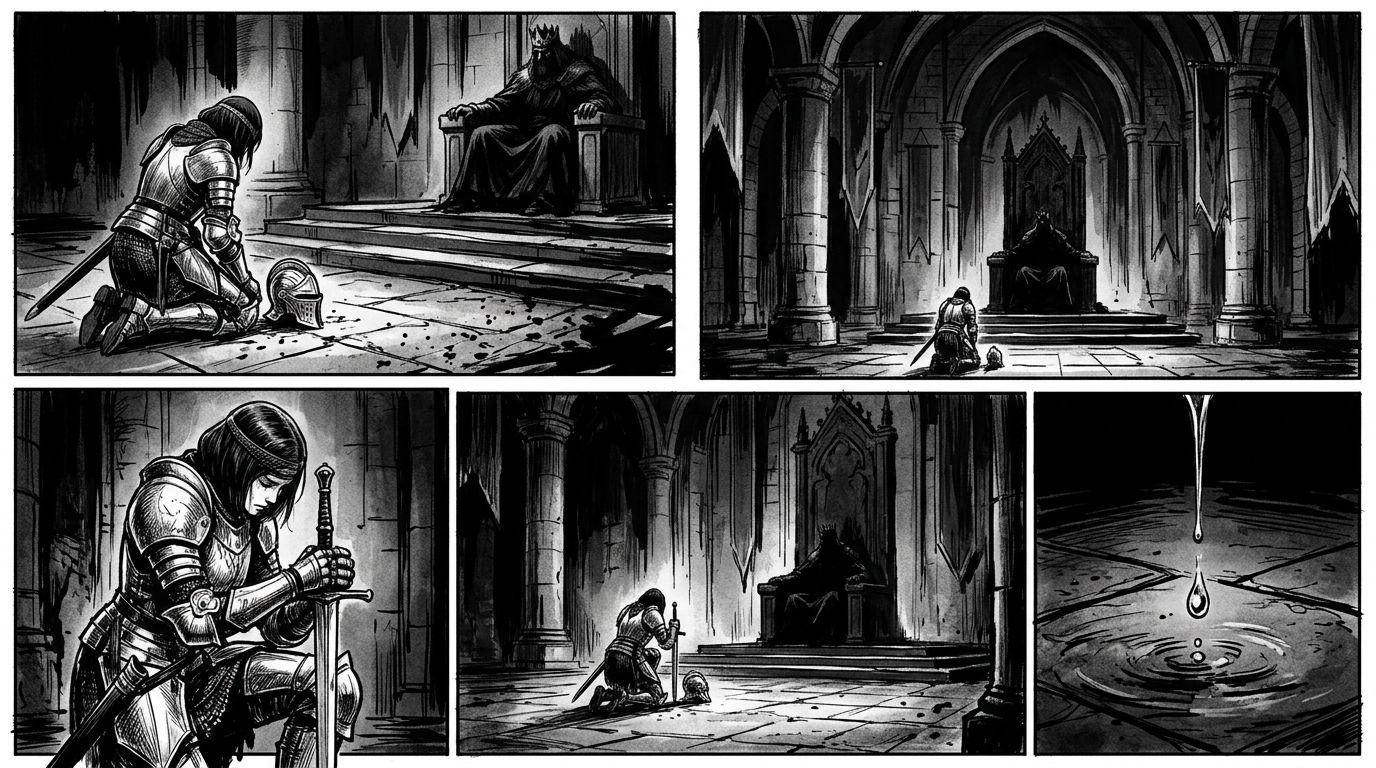
The throne room was silent except for the drip of water from the cracked ceiling. Elara knelt on the cold stone floor, her silver armor dull in the grey light. The king hadn't spoken in three minutes. When he finally did, his voice was barely above a whisper: "You failed."
Panel breakdown (5 panels):
| Panel | Shot | Description |
|---|---|---|
| 1 | Establishing wide | Throne room interior, cracked ceiling, single beam of grey light, empty except for two figures |
| 2 | Medium | Elara kneeling, silver armor, head slightly bowed, hands on knees |
| 3 | Close-up | Water droplet falling from ceiling crack |
| 4 | Reverse angle | King on throne, face partially shadowed, leaning forward slightly |
| 5 | Close-up | Elara's eyes — wide, controlled, not broken |
Dialogue goes in panel 4 or as a caption over panel 5. The silence of panels 2 and 3 does more work than any line of prose could.
This is the translation skill a novel to manga converter automates — but knowing the logic helps you fix it when the AI gets it wrong.
What Still Breaks: The Failure Cases
The biggest failure point in AI novel-to-manga conversion is character drift across panels — the same character looks noticeably different from panel to panel, especially when the scene changes location or lighting. Secondary failure points include complex action choreography and scenes with more than three characters interacting simultaneously.
Here's what breaks most often in 2026:
1. Character drift in new environments
Your character looks consistent in the school hallway. You move to a forest scene, and suddenly her hair is shorter and her eyes are a different shape. The AI re-interprets the character description in a new visual context. Fix: add environment-specific notes to your character sheet ("in outdoor scenes, Mira still has the same long dark hair, same sharp eyes").
2. Action choreography
A sword fight that takes two paragraphs in prose needs 8–12 panels with clear spatial logic — who is where, which direction they're moving, where the weapon is. AI generators often produce beautiful individual frames that don't read as a sequence. You'll need to manually specify camera angle and character position for every action panel.
3. Crowd scenes
Three or more named characters in one panel is still hard. The AI tends to merge faces or drop characters entirely. Workaround: use crowd shots for background characters and reserve close-up panels for the 1–2 characters who matter in that beat.
4. Emotional nuance in faces
Manga relies heavily on subtle expression — the half-smile that isn't quite happy, the eyes that are calm but the jaw is tight. AI-generated faces tend toward clean, readable emotions. Complex or contradictory expressions require multiple regeneration attempts and sometimes manual editing.
For a broader look at how different tools handle these problems, check Best AI Manga Generators in 2026: Which One Fits Your Story? and Text to Manga: How AI Manga Makers Turn Your Story Into Pages.
Novel to Manga vs. Book to Manga: Does Format Matter?
The format of your source material does affect conversion quality. Light novels — with their scene-by-scene structure and internal monologue — adapt more cleanly than dense literary fiction. Wattpad stories and web novels, already written for fast reading, often produce the most direct panel-to-panel translations.
Here's a quick breakdown:
| Source Format | Adaptation Ease | Main Challenge |
|---|---|---|
| Light novel | High | Managing internal monologue as caption vs. cutting it |
| Wattpad / web novel | High | Chapter length (often too long — split at 1,500 words) |
| Literary fiction | Medium | Dense prose, few scene breaks, heavy subtext |
| Short story | Medium | May need padding to reach chapter length |
| Full novel chapter | Low-Medium | Requires aggressive scene selection |
The TabStory novel to comic pipeline handles all of these, but you'll get better results if you do the scene segmentation yourself for literary fiction rather than letting the AI decide what's a panel-worthy beat.
FAQ
Can I convert a full novel chapter into manga automatically?
Yes, but "automatically" means different things. You can paste a full chapter and get a draft panel sequence. You'll still need to review character consistency, fix any panels that drifted, and adjust dialogue placement. Think of it as a first draft, not a finished product. Budget 30–60 minutes of editing per chapter.
Does the AI keep my characters consistent across chapters?
It depends on the tool. Tools that use a locked character profile — where you define visual attributes once and the system references them every time — maintain consistency much better than tools that generate from a fresh prompt each time. TabStory uses locked character models across chapters. If you're using a general image generator, you'll need to re-paste your character description for every single panel.
What's the difference between a novel to manga converter and a text-to-image tool?
A text-to-image tool generates one image from one prompt. A novel to manga converter handles the full pipeline: it segments your prose into panel beats, manages character consistency across a sequence, handles panel layout and pacing, and outputs something that reads as a page — not just a collection of images. The sequential logic is what makes it a converter rather than just a generator.
Start Converting Your Novel
You've already written the story. The panels are already in the prose — they just need to be pulled out. Pick one scene from your novel, write five panel descriptions using the format above, and run them through TabStory's AI manga generator. You'll have a working first page in under ten minutes.