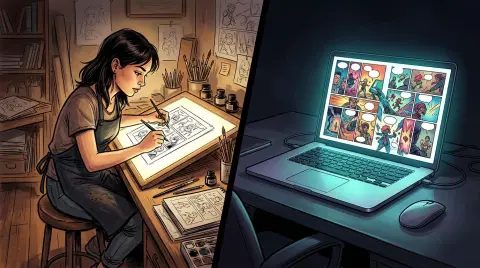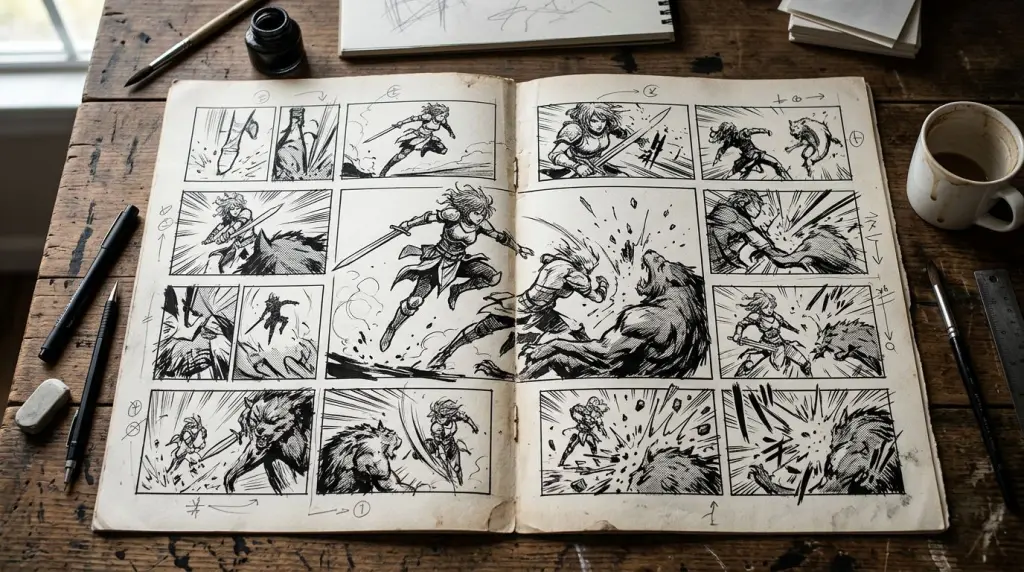
An AI manga maker from text does something that felt impossible five years ago: it reads your story, breaks it into panels, and draws the pages. No drawing tablet. No Photoshop. No outsourcing to a freelancer. You paste in prose or a script, and the tool returns manga-style artwork with speech bubbles already placed. This article walks through exactly how that process works, what a real scene looks like panel by panel, and where the technology still fails you.
How an AI Manga Maker From Text Actually Works
An AI manga maker from text parses your writing into discrete visual moments, assigns each moment a panel, generates artwork for that panel using a diffusion model tuned on manga linework, and then composites the panels onto a page layout with lettering. The whole pipeline runs in the cloud, usually in under two minutes per page.
The pipeline has four stages:
- Story parsing. The tool reads your text and identifies scene beats — a character entering a room, a punch landing, a close-up reaction shot. Some tools let you write a full prose chapter; others want a panel-by-panel script.
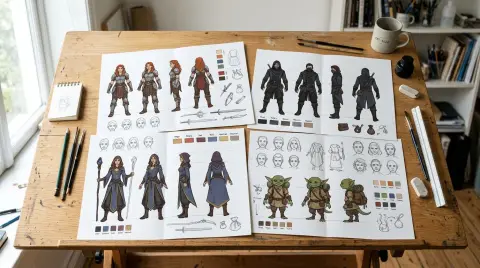
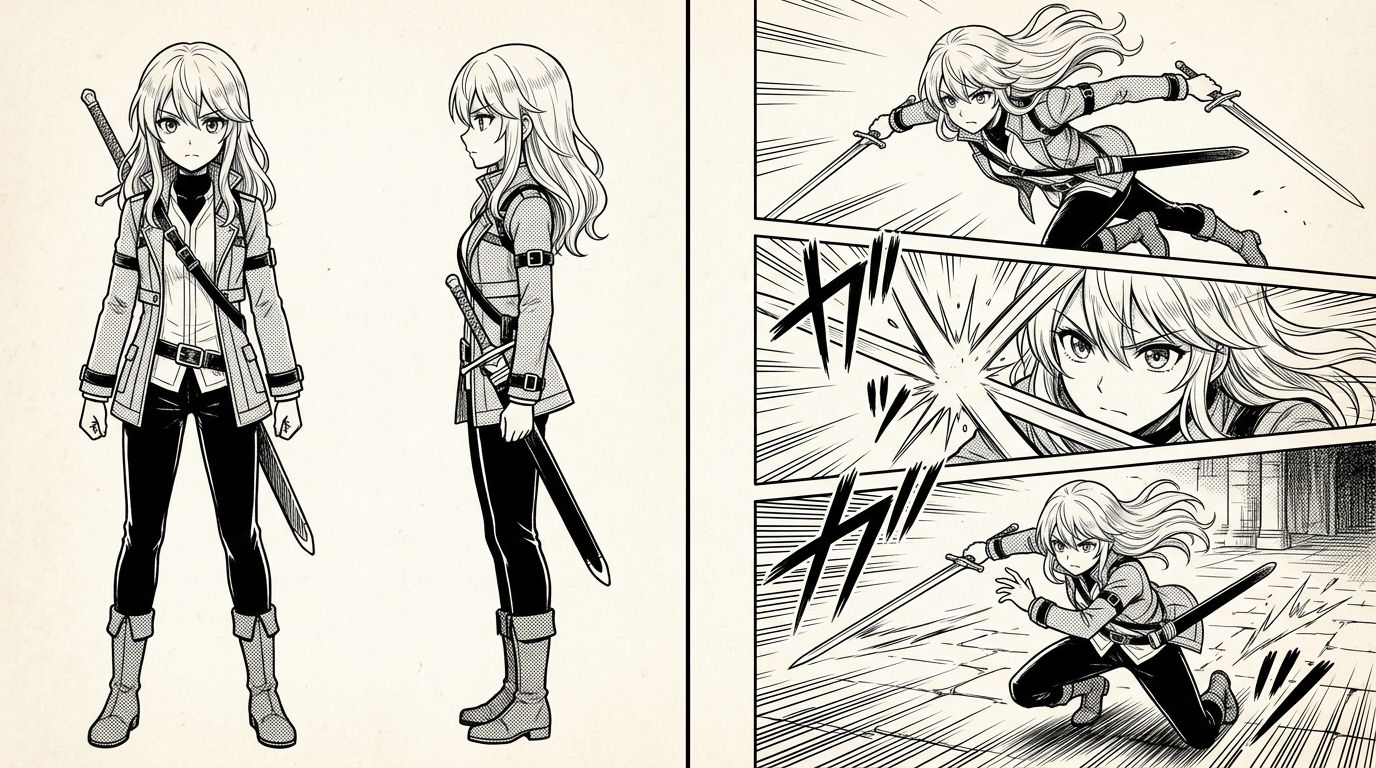
- Character locking. This is the hard part. The AI needs to remember that Yuki has silver hair and a scar above her left eye in panel 1 and still draw her that way in panel 47. Tools that solve this use a locked character sheet — a reference image generated once and reused as a conditioning input.
- Panel generation. Each beat becomes a prompt fed to a manga-specific diffusion model. The model outputs black-and-white linework (or screentone-shaded art) that matches the panel's action and framing.
- Page composition. Panels are arranged into a grid or webtoon scroll, speech bubbles are placed, and dialogue text is inserted.
TabStory's AI manga generator runs this full pipeline from a single chapter upload. You define your cast once, and every chapter references that locked cast — so Yuki looks like Yuki on page 1 and page 80.
Turning a Story Into Manga: A Worked Example
You can convert a prose scene into a five-panel manga page in about three steps: paste the scene, review the auto-generated panel breakdown, then regenerate any single panel that misses the mark. The whole loop takes under ten minutes for a short scene.
Here's a concrete before/after using a short action scene.
Source prose (before):
Yuki sprinted across the rooftop. The guard shouted behind her. She reached the edge and jumped without looking down. For a second she was weightless. Then the next building rushed up to meet her feet.
Auto-generated panel list (after parsing):
| Panel | Framing | Action | Dialogue/SFX |
|---|---|---|---|
| 1 | Wide shot | Yuki running, rooftop at night | — |
| 2 | Over-shoulder | Guard shouting, Yuki ahead | "Stop!" |
| 3 | Low angle | Yuki at ledge, arms back | — |
| 4 | Full bleed | Yuki mid-air, city below | SFX: LEAP |
| 5 | Close-up feet | Boots hitting gravel | SFX: THUD |
The AI generates artwork for each panel using Yuki's locked character sheet. Panel 4 comes back with the wrong building silhouette — too modern for the story's 1990s Tokyo setting. You click Regenerate Panel 4, add the note "1990s Tokyo skyline, older low-rise buildings," and get a corrected version without touching the other four panels. That one-panel regeneration loop is the practical advantage of a chapter-as-source-of-truth workflow.
Writing Prompts That Produce Better Manga Panels
Specific, visual language produces better panels than emotional or abstract language. Tell the AI what the camera sees: character position, distance, angle, and one dominant action. Avoid metaphors. The model cannot draw "a heavy silence" but it can draw "two characters facing away from each other, arms crossed, rain on the window."
A few prompt patterns that work:
- Camera distance first. "Close-up on Yuki's face" beats "Yuki looks scared."
- One action per panel. Split compound actions across two panels.
- Name the emotion through body language. "Fists clenched at her sides" instead of "she was furious."
- Reference the character by name. The tool uses the name to pull the locked character sheet.
If you're adapting a Wattpad chapter or a novel, you don't need to rewrite everything. Paste the chapter and let the parser draft the panel list, then edit the beats that are too abstract before generating art. The novel to comic workflow on TabStory handles this directly from a chapter paste.
AI Manga From Prompt vs. AI Manga From Full Story
Prompt-based tools generate one panel or one page at a time from a single description. Story-based tools ingest a full chapter and maintain continuity across all panels. For anything longer than a single splash page, story-based tools save significant time because they handle the panel breakdown and character consistency automatically.
Here's how the two approaches differ in practice:
| Workflow | Best for | Character consistency | Effort per page |
|---|---|---|---|
| AI manga from prompt (one panel at a time) | Single illustrations, covers, concept art | Manual — you re-enter the character description each time | High |
| Story to manga generator (chapter input) | Full chapters, serialized webtoons, novel adaptations | Automatic via locked cast | Low after setup |
If you're building a serialized manga — even a short 10-chapter story — the story-based approach is the only practical option. Re-prompting character details for every panel across 200 panels is error-prone and slow.
For a deeper look at the no-drawing workflow, read How to Make Manga Without Drawing Skills (2026 Workflow).
Where AI Manga Makers Still Break
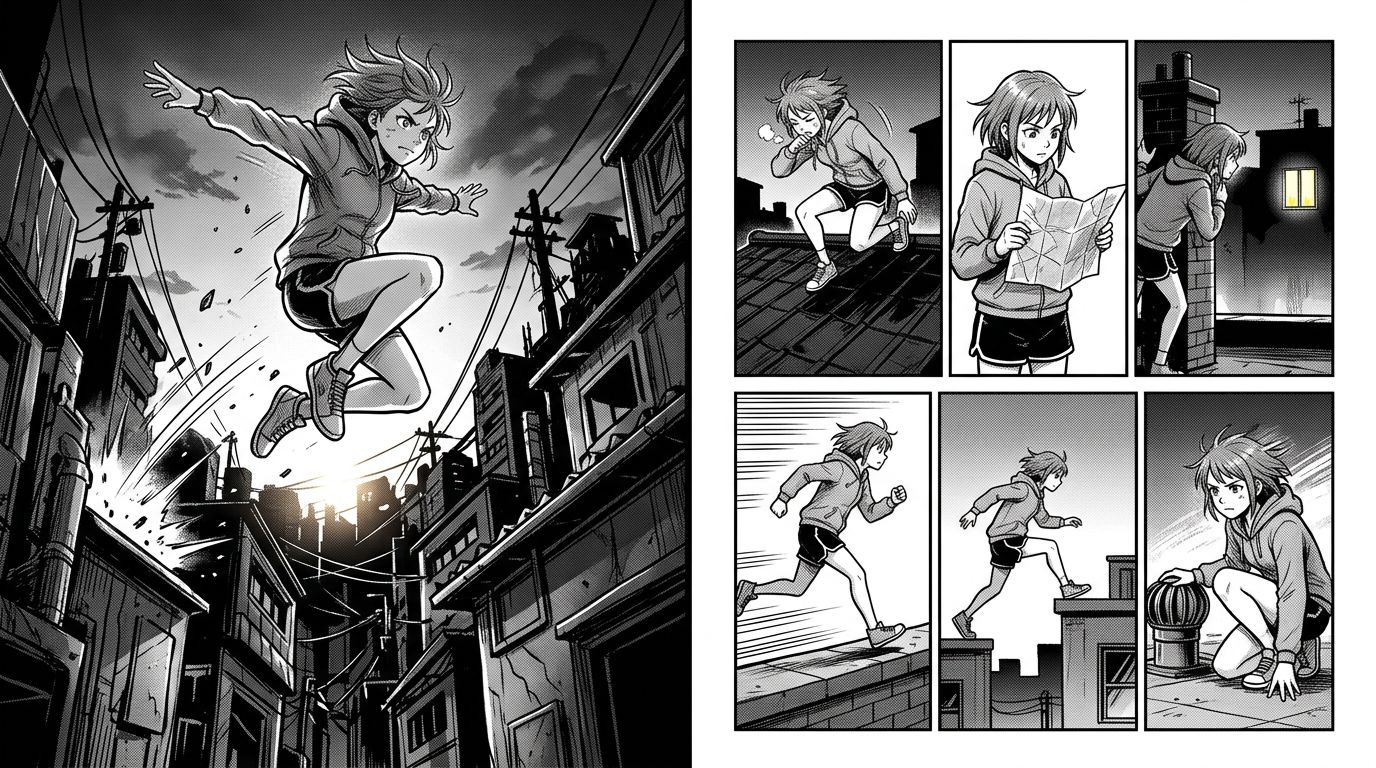
The two most common failure points in 2026 are hand anatomy and multi-character scenes. Hands with more than three visible fingers still distort in roughly one in five panels. Scenes with three or more named characters in the same frame often swap facial features between characters, especially when characters share similar hair color or build.
Other known failure cases:
- Consecutive action panels. A punch sequence across four panels often loses consistent clothing details between panels 2 and 3.
- Text-heavy dialogue pages. If a single panel has more than two speech bubbles, the bubble placement can overlap the character's face.
- Extreme close-ups on eyes. Manga relies on expressive eyes, but diffusion models trained on manga sometimes produce asymmetrical irises at very high zoom.
- Scene transitions without explicit direction. If your prose jumps from a rooftop to a classroom without a clear scene break, the parser may try to connect them in one panel instead of inserting a location card.
The fix for most of these is the regenerate-single-panel loop. Flag the broken panel, add a corrective note, and regenerate without disturbing the rest of the page. For multi-character scenes, locking each character separately and naming them explicitly in the panel description reduces swapping significantly.
If you're also building webtoon-format vertical scrolls rather than traditional manga pages, the AI webtoon generator uses a different panel stacking logic designed for mobile reading.
Publishing Your AI Manga: Format and File Output
Export your finished manga as high-resolution JPG or PNG pages for platforms like Webtoon, Tapas, or Manga Plus. Aim for 800px wide at 72dpi for web publishing, or 1200px wide at 150dpi if you plan to print or sell a PDF volume. Most AI manga tools export per-page files; you'll need to package them into a chapter folder yourself.
A few publishing notes:
- Webtoon format uses vertical strips, typically 800px wide and variable height. Export each chapter as a single long image or a numbered sequence of strips.
- Traditional manga format uses right-to-left page pairs at roughly 1800x2700px for digital distribution.
- PDF volumes for Gumroad or Patreon work best at 150dpi with bleed margins.
For a full guide on adapting longer-form writing into a published webtoon, see How to Turn a Novel Into a Webtoon: The Complete Adaptation Guide.
FAQ
Can an AI manga maker from text keep the same character consistent across chapters?
Yes, if the tool supports a locked character sheet. You generate a reference image of your character once, and the system uses it as a conditioning input for every panel in every chapter. Without character locking, you'll get visual drift — the same character looking slightly different from page to page.
Do I need to write a script, or can I paste prose directly?
Most story-to-manga generators accept both. Prose input goes through an auto-parser that extracts panel beats. Script input (formatted as panel descriptions with dialogue) gives you more control over framing. For novel adaptations, paste prose and then edit the auto-generated panel list before generating art.
What's the difference between text to manga and AI manga from prompt?
Text to manga uses a full story or chapter as input and generates a complete multi-panel page with continuity. AI manga from prompt generates one panel at a time from a single description. For serialized stories, text-to-manga is faster and more consistent. For single illustrations or covers, prompt-based generation gives you more granular control.
Ready to see your story as actual manga pages? Paste your first chapter into TabStory's AI manga generator, lock your cast, and generate your first page in under two minutes.