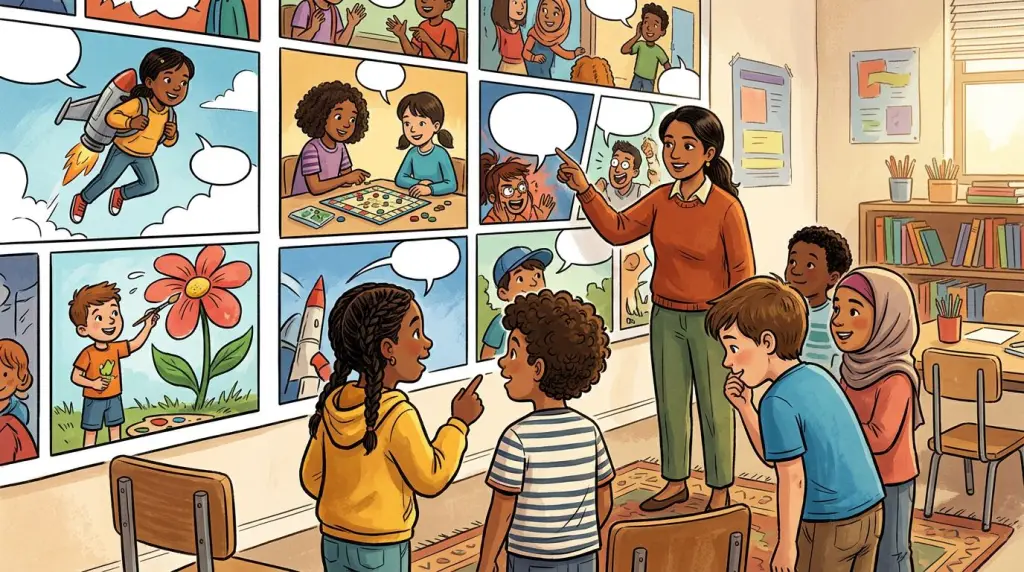
Using an AI comic generator for teachers used to mean hours in Photoshop or paying a freelance illustrator. In 2026, you can paste a lesson summary into a tool, lock your character designs, and have a printable or shareable comic ready before the bell rings. This guide walks through the full workflow, shows a real worked example from a middle-school history class, and is honest about where the technology still breaks.
Why Comics in Education Actually Work
Visual learning comics reduce cognitive load by pairing text with images, which helps students process and retain information faster. Research on dual-coding theory consistently shows that students who receive information in both verbal and visual formats outperform those who receive text alone — especially English language learners and students with reading difficulties.
That is not a new idea. Teachers have used comics since the 1940s. What is new is the production barrier dropping to nearly zero. A teacher no longer needs drawing skills to create a custom comic that features the exact characters, settings, and vocabulary from the current unit.
Classroom comic activities built around student-made or teacher-made comics also shift the dynamic. Students move from passive readers to active storytellers. They have to understand the content well enough to script it. That metacognitive step is where real learning happens.
How an AI Comic Generator for Teachers Fits Into a Lesson Plan
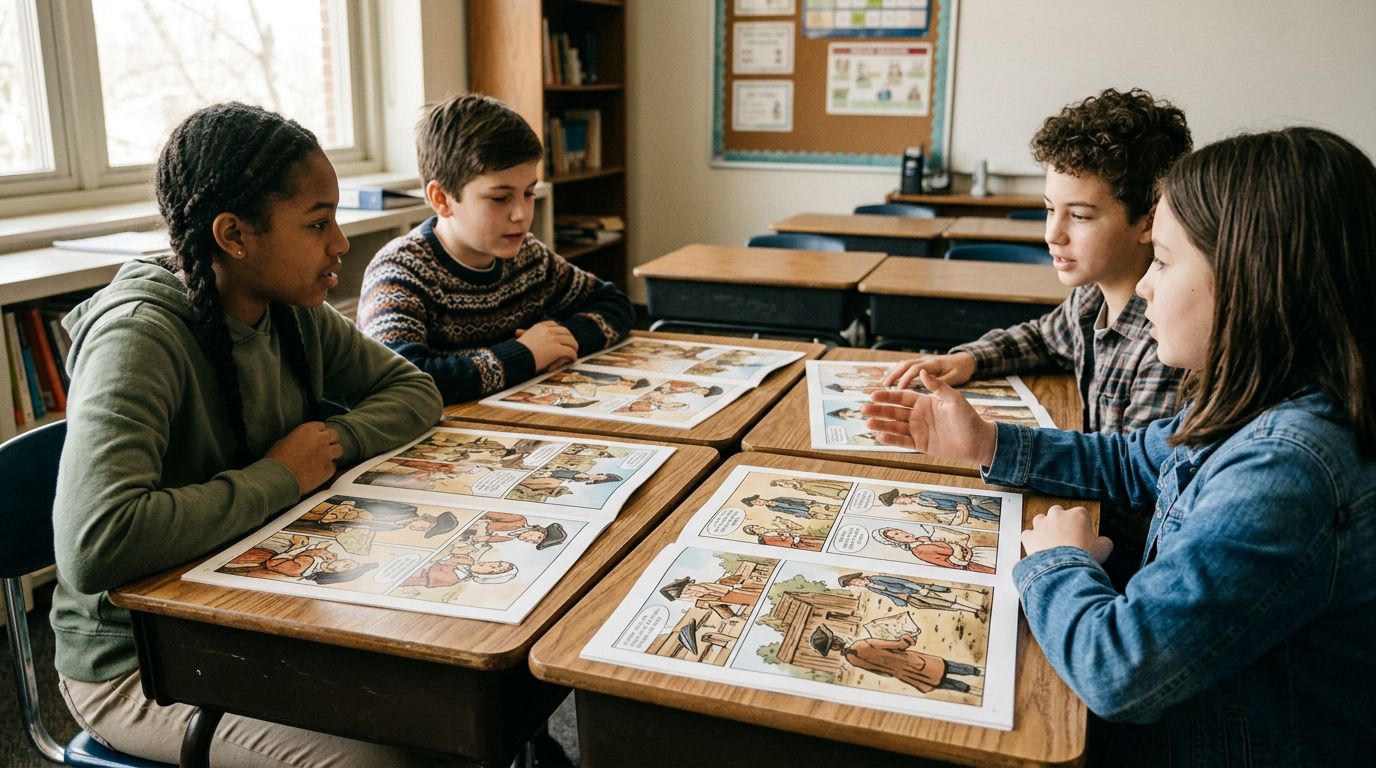
An AI comic generator for teachers fits into a lesson as a pre-reading hook, a comprehension check, or a student project format. The fastest workflow is: write a short scene in plain text, assign characters, generate panels, then export as a PDF or image grid for print or display.
Here is the practical breakdown.
Step 1: Write Your Scene as a Script
You do not need screenplay format. A simple numbered list works fine.
1. Setting: Boston Harbor, 1773, night.
2. Samuel (colonist, angry): "We will not pay this tax."
3. Narrator box: The Sons of Liberty dump 342 chests of tea into the harbor.
4. British Officer (shouting from the dock): "You will answer for this!"
5. Wide shot: Crates splashing into dark water, crowd cheering on the dock.
Five lines. That is enough for a five-panel comic strip that covers the Boston Tea Party.
Step 2: Lock Your Characters
Character consistency is the single biggest technical problem in AI comics for education. If Samuel looks different in every panel, students focus on the inconsistency instead of the content. Tools that let you define a character once and reuse that definition across panels solve this problem.
TabStory's AI comic generator uses a locked character system. You describe Samuel once — brown coat, tricorn hat, mid-30s, determined expression — and that description anchors every panel he appears in. You do not re-describe him per panel.
Step 3: Generate and Review
Run the script. Review each panel. Most tools let you regenerate a single panel without touching the rest. Use that feature. Panel 3 (the narrator box with the tea crates) often generates as a close-up when you want a wide shot. Regenerate that one panel with a note like "wide establishing shot, aerial view" and move on.
Step 4: Export and Deploy
Export as a PDF for printing, or as a vertical image strip for a class website or LMS. Vertical strip format works well for webtoon-style reading on phones, which is how most students consume visual content anyway.
A Worked Example: The Boston Tea Party Comic
Here is a complete before-and-after showing how a five-sentence lesson summary becomes a five-panel educational comic strip, including the exact prompts and what changed between draft one and the final version.
Source text (teacher's lesson summary):
In 1773, colonists angry about British taxation disguised themselves as Mohawk Indians and dumped 342 chests of tea into Boston Harbor. The event became known as the Boston Tea Party and was a turning point toward the American Revolution.
Draft 1 output problems:
- Panel 1 showed a generic harbor with no characters.
- Samuel's costume changed between panels 2 and 4.
- The narrator box in panel 3 was rendered as a character speech bubble, which confused the visual hierarchy.
Fixes applied:
- Added a character card for Samuel before generating.
- Changed panel 1 prompt to "medium shot, Samuel and two other colonists in disguise on a wooden dock at night."
- Flagged panel 3 as a caption box in the script using the word CAPTION instead of a character name.
Final output: Five consistent panels, correct visual hierarchy, printable in black-and-white without losing readability. Total time from lesson summary to final export: 22 minutes.
For a deeper look at the full production process, read How to Make a Comic with AI in 2026 (Step-by-Step Guide).
Classroom Comic Activities You Can Build Right Now
Teachers can use an educational comic maker for at least six distinct activity types: vocabulary comics, historical scene reconstructions, science process diagrams, student-authored stories, debate setup panels, and reading comprehension retells. Each type has a different scripting approach.
Vocabulary Comics
Assign each student a vocabulary word. They write a two-panel comic: panel 1 shows the word used incorrectly or in an unfamiliar context, panel 2 shows the correct meaning in action. The constraint forces precision.
Science Process Diagrams
Photosynthesis, the water cycle, cell division — these are hard to visualize from text alone. A four-panel comic with a consistent plant or cell character walking through each stage is more memorable than a labeled diagram for many learners. Use the novel to comic workflow to paste in a textbook paragraph and let the tool draft the panel breakdown.
Student-Authored Stories
Older students (grades 6–12) can write their own scripts and generate their own comics. This works as a creative writing extension, a history project, or an English language arts assignment. The scripting step alone — deciding what happens in each panel — teaches narrative structure more effectively than a five-paragraph essay prompt for many students.
What Still Breaks: Honest Failure Cases
AI comic generators for teachers still struggle with three specific failure modes: multi-character crowd scenes, abstract concepts that have no visual form, and maintaining consistent character age across a long chapter. Knowing these limits saves time.
Crowd Scenes
Ask for "a classroom of 30 students" and you will get a blurry mass or a generic crowd. The fix is to script crowd scenes as wide shots with two or three named characters in the foreground and describe the crowd as background detail only.
Abstract Concepts
"Democracy," "gravity," "irony" — these do not have a single visual form. The AI will guess, and the guess is often a cliché (a scale for justice, an apple falling for gravity). For abstract concepts, script a concrete scenario that demonstrates the concept rather than asking the tool to illustrate the word itself.
Character Age Consistency
If your comic covers a character from childhood to adulthood across multiple chapters, age drift is a real problem. Most tools do not interpolate age from a character card. The workaround is to create separate character cards for each life stage and label them explicitly in your script.
For a broader look at tool limitations across the category, Free AI Comic Generators: What You Get (and What You Don't) covers what free tiers actually deliver versus what you need a paid plan for.
Choosing the Right Tool for Your Classroom
The right educational comic maker for a teacher depends on three factors: whether the tool supports character locking, how it handles text-heavy panels (caption boxes, speech bubbles), and whether the export format works for your school's print or LMS setup.
TabStory is built around a chapter-as-source-of-truth model. You paste your lesson text, define your characters once, and the tool maintains consistency across every panel in that chapter. You can regenerate a single panel without resetting the rest. That workflow fits classroom production timelines.
If you want to compare tools side by side before committing, Best AI Comic Generators in 2026: Tested and Ranked covers the major options with honest workflow notes.
For teachers who write longer narrative units — a short story, a historical fiction piece, a science explainer — the AI webtoon generator format handles vertical scrolling output that works well on student devices.
Tips for Getting Consistent Results
- Write panel descriptions, not just dialogue. "Samuel looks angry" is weaker than "Samuel, fists clenched, leans toward the British officer, close-up shot."
- Use CAPTION for narrator text. Label it clearly in your script so the tool does not render it as a speech bubble.
- Limit named characters per scene to three. More than three and the tool starts blending faces.
- Generate a test panel before scripting the full comic. Confirm your character card produces the right look before you commit to a 10-panel lesson.
- Export at high resolution. Classroom projectors and printers need at least 150 DPI. Check your export settings before the lesson.
FAQ
Can I use an AI comic generator for teachers without any art skills?
Yes. The entire workflow is text-based. You write a script — plain sentences describing what happens in each panel — and the tool generates the images. No drawing, no design software, no art background required.
How do I keep characters looking the same across every panel?
Use a tool that supports character locking or character cards. You define the character's appearance once (age, clothing, hair, expression style) and that definition carries through every panel. Avoid tools that require you to re-describe characters per panel — that is where drift happens.
What grade levels work best for classroom comic activities?
Comics in education work across all grade levels, but the workflow shifts. Grades K–3 benefit most from teacher-created comics used as read-alouds or comprehension tools. Grades 4–8 can co-create comics with teacher guidance. Grades 9–12 can run the full scripting and generation workflow independently as a project format.
Ready to build your first lesson comic? Start with a five-panel script from your next unit and run it through TabStory's AI comic generator. You will have a printable visual story before the end of your prep period.