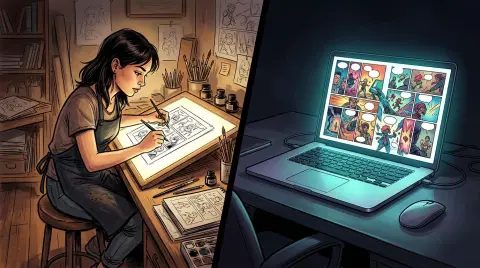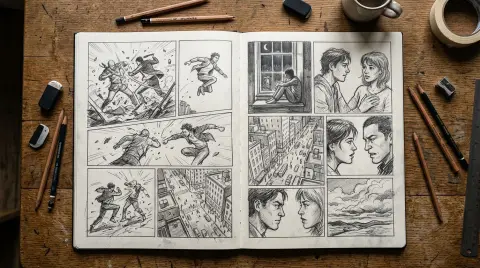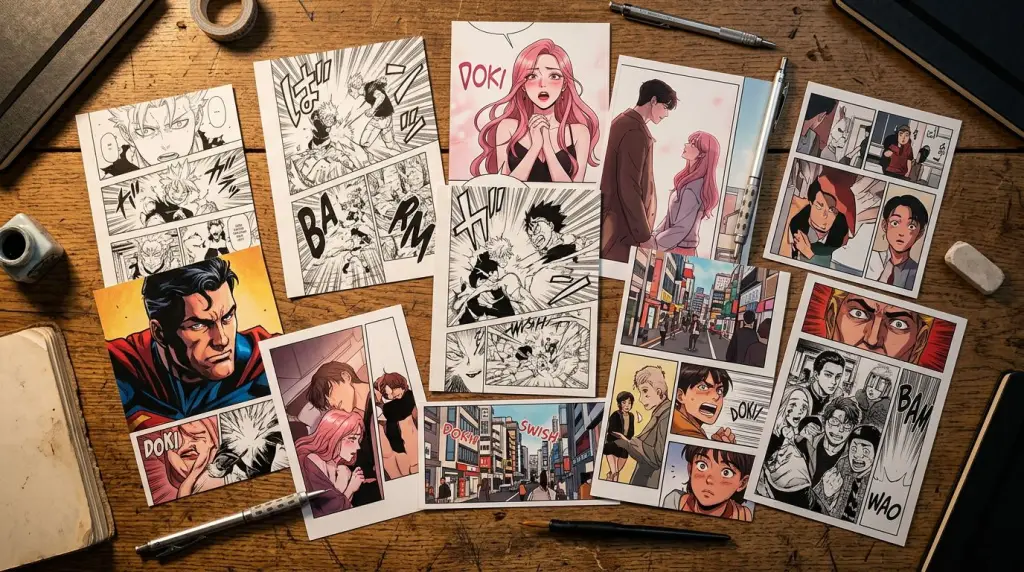
Finding the best AI comic generator in 2026 is harder than it looks. Every tool promises stunning panels in minutes. Most deliver gorgeous one-offs that fall apart the moment your protagonist appears in chapter two with a different face. This guide cuts through that. We tested seven tools across three workflows—single-image generation, panel-sequence building, and full story-to-comic conversion—and ranked them on what actually matters for creators building a series.
What Makes an AI Comic Generator Worth Using in 2026?
The best AI comic generators in 2026 solve three problems at once: they keep your characters consistent across panels, they let you work from a story or script rather than prompt-by-prompt, and they give you surgical control to fix one bad panel without regenerating everything else. Tools that only solve one of those three are useful for covers and one-shots. They break down fast on anything longer.
Here's the framework we used to evaluate every tool in this roundup:
- Character lock: Can you define a character once and reuse them reliably across 20+ panels?
- Source-of-truth workflow: Can you paste a chapter or scene and get a structured panel sequence out?
- Panel-level regeneration: Can you fix panel 7 without touching panels 1–6?
- Style range: Manga, webtoon, Western comic, graphic novel—how many styles does it actually support?
- Learning curve: How long before a non-artist produces something shareable?
Keep those five criteria in mind as we go through each tool.
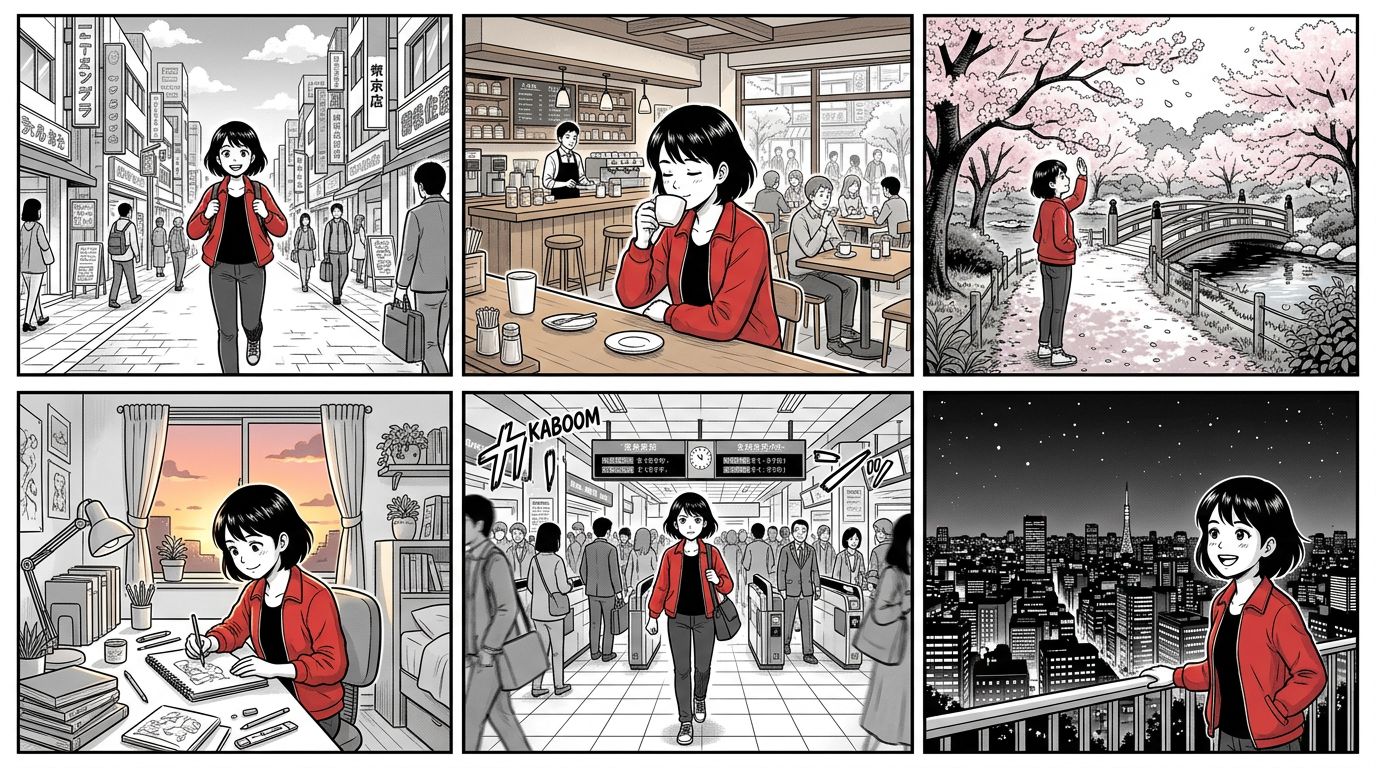
Comparison Table: Top AI Comic Making Software in 2026
The tools below cover the full spectrum of AI comic creation—from quick single-panel generators to full story-to-comic pipelines. No single tool wins every category. The right choice depends entirely on your workflow. Use this table as a starting point, then read the breakdowns below.
| Tool | Character Consistency | Story/Chapter Input | One-Panel Regenerate | Best Style | Free Tier |
|---|---|---|---|---|---|
| TabStory | Locked cast system | Yes — paste full chapter | Yes | Manga, webtoon, Western | Yes |
| Midjourney | Manual (ref images) | No | Yes (re-roll) | Painterly, concept art | No |
| Canva | Template-based | No | Yes | Simple comic strips | Yes |
| Dashtoon | Character builder | Partial (scene-by-scene) | Yes | Webtoon | Yes (limited) |
| LlamaGen | Moderate | No | Yes | Manga | Yes (limited) |
| GenToon | Low | No | Yes | Webtoon | Yes |
| MangaFlow | Moderate | No | Yes | Manga | Yes |
For deeper dives on specific alternatives, see the Midjourney, Dashtoon, and Canva comparison pages.
TabStory: Built for Story-First Creators
TabStory's core advantage is that it treats your chapter text as the source of truth. You paste a scene, define your cast once, and the system maps dialogue and action beats to panels automatically—then lets you regenerate any single panel without touching the rest. That workflow is rare. Most tools make you prompt every panel from scratch.
Here's a concrete worked example. Take this scene from a fantasy webtoon:
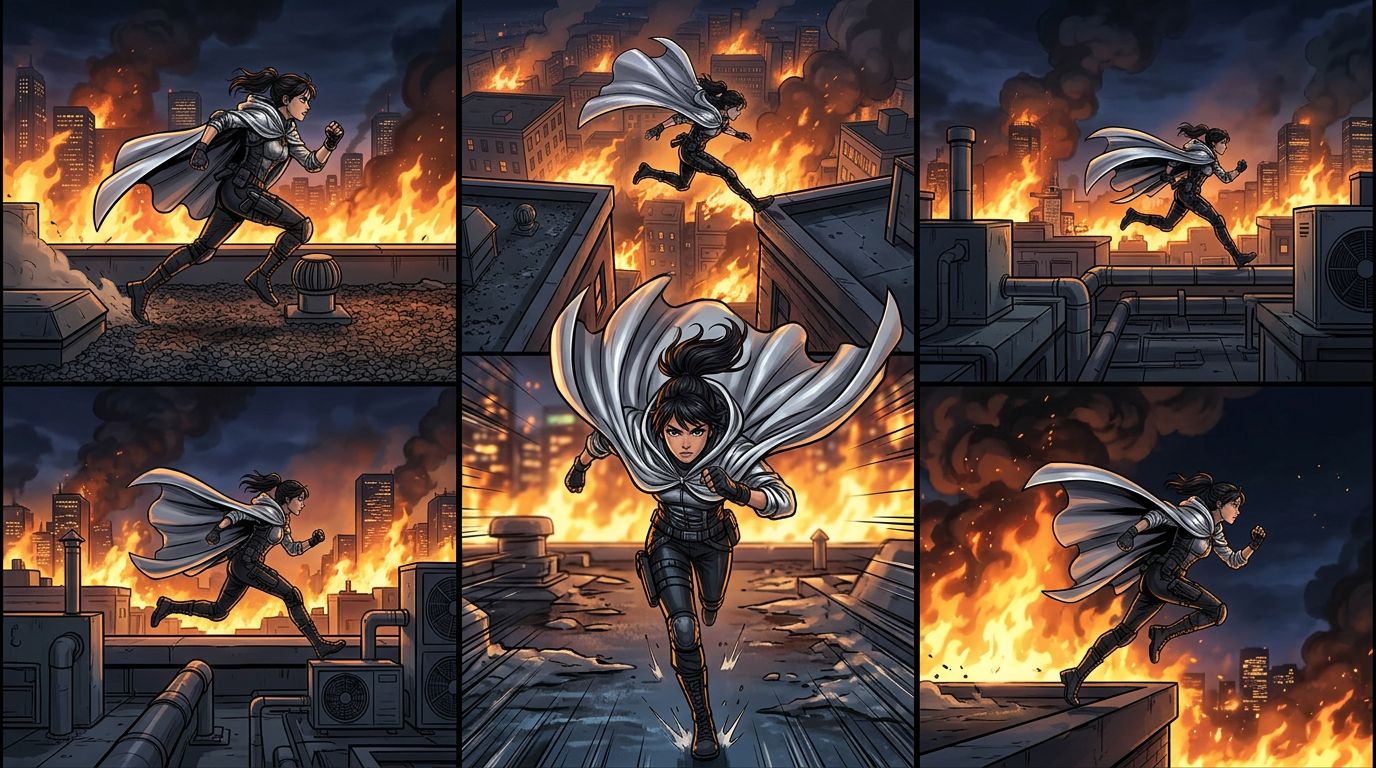
Kira sprints across the rooftop, her silver cloak snapping in the wind. She skids to a stop at the edge. Below, the city burns. She looks back—Davan is still running toward her, sword drawn.
Step 1 — Define your cast. In TabStory, you create a character card for Kira: dark skin, silver cloak, short natural hair, determined expression. You do the same for Davan: tall, scarred jaw, worn leather armor. These cards travel with every chapter you generate.
Step 2 — Paste the scene. Drop the paragraph into the chapter input. TabStory parses it into five panels:
- Panel 1: Kira running, rooftop, dynamic angle
- Panel 2: Her feet skidding, edge of roof
- Panel 3: Wide shot — city in flames below
- Panel 4: Kira's face, looking back, alarmed
- Panel 5: Davan charging, sword raised
Step 3 — Review and fix. Panel 3 comes back too dark to read the cityscape. You click regenerate on panel 3 only, adjust the lighting prompt, and get a cleaner result. Panels 1, 2, 4, and 5 stay exactly as they were.
Step 4 — Export. Choose vertical scroll format for Webtoon or fixed-panel for Tapas. Done.
This is the workflow that matters for anyone adapting a Wattpad story, a novel, or a long-form script. If you're doing exactly that, the guide on How to Turn Your Wattpad Story Into a Comic (Without Hiring an Artist) walks through the full process.
TabStory also runs a dedicated AI webtoon generator and AI manga generator mode, each with style presets tuned for those formats specifically.
Where TabStory struggles: Highly stylized Western comic aesthetics—think bold ink lines and halftone dots—are weaker than its manga and webtoon output. If your project lives in that space, you may need to post-process panels in Clip Studio or use Midjourney for covers.
Midjourney: Best for Visual Quality, Worst for Series Work
Midjourney produces some of the highest-quality single panels of any AI tool in 2026, but it has no native story input, no character lock system, and no panel sequencing. Every image is a standalone generation. For covers, splash pages, and concept art, it's hard to beat. For a 30-chapter webtoon, it will cost you hours of prompt engineering per chapter.
The workaround most creators use: generate a reference sheet for each character, then use --cref (character reference) in every panel prompt. It helps. It doesn't fully solve drift across 50+ panels. By chapter 5, your protagonist's eye color has shifted and her jacket has changed cut twice.
Midjourney is a strong supplementary tool. It's a painful primary tool for series work.
Canva: Best for Beginners, Not for Storytellers
Canva's AI comic tools are fast, friendly, and genuinely useful for simple comic strips, social media content, and short-form humor. They are not built for narrative storytelling, character arcs, or anything requiring visual continuity across more than a few panels.
Canva's strength is its template library and drag-and-drop interface. A teacher making a classroom comic or a marketer building a branded strip will be productive in under an hour. A fiction writer trying to adapt a chapter will hit walls quickly—there's no way to input a scene and get panels back, and character consistency depends entirely on which template elements you reuse manually.
Dashtoon: Solid Webtoon Focus, Limited Story Input
Dashtoon is purpose-built for webtoon-format comics and has one of the better character builder systems among dedicated comic tools. It supports scene-by-scene generation, but it doesn't accept a full chapter as input—you still prompt each scene individually.
For creators who want webtoon output and don't mind a scene-by-scene workflow, Dashtoon is a legitimate option. Its character consistency is better than LlamaGen and GenToon. The free tier is limited to a small number of panels per month, which makes it hard to evaluate properly without paying.
See the full Dashtoon breakdown for a side-by-side on panel limits and export options.
LlamaGen and GenToon: Quick Panels, Low Consistency
LlamaGen and GenToon both generate manga and webtoon panels quickly and have usable free tiers, but neither offers reliable character consistency across a series. They work well for one-shots, short strips, and prototyping visual styles.
LlamaGen's manga output is clean. If you're testing whether a story concept works visually before committing to a full production pipeline, it's a low-friction way to mock up 8–10 panels. Don't try to build a 50-episode series on it.
GenToon skews toward webtoon aesthetics and has a simple interface. Same caveat applies.
Story-to-Comic Workflow: Where Most Tools Fail
Most AI comic tools are image generators with a comic skin on top. They don't understand narrative structure, scene pacing, or dialogue placement. The gap between "generate a cool panel" and "adapt a chapter from my novel" is enormous, and only a few tools in 2026 are genuinely closing it.
Here's the failure case that trips up nearly every tool except the ones built for story input:
You paste this scene:
Marcus slams the door. He leans against it, breathing hard. The room is dark except for a single lamp. His phone buzzes. He ignores it. It buzzes again. He picks it up. The message reads: "I know what you did."
In a tool like Midjourney or Canva, you have to manually decide: how many panels is this? Where does each cut happen? What's the camera angle for each beat? What's the lighting? You write 6–8 separate prompts. Each one is disconnected from the others. Marcus looks different in panel 3 than panel 1.
In TabStory, you paste the scene. The system identifies seven distinct beats, suggests a panel breakdown, applies your Marcus character card to every panel, and uses consistent low-key lighting across the sequence because the scene description implies darkness. You review, adjust the panel where the phone buzzes (the composition felt static), and regenerate that one panel.
That's the difference between a panel generator and a comic generator.
If you're adapting longer-form work, the novel to comic workflow handles chapter-length input specifically. The guide on How to Turn a Novel Into a Webtoon covers the full adaptation process from manuscript to published episode.
What Still Breaks: Honest Failure Cases
No AI comic tool in 2026 handles every scenario cleanly. The most common failure points are complex crowd scenes, action sequences with multiple characters in contact, and dialogue-heavy panels where speech bubble placement conflicts with character positioning.
Specific failures we hit during testing:
Crowd scenes. Any panel requiring more than three characters in a single frame degrades fast across all tools. Faces in the background become generic. Character cards stop applying reliably past the foreground. Workaround: cut crowd scenes to two-character focus with implied crowd in background.
Contact action. Punches, grabs, embraces—any moment where two characters physically touch tends to produce anatomy errors. Arms merge. Hands disappear. This is a known limitation of diffusion models and hasn't been fully solved. Workaround: cut to impact frames (before and after contact) rather than the contact moment itself.
Dialogue-heavy panels. When a panel has three or more speech bubbles, the AI's panel composition often leaves no clean space for them. You end up covering important visual information with text. Workaround: split dialogue-heavy scenes into more panels, each with one or two lines maximum.
Style drift over long projects. Even with locked character cards, visual style can drift subtly across a 10-chapter project. Colors shift slightly. Line weight changes. Workaround: save a style reference panel from chapter 1 and use it as a visual anchor when you start each new chapter.
How to Choose the Right Tool for Your Project
Match the tool to your actual workflow, not to the feature list. A solo creator adapting a novel needs story input and character lock. A marketer making a branded strip needs speed and templates. A concept artist needs image quality. These are different tools.
Quick decision guide:
- Adapting a novel, Wattpad story, or long-form script → TabStory (chapter input, locked cast, one-panel regenerate)
- Creating a webtoon series from scratch → TabStory or Dashtoon
- Making manga without drawing skills → TabStory or LlamaGen (see the full guide on How to Make Manga Without Drawing Skills)
- High-quality covers and splash pages → Midjourney as supplement
- Quick strips for social media → Canva
- Prototyping a visual style → LlamaGen or GenToon
For a full step-by-step production workflow from script to published episode, the How to Make a Comic with AI in 2026 guide covers every stage in detail.
FAQ
What is the best AI comic generator in 2026 for beginners?
Canva is the easiest entry point for total beginners making short strips. For beginners who want to build a real series from a story or script, TabStory has a lower learning curve than Midjourney because you work from text rather than crafting image prompts from scratch.
Which AI comic tools keep characters consistent across chapters?
TabStory uses a locked cast system where you define each character once and that definition travels across every chapter you generate. Dashtoon has a character builder that helps within a project. Midjourney requires manual reference image workflows that degrade over time.
Can I turn my Wattpad story into a comic with AI?
Yes. TabStory accepts chapter-length text input and maps it to a panel sequence automatically. You paste your chapter, review the panel breakdown, and regenerate any panel that needs adjustment. The full workflow is covered in the Wattpad to comic guide.
What does "one-panel regenerate" mean and why does it matter?
It means you can fix a single bad panel without regenerating the entire sequence. This matters because regenerating everything resets character positions, lighting, and composition across panels you already approved. One-panel regeneration lets you iterate surgically.
Are free AI comic generators good enough for a real series?
Free tiers are useful for testing and short projects. For a series of 10+ chapters, you'll hit panel limits or quality ceilings on most free tiers. TabStory, Dashtoon, and LlamaGen all have free tiers worth testing before committing to a paid plan.
If you're ready to stop prompt-engineering every panel individually and start working from your actual story, try the AI comic generator at TabStory. Paste your first scene, lock your cast, and see a full panel sequence in minutes.