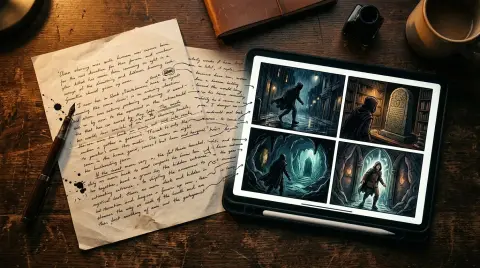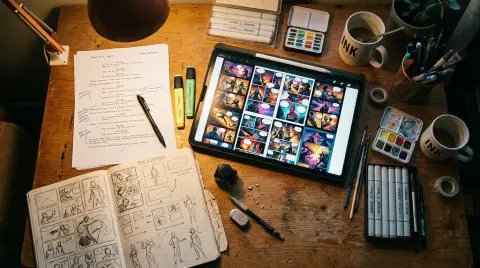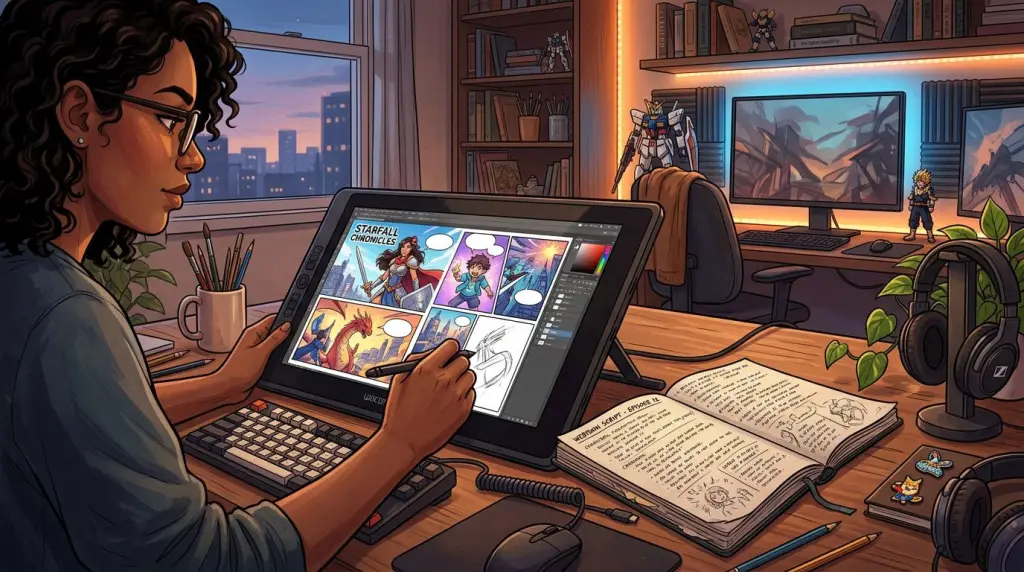
You have a story, but you can't draw. In 2026, that is no longer a barrier to entry for the comic industry. Learning how to make a comic with AI has evolved from fighting with random image prompts to managing a cohesive narrative workflow. Today, creators are using specialized tools to maintain visual consistency and produce high-quality chapters in days rather than months. This guide will walk you through the modern process of building a comic from the ground up without picking up a pencil.
How to Make a Comic with AI in 2026
To make a comic with AI in 2026, you need a story-first platform that handles character consistency. Start by uploading your script, define your characters' visual traits, and use the AI to generate panels. Finally, arrange these panels into a layout and add dialogue bubbles.
The landscape has shifted. We are no longer in the era of "prompt engineering" for single images. The focus now is on narrative continuity. When you use an AI comic generator, the software understands that the character in panel one must look identical to the character in panel fifty.
First, prepare your script. AI works best when it has clear instructions about the setting, the characters present, and the action occurring. In 2026, many creators use a "novel to comic" approach. They take their existing prose and use AI to break it down into a storyboard. This storyboard acts as the skeleton for your visual work. It defines the pacing and ensures the story flows logically before you generate a single pixel.
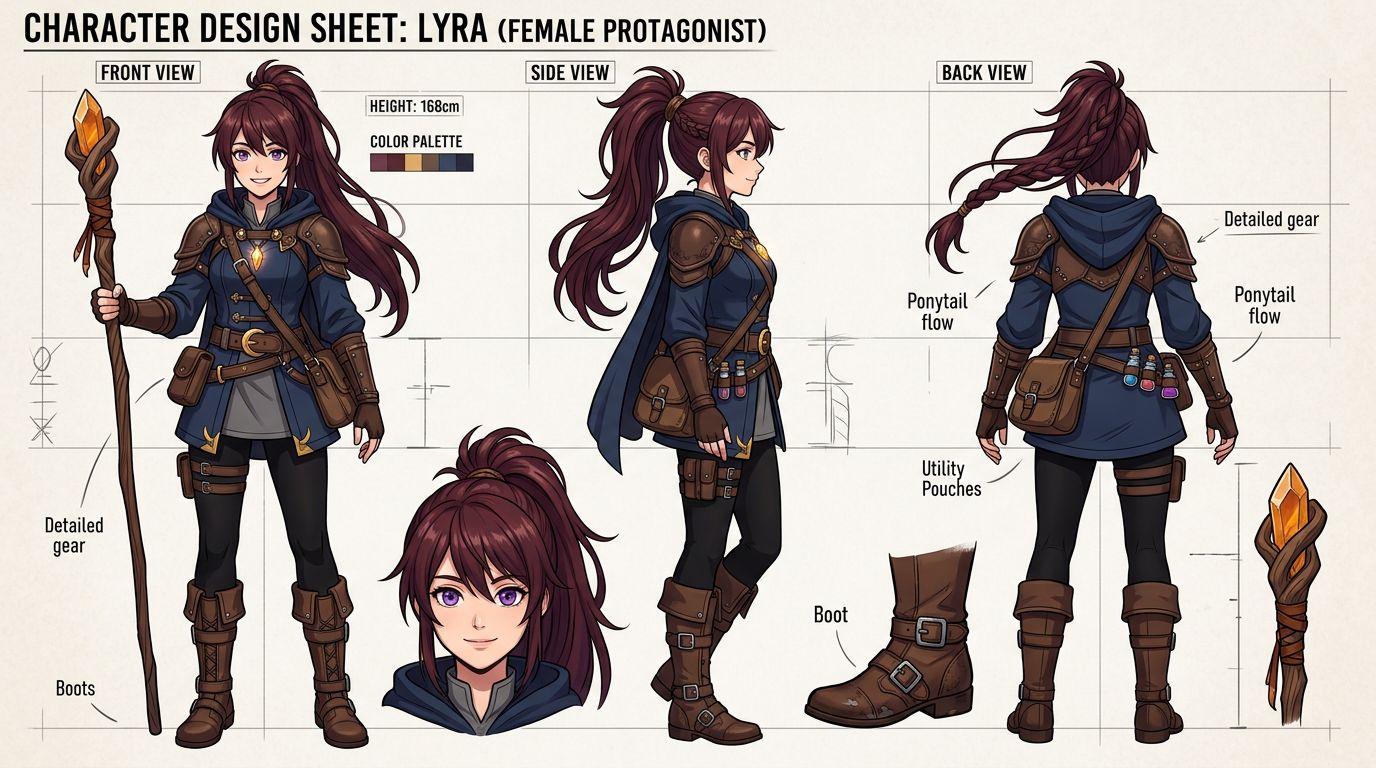
Next, focus on your Character Reference Sheets. Before generating panels, you must establish a visual anchor. Most professional AI tools now allow you to upload or generate a 360-degree view of your character. This ensures that the AI maintains the same hair color, eye shape, and clothing across different lighting conditions and camera angles.
Choosing the Right AI Comic Maker
Selecting the right AI comic maker depends on your technical skill and narrative goals. While general tools like Midjourney offer high artistic flexibility, dedicated comic platforms provide essential features like panel-to-panel consistency, built-in lettering, and automatic layout tools that save hours of manual editing and post-production work.
Not all tools are created equal. If you are making a one-off gag strip, a simple image generator might suffice. However, for a serialized webtoon or manga, you need a tool designed for long-form storytelling. Here is how the top tools compare in 2026:
| Tool | Best For | Character Consistency | Layout Tools |
|---|---|---|---|
| TabStory | Narrative Webtoons | High (Native Character Sync) | Integrated Drag-and-Drop |
| Midjourney | High-End Concept Art | Medium (Requires SREF/CREF) | None |
| Canva AI | Social Media Graphics | Low | Basic Templates |
| ComicFactory | Quick 4-Panel Strips | Low | Automatic Grid |
If you want to make a comic without drawing, look for a platform that offers "Global Styles." This feature allows you to set a specific aesthetic—like 90s retro anime or modern cinematic 3D—and apply it to every image generated. This prevents your comic from looking like a collection of random art styles, which is the most common mistake beginners make.
The Workflow to Create Comics with AI
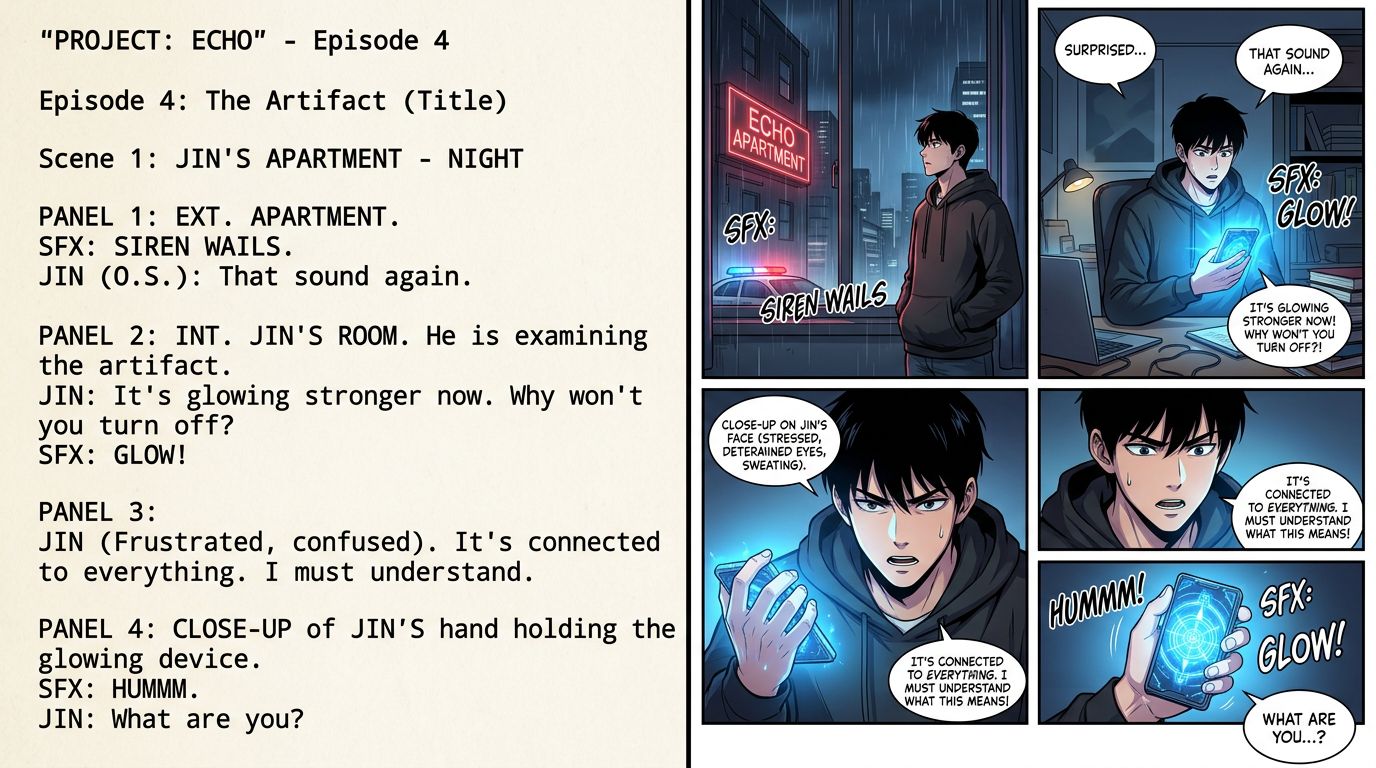
The workflow to create comics with AI involves transforming a text-based script into a visual storyboard. You use AI to generate consistent assets, refine the composition of each panel, and then assemble the final page. This process prioritizes creative direction over manual drawing, allowing for rapid iteration.
Once you have chosen your tool, follow these steps to ensure a professional result:
1. Scripting for Visuals
Write your script with the AI in mind. Instead of writing "He felt sad," write "A close-up of a man with slumped shoulders and downcast eyes in a rainy city alley." This gives the comic generator from text the specific data it needs to visualize the emotion.
2. Generating the Base Panels
Generate your panels one by one or in batches. In 2026, the best practice is to generate the background and characters separately if your tool allows it. This gives you more control over the composition. If the AI places a character too far to the left, you can move them without regenerating the entire background.
3. Maintaining Style Consistency
Use Style Reference (SREF) codes or uploaded style seeds. This ensures that the line weight, color palette, and shading remain identical throughout the chapter. A comic that changes styles every page looks amateur and confuses the reader.
4. Refining and In-Painting
No AI is perfect. You might see an extra finger or a weirdly shaped ear. Use in-painting tools to highlight the error and ask the AI to regenerate just that specific area. This is much faster than trying to get the perfect image in a single prompt.
Using a Comic Generator from Text
A comic generator from text simplifies production by converting prose directly into visual scenes. You input your story beats, and the AI interprets the action, setting, and character emotions to create corresponding images. This technology bridges the gap between writers and visual storytelling, making professional-grade comics accessible.
This is the most efficient way to work if you are a writer first. Instead of describing every visual detail, you provide the dialogue and the core action. The AI handles the "cinematography." It decides whether a scene needs a wide shot to show the environment or a tight close-up to emphasize a dramatic moment.
When using a text-to-comic workflow, pay attention to the "Beat." A beat is a single moment of action. If your text says, "She opened the door and screamed," that is two distinct beats. For the best visual results, split these into two separate panels. This improves the pacing and makes the comic feel more dynamic.
Finalizing Your Layout and Lettering
After generating your images, the final step is assembly. This is where your comic becomes a cohesive product.
Panel Flow
For webtoons, use a vertical scroll format. Leave enough white space between panels to let the reader breathe. For traditional manga, follow a right-to-left or left-to-right grid. Ensure the reader's eye is led naturally from one dialogue bubble to the next.
Lettering and SFX
Don't use generic fonts like Comic Sans. Choose a font that matches your genre. Action scenes need bold, jagged sound effects (SFX), while romantic moments benefit from softer, hand-written styles. Many AI comic makers now include auto-lettering features that place bubbles based on your script, but you should always manually adjust them for better readability.
Exporting and Publishing
Export your comic in high resolution (at least 300 DPI). If you are publishing on platforms like Webtoon or Tapas, check their specific size requirements. Most AI tools offer an "Optimize for Web" export setting that reduces file size without sacrificing visual clarity.
FAQ
Can I sell comics made with AI?
Yes, you can sell comics made with AI, but copyright laws vary by country. In many jurisdictions, you own the copyright to the arrangement, the story, and the specific sequence of images, even if the individual images were AI-generated. Always check the terms of service of your chosen AI tool.
How do I keep my characters looking the same?
Use a tool with built-in character consistency features or "Character References." By providing the AI with a consistent seed image or a trained model of your character, you can ensure they look identical in every panel, regardless of the pose or expression.
Do I need to know how to draw at all?
No. While basic knowledge of composition and color theory helps, you do not need manual drawing skills. The AI acts as your illustrator, while you act as the director, writer, and editor.
Ready to see your story come to life? Start building your first chapter today with the AI comic generator on TabStory.