Every week, someone asks: can I actually make a comic for free with AI? The honest answer is yes—and also, it depends. Free tiers on free AI comic generators range from genuinely useful to barely functional. Some give you ten panels and a watermark. Others lock character consistency behind a paywall the moment you need it most. This guide breaks down exactly what each major tool offers on its free plan, where things break, and what workflow to use when you're serious about finishing a chapter.
What Do Free AI Comic Generators Actually Include?
Most free AI comic generators give you a limited panel count—typically 5 to 20 panels per month—with watermarks on exports, no character locking, and style options restricted to one or two presets. That's enough to test the tool, not enough to finish a chapter.
Here's the pattern you'll see across almost every tool:
- Panel quota: Free plans cap output. Ten panels sounds like a lot until you realize a single webtoon episode averages 40–60 panels.
- Watermarks: Most free tiers stamp your exports. You can't publish watermarked panels on Webtoon or Tapas without looking unfinished.
- No character consistency: This is the biggest gap. Free tiers rarely include locked character models. Your protagonist looks different in panel 3 than panel 7.
- Style restrictions: You get one or two art styles. Want a specific manga linework style or a painterly webtoon look? That's usually paid.
- No story import: Pasting a chapter from your Wattpad draft or a Google Doc is a premium feature on most platforms.
Knowing these limits upfront saves you hours of frustration.
Honest Comparison Table: Free Tiers Side by Side
The tools below vary dramatically in what they offer for free. TabStory, Dashtoon, and AI Comic Factory are the most functional at the free tier for story-driven creators, but each has a different strength.
| Tool | Free Panel Quota | Character Consistency | Story/Text Import | Watermark-Free Export | Signup Required | Best For |
|---|---|---|---|---|---|---|
| TabStory | Yes (limited chapters) | Yes, locked cast | Yes, paste chapter text | Yes (free tier) | Yes | Novel/story-to-comic, webtoon chapters |
| Midjourney | No free tier (trial ended 2023) | No (manual prompting) | No | N/A | Yes | Illustration reference, not comics |
| Canva | Yes, basic comic templates | No | No | Watermark on some assets | Yes | Simple strip comics, social posts |
| Dashtoon | Yes, limited coins | Partial (character builder) | No | No (watermark on free) | Yes | Casual webtoon creation |
| LlamaGen | Yes, limited generations | No | No | No | Yes | Quick single-panel generation |
| GenToon | Yes, limited panels | No | No | No | Yes | Style exploration |
| AI Comic Factory | Yes, unlimited style previews | No | No | Yes | No (no signup) | Fast no-account panel generation |
| MangaFlow | Limited | Partial | No | No | Yes | Manga-style panels |
For a deeper look at how specific alternatives stack up, see the Best AI Comic Generators in 2026: Tested and Ranked breakdown.
Comic Generator No Signup: When You Just Want to Try Fast
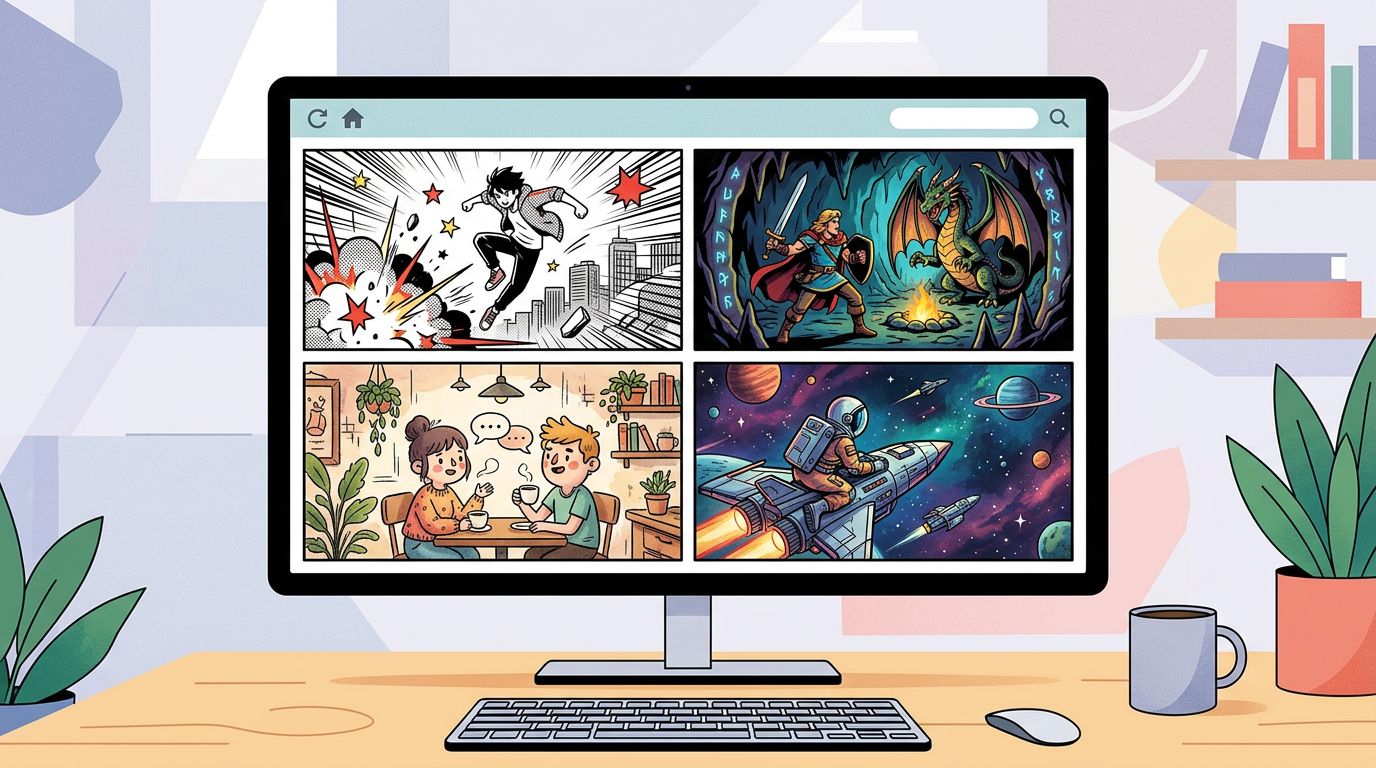
If you want a comic generator no signup experience, AI Comic Factory is currently the most accessible option—you paste a script, pick a style, and get panels in under a minute without creating an account. The tradeoff is zero character consistency and no story memory.
Here's when no-signup tools make sense:
- You're demoing the concept to a collaborator or editor
- You need a quick visual reference for a single scene
- You're testing whether a scene reads well visually before committing to a full chapter
Here's when they fail:
- You need the same character face across 40 panels
- You're adapting a multi-chapter story
- You want to publish on a platform that requires consistent art
For anything beyond a proof of concept, you'll need an account and a tool that holds character state between sessions.
Free Manga Generator Options: What the Manga-Specific Tools Offer
Free manga generator tools like MangaFlow and GenToon produce recognizable manga linework on free plans, but they don't maintain character models between panels. You get the aesthetic without the consistency—which is the core problem for any serialized manga.
Manga has specific visual requirements: screen tones, speed lines, expressive chibi variants, panel gutters that read right-to-left. Generic AI image tools don't handle these natively. Manga-focused tools do better on style, but most free tiers still skip character locking.
If you're building a manga series, check out How to Make Manga Without Drawing Skills (2026 Workflow) for a full workflow that addresses consistency from chapter one.
For a direct comparison with MangaFlow's free tier, the MangaFlow alternatives page breaks down exactly where it falls short for serialized work.
Worked Example: Turning a Scene Into Panels on a Free Plan
Let's make this concrete. Here's a short scene from a fantasy story:
Kira stepped into the throne room. The king sat motionless, crown tilted, eyes closed. She drew her blade. The guards hadn't noticed her yet.
How this plays out on different free tools:
AI Comic Factory (no signup):
You paste the scene. It generates four panels. Panel 1: wide shot of a throne room, generic fantasy architecture. Panel 2: a king figure on a throne. Panel 3: a woman with a sword—but she looks nothing like panel 1's background character. Panel 4: two guards, facing away. The scene reads. The character doesn't match across panels. Usable as a storyboard sketch, not as publishable art.
Canva (free tier):
You're working with templates and stock comic assets. You can drag in a throne room background, place character stickers, add speech bubbles. It's functional for a strip format. But it's collage, not AI generation. Character faces are fixed clip-art, not your original character.
TabStory (free tier):
You paste the scene text directly. TabStory parses it into a panel list: establishing shot, close-up on the king, Kira drawing her blade, guard reaction shot. You define Kira once—hair color, armor style, facial features—and the locked cast system applies that definition to every panel she appears in. Even on the free tier, the character reference persists within the chapter. Export is watermark-free. The panel count limit means you'll hit a ceiling on a full episode, but for a scene test, it works end-to-end.
This is the core workflow difference: TabStory treats your chapter text as the source of truth. Other tools treat each panel as a standalone prompt.
For the full step-by-step process, How to Make a Comic with AI in 2026 (Step-by-Step Guide) walks through every stage from script to export.
The Failure Case: Where Free AI Comic Generators Still Break
Character drift is the most common failure across every free AI comic generator in 2026. Even tools with character locking can produce inconsistent results when a character changes pose dramatically, wears different clothing, or appears in a new lighting environment. Free tiers make this worse because they offer fewer regeneration credits.
Here's what actually breaks, with specifics:
1. Pose-triggered drift
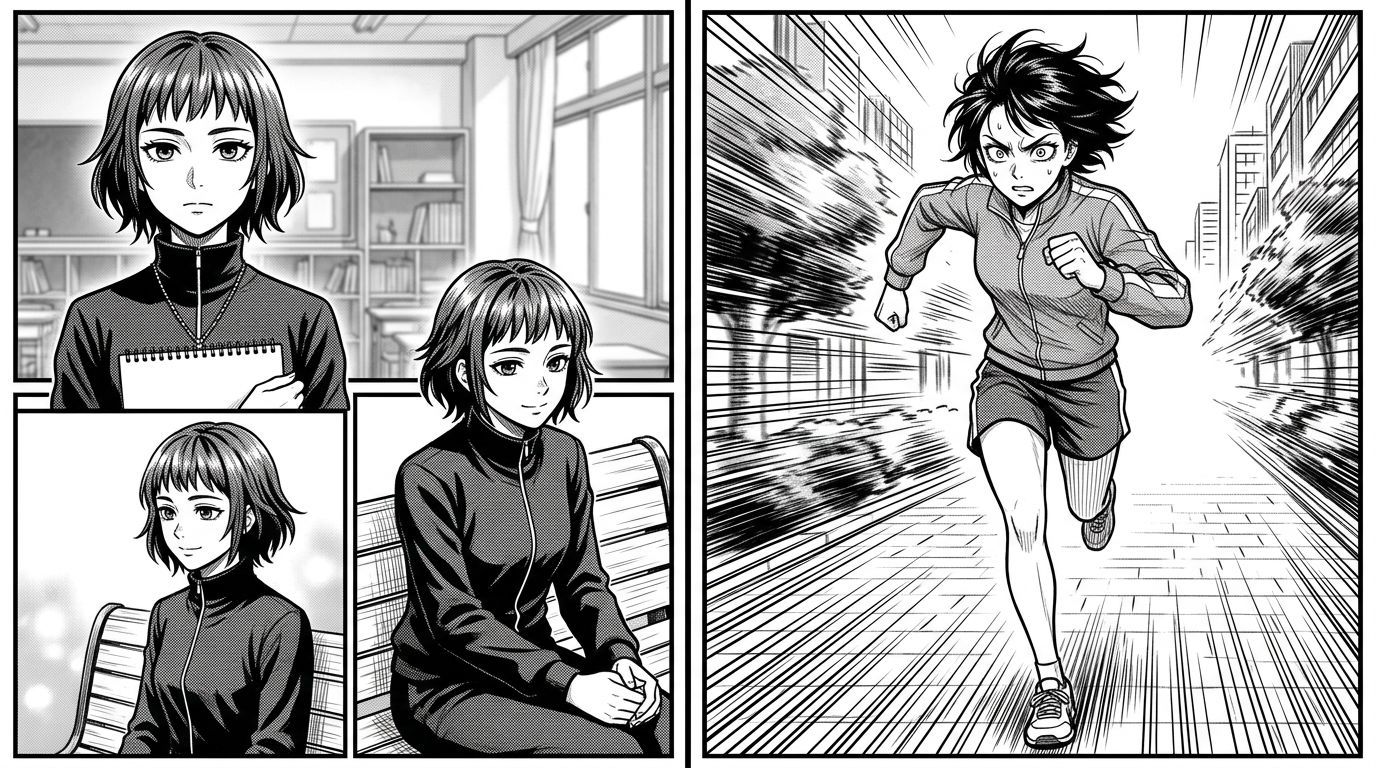
Your character looks consistent in standing shots. Put them in a running pose or a low-angle action shot and the face shifts. Cheekbone structure changes. Hair length varies. This happens because most models generate pose and face together rather than holding face constant while varying pose.
2. Wardrobe changes
If your character changes clothes mid-chapter—say, from armor to civilian clothes—many tools treat this as a new character. The face drifts to match the new outfit's "type." You have to manually re-anchor the character reference.
3. Crowd scenes
Any panel with three or more named characters is a consistency nightmare on free tiers. The model doesn't have enough context to hold multiple locked faces simultaneously. One character will look right; the others drift.
4. Regeneration limits
On free plans, you get a small number of regenerations. When a panel breaks—and it will—you may not have credits to fix it. You're stuck with a bad panel or you wait until next month.
5. Text in panels
Speech bubbles with actual readable text are still unreliable across most tools. AI-generated text inside panels often produces garbled letters. The workaround is generating panels without text and adding dialogue in post using a tool like Canva or directly in your publishing platform's editor.
Free Comic Maker Workflows That Actually Finish Projects
The creators who finish chapters on free plans treat the free tier as a drafting tool, not a production tool. They use free generation for panel composition and layout decisions, then upgrade for a single month to produce the final publishable chapter.
Here's a practical workflow:
- Write your chapter script first. Every scene, every panel beat, every line of dialogue. Don't touch any tool until this is done.
- Use a no-signup tool for rough storyboards. AI Comic Factory or a similar free comic maker gives you fast visual thumbnails. These are for your eyes only—layout reference, not final art.
- Define your cast in TabStory. Even on the free tier, lock your main characters. Do this once and it applies across every chapter you generate.
- Generate one scene at a time. Paste a single scene (4–8 panels) rather than a full chapter. This keeps you inside free tier limits while building the full chapter incrementally.
- Export and review before regenerating. Look at the full panel sequence together before spending regeneration credits. Fix the worst panels first.
- Add dialogue in post. Use your publishing platform's built-in text tools or Canva to place speech bubbles. Don't rely on AI-generated text inside panels.
If you're adapting a longer work—a Wattpad story, a fanfic, a full novel—the novel to comic workflow handles chapter-length text imports directly.
What the Free Tier Is Actually Good For
Free plans aren't useless. They're the right tool for specific jobs:
- Pitching: Generate 6–8 panels to show a collaborator or publisher what the visual style looks like. Free tier is enough for this.
- Style testing: Try three different art styles on the same scene before committing to one for a full series.
- Learning panel composition: Use AI generation to understand how a scene breaks into panels. It's faster than sketching thumbnails by hand.
- Proof of concept for crowdfunding: A short preview chapter generated on a free plan is enough to build a Kickstarter page.
For full episode production—40+ panels, consistent characters, publishable quality—you'll need a paid plan. The math is simple: a paid month on most platforms costs less than commissioning a single page from a human artist.
AI Comic Generator Free Tier: The Honest Bottom Line
Free AI comic generator plans in 2026 are best for testing, storyboarding, and short demos. For serialized publishing with consistent characters, free tiers hit hard limits fast. The tools that come closest to a complete free workflow are TabStory (story import, locked cast, watermark-free export) and AI Comic Factory (no signup, fast panels, zero consistency).
Choose based on your goal:
- Just exploring? AI Comic Factory. No account, no commitment.
- Building a manga series? TabStory's free tier plus the AI manga generator workflow for manga-specific styling.
- Making a vertical webtoon? TabStory's AI webtoon generator handles the vertical format natively.
- Adapting a novel or long-form story? TabStory's chapter-as-source-of-truth approach is the only free-tier workflow that handles this without manual panel-by-panel prompting.
Also worth checking: the Dashtoon, Anifusion, and ComicsMaker.ai comparison pages if you want a direct feature-by-feature breakdown before committing to any tool.
FAQ
Is there a truly free AI comic generator with no watermark?
TabStory's free tier exports without watermarks on generated panels. AI Comic Factory also produces clean exports. Most other tools—Canva, Dashtoon, LlamaGen—add watermarks on free plans.
Which free comic maker works without signing up?
AI Comic Factory is the main option that requires no account. You paste a script, pick a style, and download panels immediately. Character consistency is not available without an account on any platform.
Can I make a full webtoon episode on a free plan?
Not reliably. A standard webtoon episode runs 40–60 panels. Free tiers typically cap at 10–20 panels per month. You can draft a short preview episode (6–12 panels) on a free plan.
Do free manga generators produce actual manga style?
Some do. MangaFlow and TabStory's manga mode produce recognizable manga linework on free plans. The style is there; the consistency across panels is the limitation on free tiers.
What's the biggest mistake creators make with free AI comic tools?
Starting generation before the script is finished. Every panel you generate without a locked script is a panel you'll likely regenerate. Write the full chapter first, then generate. It saves credits and produces a more coherent visual sequence.
Ready to test what a free plan actually produces? Start a chapter on the AI comic generator at TabStory—paste your scene, lock your cast, and see how far the free tier takes you before you decide anything.