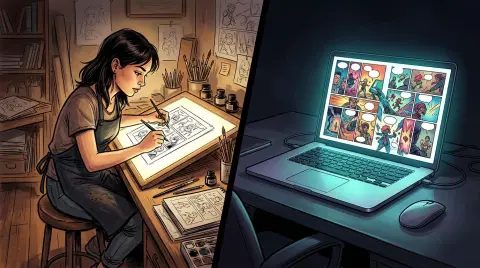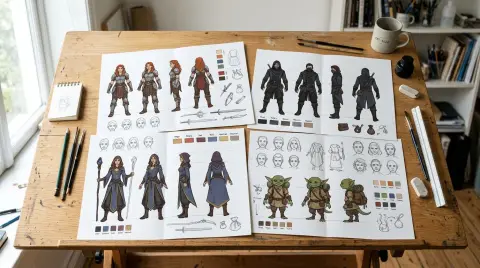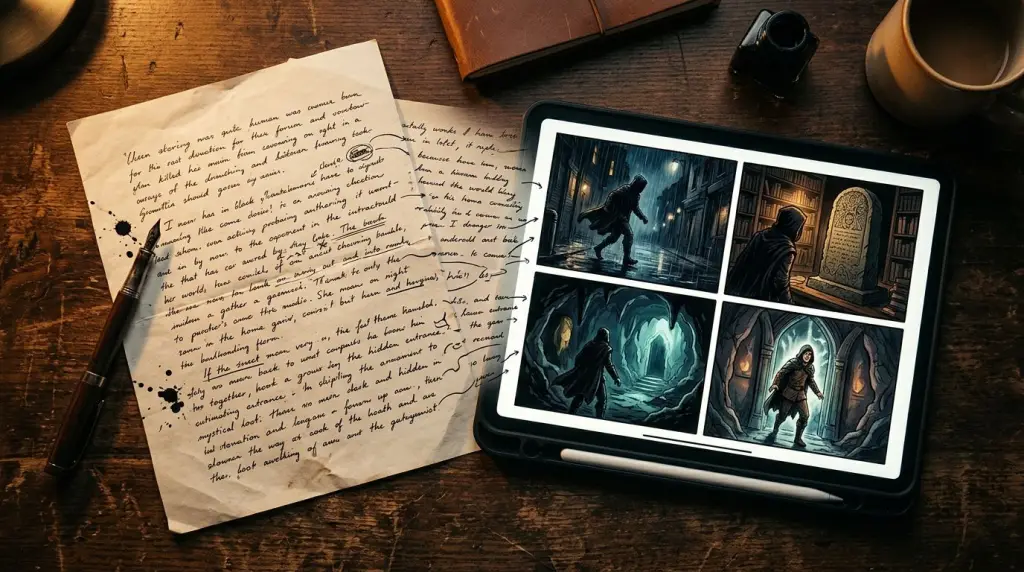
You write a paragraph. A text to comic AI reads it, decides how many panels the scene needs, places your characters, writes the dialogue, and renders the art—all before you finish your coffee. That workflow is real in 2026, and it changes how solo creators, novelists, and Wattpad writers ship visual stories. This article breaks down exactly how the conversion works, shows a full worked example, and is honest about what still fails.
What Does a Text to Comic AI Actually Do?
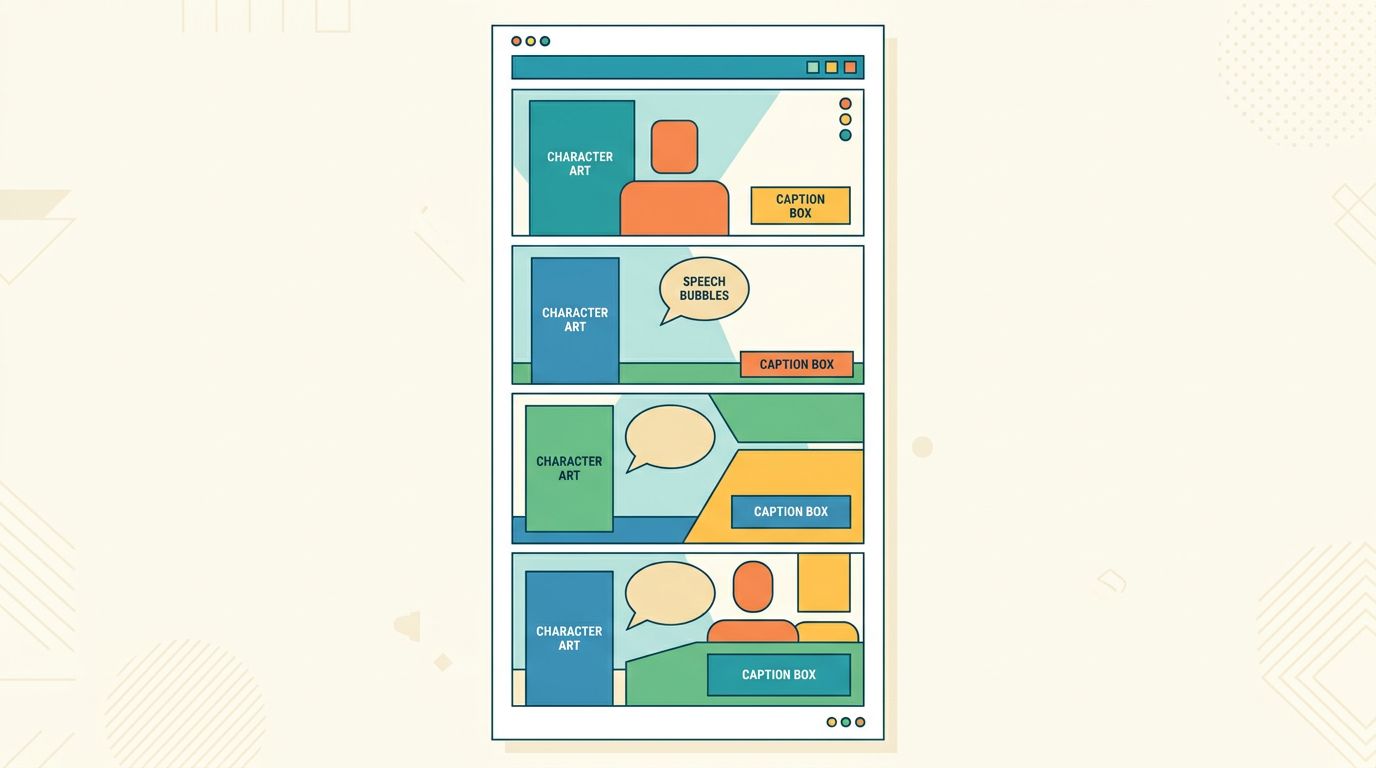
A text to comic AI parses your prose or script, extracts scene beats, assigns each beat to a panel, generates character-consistent art for every panel, and lays out the page with speech bubbles and captions. The entire pipeline runs on a single input: your writing.
That sounds simple. Under the hood it is not. The system has to solve at least four separate problems at once:
- Scene segmentation. Your paragraph might contain one moment or five. The AI has to decide where one panel ends and the next begins.
- Character identity. If Maya appears in panel 1 and panel 4, she has to look like the same person. This is the hardest problem in AI comics right now.
- Layout logic. A chase scene wants small, fast panels. An emotional reveal wants a wide shot. Good tools apply layout rules automatically.
- Dialogue extraction. Spoken lines in your prose become speech bubbles. Narration becomes caption boxes.
Tools that only do step 3 (layout) are panel arrangers, not true text to comic generators. The distinction matters when you are adapting a novel chapter or a Wattpad story, because you need all four steps to run together.
How the Prompt-to-Comic Pipeline Works Step by Step
The prompt-to-comic pipeline moves through five stages: input parsing, beat extraction, panel scripting, art generation, and page assembly. Understanding each stage helps you write better source text and fix problems when they appear.
Here is how each stage works in practice.
Stage 1: Input Parsing
Paste your text. The AI reads it as a sequence of events, not as prose. It ignores literary style and focuses on who is present, where they are, and what is happening. Short declarative sentences help. Dense metaphor slows the parser down.
Stage 2: Beat Extraction
The system identifies discrete moments. "She opened the door, saw the empty room, and dropped her keys" contains three beats: opening the door, registering the empty room, dropping the keys. The AI may collapse them into one panel or spread them across three depending on pacing rules and the panel count you set.
Stage 3: Panel Scripting
Each beat becomes a panel description: shot type (close-up, medium, wide), character pose, background, and any dialogue or caption. This is the stage where your source text becomes something close to a traditional comic script. If you want to control this stage manually, read How to Write a Comic Script (Format, Template, and Examples) before you start—it will make your input text much cleaner.
Stage 4: Art Generation
Each panel description goes to the image model. The model renders character art, background, and lighting. Character consistency is enforced by a locked character reference—a visual profile created when you first define your cast. Without that lock, the same character looks different in every panel.
Stage 5: Page Assembly
Panels are placed on a page grid. Speech bubbles and caption boxes are added. For webtoon format, panels stack vertically. For manga, they follow right-to-left reading order. For Western comics, the grid is left-to-right.
Worked Example: One Paragraph Into a Four-Panel Page
Take a single paragraph of prose, run it through the pipeline, and you get a panel-by-panel breakdown with art directions and dialogue placements. Here is a complete before-and-after so you can see exactly what the system produces.
Source paragraph:
Dara sprinted across the rooftop, her boots slipping on wet concrete. She grabbed the ledge with both hands, dangling forty stories up. Below her, the city hummed. She pulled herself over and collapsed onto the gravel, laughing.
Panel breakdown the AI produces:
| Panel | Shot Type | Action | Dialogue/Caption |
|---|---|---|---|
| 1 | Wide shot | Dara running across rain-slicked rooftop, city skyline behind her | Caption: "Three seconds." |
| 2 | Close-up | Hands gripping the ledge, knuckles white | No text |
| 3 | Vertical wide | Dara dangling, city far below, vertigo angle | Caption: "Forty stories." |
| 4 | Medium shot | Dara collapsed on gravel, laughing, rain still falling | SFX: "HA." |
Notice what the AI did: it chose a vertigo angle for panel 3 because the source text emphasized height. It moved the narration from prose to caption boxes. It added a sound effect in panel 4 because the action (laughing) is physical and comics externalize physical action.
This is the core value of a story text to comic panels workflow. You do not have to think in panels. You write the scene. The AI thinks in panels for you.
Failure Cases: What Text to Comic AI Still Gets Wrong
Text to comic AI fails most visibly on character consistency across panels, complex spatial relationships between multiple characters, and abstract or emotional prose that contains no concrete visual action. Knowing these failure modes helps you write around them.
Failure 1: Character Drift
This is the most common problem. You define Maya as a Black woman in her 30s with natural hair and a red jacket. By panel 6, her jacket is blue. By panel 10, her hair is straight. The model drifts because each panel is generated semi-independently.
Fix: Use a platform that enforces a locked character reference file. On TabStory, you build a character profile once and every panel regeneration pulls from that reference. If a panel drifts, you regenerate just that panel—not the whole page.
Failure 2: Multi-Character Spatial Logic
Two characters arguing across a table. The AI puts them both on the same side. Or it generates a chase scene where the pursuer is behind the target in panel 1 and somehow in front in panel 2. Spatial continuity requires the model to track positions across frames, which current image models do poorly without explicit prompting.
Fix: Add spatial anchors to your source text. Instead of "They argued," write "Dara stood at the window. Marcus sat at the table across the room. They argued." Explicit positions give the parser something to lock onto.
Failure 3: Abstract or Emotional Prose
"She felt the weight of everything she had lost." That is a powerful sentence. It is also invisible. There is no action, no object, no character position. The AI will generate something generic—a character staring into the distance, usually.
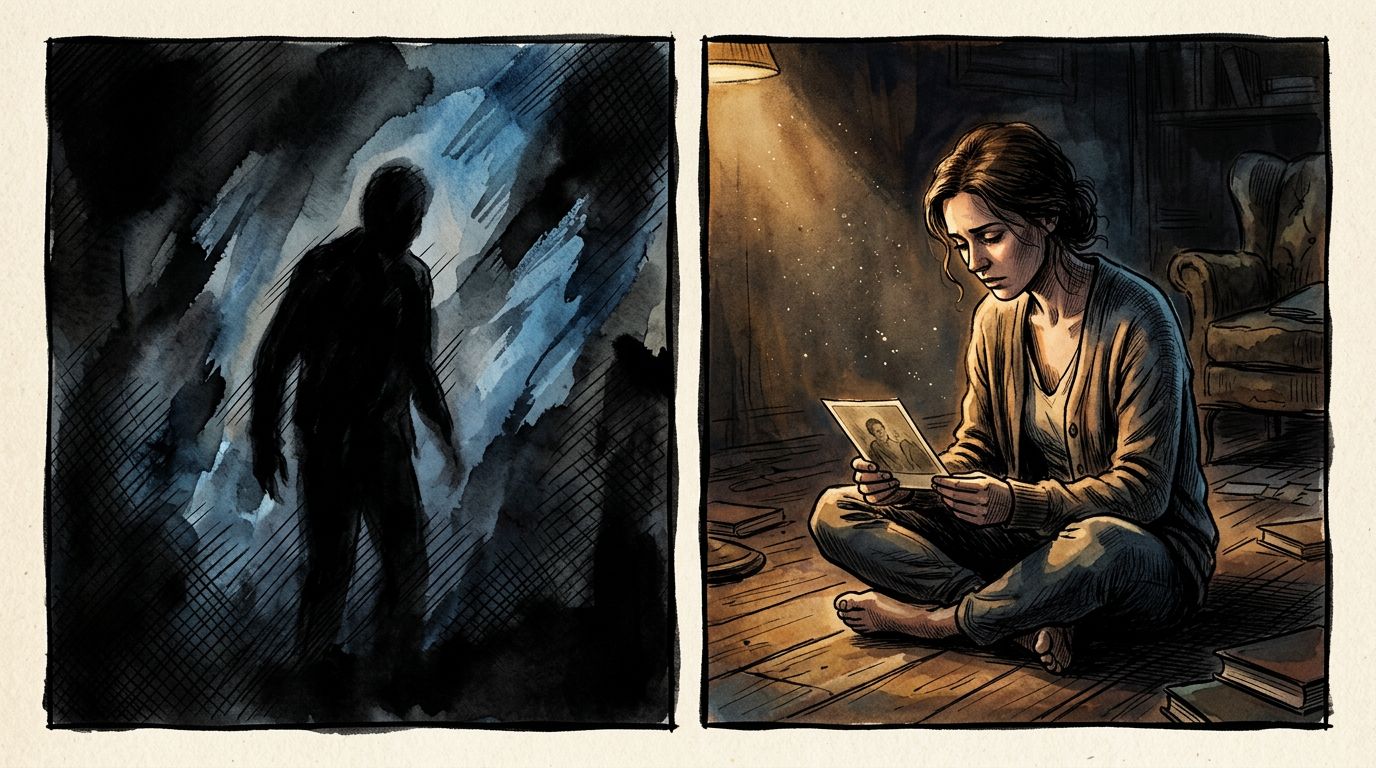
Fix: Translate emotional beats into physical actions before you paste them in. "She sat on the floor of the empty apartment, holding a photograph" gives the AI something to render. Save the abstract prose for caption boxes, where it works as narration.
From Novel Chapter to Comic: The AI Comic from Writing Workflow
The AI comic from writing workflow treats your existing prose—novel chapters, Wattpad stories, fan fiction—as the direct source of truth for panel generation. You do not rewrite your story. You feed it in and shape the output.
This is where the technology is most useful for working writers. If you have a Wattpad story with 40 chapters, you are not starting from scratch. You are adapting. The process looks like this:
- Pick a chapter. Identify the 3-5 strongest visual scenes.
- Paste each scene as a separate input. Keep inputs under 150 words for cleaner segmentation.
- Set your panel count (4-6 panels per page is standard for webtoon).
- Review the panel script before art generation. Adjust any beats that are too abstract.
- Generate art. Check character consistency against your locked reference.
- Regenerate any drifted panels individually.
- Export in your target format: vertical strip for webtoon, page spread for manga.
For a deeper look at the adaptation process, How to Turn a Novel Into a Webtoon: The Complete Adaptation Guide covers pacing, chapter compression, and what to cut.
Choosing the Right Text to Comic Generator for Your Project
The right text to comic generator depends on your source material format, your target output (webtoon, manga, Western comic), and whether you need character consistency across a long-running series. One-off tools differ significantly from series-focused platforms.
Here is what to check before you commit to a tool:
- Does it accept prose input or only structured prompts? Prose input is faster for novelists. Structured prompt input gives more control but requires more work upfront.
- Does it lock character references? For anything longer than a one-shot, this is non-negotiable.
- Can you regenerate a single panel? Regenerating the whole page to fix one bad panel wastes time and breaks consistency.
- What export formats does it support? Webtoon creators need vertical strips. Manga creators need right-to-left page layouts.
- Does it handle dialogue extraction automatically? Manual bubble placement is fine for 4 panels. It does not scale to 40 chapters.
TabStory's text to comic AI handles all five. You paste prose, it extracts beats, locks your cast, and lets you regenerate individual panels without touching the rest of the page. For a broader comparison of tools on the market, Best AI Comic Generators in 2026: Tested and Ranked covers the field honestly.
If your project is specifically manga-format, the AI manga generator handles right-to-left layout and manga-specific panel conventions. For vertical webtoon, the AI webtoon generator applies scroll-optimized pacing rules automatically.
Writing Source Text That Converts Cleanly
Source text that converts cleanly into panels is concrete, action-forward, and spatially explicit. Three writing habits—short sentences, named characters, and physical actions—dramatically improve the quality of your panel output.
Here are the rules that make the biggest difference:
Use named characters, not pronouns. "She walked in" forces the AI to guess who "she" is. "Dara walked in" gives it a character to place.
One action per sentence. "He grabbed her arm and she pulled away and they both fell" is three beats. Write them as three sentences. The segmentation will be cleaner.
Describe what the camera would see. Comics are a visual medium. "She was nervous" is invisible. "She twisted the ring on her finger" is a panel.
Put dialogue in quotes. The AI extracts quoted speech into speech bubbles. Unquoted speech often ends up as narration or gets dropped.
These habits also make you a better comic scripter in general. The How to Make a Comic with AI in 2026 (Step-by-Step Guide) goes deeper on the full production workflow if you want to take your process further.
FAQ
Can I use any text as input, or does it need to be formatted a specific way?
Most text to comic AI tools accept plain prose. You do not need to format it as a script. However, short paragraphs with clear actions and named characters produce better panel breakdowns than dense literary prose. If your source text is abstract or metaphor-heavy, translate the emotional beats into physical actions before pasting.
How does the AI keep my character looking the same across panels?
Character consistency requires a locked reference profile—a visual description or reference image that the system pulls from every time it generates that character. Without a lock, the model treats each panel independently and the character drifts. Platforms built for series work, like TabStory, enforce this lock at the project level so every panel regeneration stays on-model.
How many panels can I generate from one paragraph?
A typical paragraph of 50-100 words contains 3-5 visual beats. Most tools default to 4-6 panels per page. You can usually set the panel count manually. If you force 8 panels from a 2-beat paragraph, the AI will pad with redundant shots. If you force 2 panels from a 6-beat paragraph, it will compress and lose detail. Match your panel count to your beat count for the cleanest output.