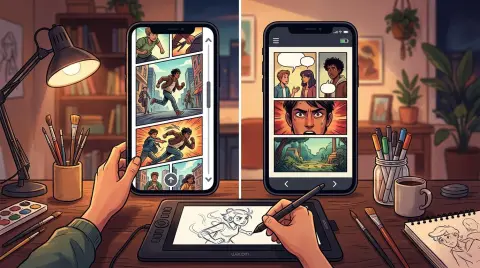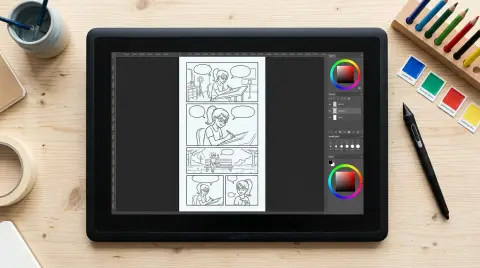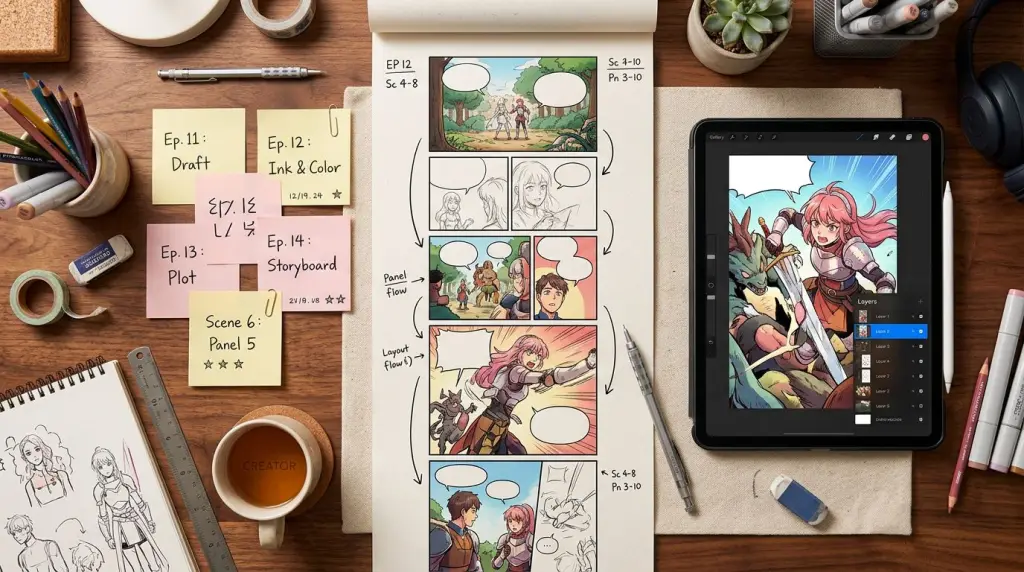
Publishing your first webtoon is a concrete, step-by-step process — not a mystery. This guide walks you through how to publish a webtoon from platform choice to upload day, with real specs, worked examples, and the failure cases nobody warns you about.
How to Publish a Webtoon: Choosing the Right Platform First
The platform you choose controls your audience size, monetization timeline, and how much creative control you keep. Webtoon Canvas is the largest free-to-publish option with built-in discovery. Tapas skews toward a reading-focused audience that pays for ink (its virtual currency). Both are free to join, but they reward different content strategies.
Here is a plain breakdown of your main options in 2026:
Webtoon Canvas
Webtoon Canvas is WEBTOON's creator-facing publishing arm. Anyone can upload. The platform hosts thousands of series across 23 genres. Discovery happens through the Canvas trending tab, genre pages, and the WEBTOON Challenge League program, which surfaces high-performing Canvas titles to the main app audience.
Key specs for Webtoon Canvas:
- Width: 800 px (minimum), 1080 px (recommended)
- Height per image strip: up to 1280 px per slice, stacked vertically
- File format: JPG or PNG
- Max file size per episode: 100 MB total
- Recommended episode length: 60–120 vertical panels or roughly 25–40 image strips
You need a minimum of three episodes ready before you apply to the Challenge League. Upload fewer than three and you cannot enter the program that leads to monetization.
Tapas Publishing
Tapas skews toward prose-adjacent readers who already pay for content. Its ink system lets readers unlock episodes with purchased currency. Creators earn a revenue share once they hit the Partner Program threshold: 500 subscribers and 5,000 ink earned.
Key specs for Tapas:
- Width: 940 px recommended
- Height: no hard cap, but keep individual strips under 1000 px tall for mobile load speed
- Formats: JPG, PNG, GIF (static)
- Episode scheduling: you can queue up to 30 days in advance
Tapas also accepts prose novels alongside comics, which matters if you plan to self publish comic online versions of a story you already have in text form.
Other Webtoon Platforms Worth Knowing
Lezhin Comics pays per-episode reads but requires a formal submission and approval process — it is not open-upload like Canvas.
Toomics and MangaToon accept creator submissions but have smaller English-language audiences.
Itch.io and Gumroad let you self publish comic online with full revenue control but zero built-in discovery. Use them as a Patreon-style supplement, not a primary launch platform.
Global Comix is growing fast in 2026 and supports both free and paid tiers with a cleaner reader interface than Canvas.
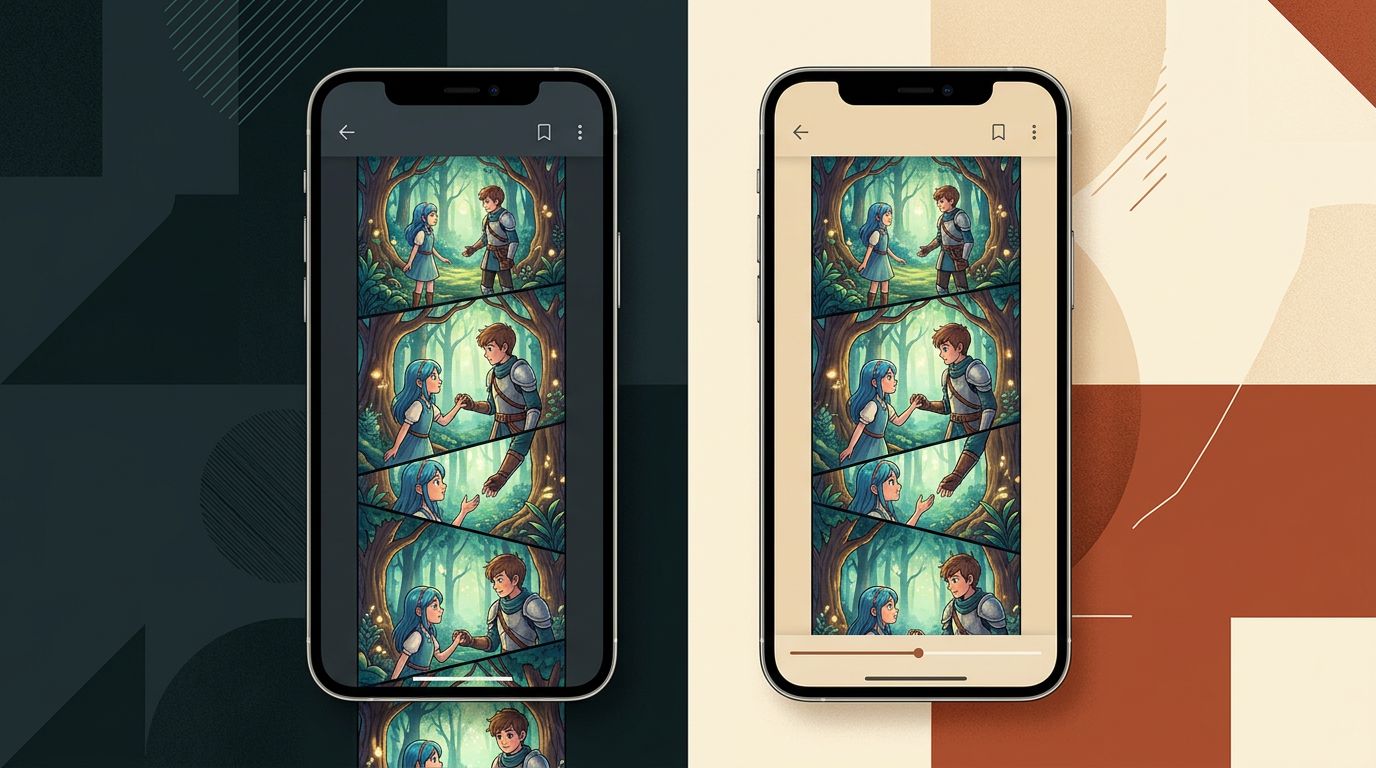
Step-by-Step: How to Publish a Webtoon on Webtoon Canvas
Publishing on Webtoon Canvas takes about 20 minutes once your files are ready. Create a creator account, set up your series page, upload your cover and first three episodes, then submit to the Challenge League. The bottleneck is almost always file preparation, not the upload itself.
Here is the exact sequence:
Step 1 — Create a WEBTOON account and switch to Creator mode.
Go to webtoons.com, register, then navigate to canvas.webtoons.com. Click "Start a Series."
Step 2 — Fill in your series metadata.
Title, genre (pick one primary, one secondary), synopsis (under 500 characters), and content rating (Everyone, Teen, or Mature). Your synopsis is your discoverability text. Write it like a back-cover blurb, not a plot summary.
Step 3 — Upload your cover image.
Cover dimensions: 300 × 400 px thumbnail, plus a 1080 × 1080 px square banner. These are separate files. Most creators skip the banner and wonder why their series page looks broken.
Step 4 — Prepare your episode strips.
Slice your full episode into vertical strips. Each strip should be 800–1080 px wide and no taller than 1280 px. A 40-strip episode is typical. Name files sequentially: ep01_strip001.jpg, ep01_strip002.jpg, etc. Canvas reorders by filename if you drag-upload in bulk.
Step 5 — Upload and schedule.
Canvas lets you set a publish date up to 30 days out. Set a recurring day and time. Consistency matters for the algorithm. Wednesday and Saturday uploads historically perform well, but your genre audience may differ.
Step 6 — Apply to Challenge League.
Once you have three published episodes, the Challenge League application button appears in your dashboard. Fill it out. Approval is not guaranteed, but rejection usually comes with feedback.
Worked Example: A 3-Episode Launch
Say you have a fantasy romance called Thornveil. Here is how a real launch sequence looks:
- Episode 1 (published on launch day): 35 strips, ends on a character introduction cliffhanger — the protagonist sees a stranger's face reflected in a cursed mirror. No resolution.
- Episode 2 (published 7 days later): 38 strips, expands the world, ends on a dialogue hook — the stranger speaks one sentence that recontextualizes episode 1.
- Episode 3 (published 7 days after that): 40 strips, first action beat, ends on a visual cliffhanger — the mirror shatters.
You now have three episodes, a consistent upload schedule, and enough story to apply to Challenge League. Readers who binge all three have a reason to subscribe for episode 4.
For more on pacing each episode, read Webtoon Episode Structure: Length, Pacing, and Cliffhangers That Work.
Monetization: When and How You Actually Get Paid
Monetization on free webtoon platforms is not immediate. Canvas creators earn through the Ad Revenue Sharing program once they hit 1,000 monthly active subscribers and maintain a consistent upload schedule. Tapas creators earn ink revenue after 500 subscribers and 5,000 ink. Both thresholds take most creators 3–9 months to reach.
Here is what each platform pays:
Webtoon Canvas Ad Revenue Share: WEBTOON places ads between episodes. Creators receive a share based on monthly active readers, not total subscribers. The exact CPM varies by genre and region. Action and romance genres earn more because they attract higher ad spend.
Tapas Ink Revenue: Readers spend ink to unlock episodes you mark as "paid." You set the price per episode (typically 3–10 ink). Tapas takes a 50% cut until you hit Partner Program status, then the split improves.
Patreon + Platform Combo: Many creators publish on Canvas for discovery and run a Patreon for early access. This is the most common monetization stack for mid-tier creators in 2026.
Merch and Licensing: Once you have an audience, platforms like Redbubble and Spring let you sell character merch. WEBTOON has also signed licensing deals with Canvas creators for print and animation — but that requires a proven readership first.
Technical Requirements Most Guides Skip
The specs listed on platform help pages are minimums, not recommendations. Uploading at minimum specs produces blurry panels on high-DPI screens. Work at 2× the minimum width (1080 px for Canvas) and export at 85–90% JPG quality to balance sharpness and file size.
For a full breakdown of pixel dimensions, DPI, and color profiles, see the Webtoon Canvas Size and Dimensions: The 2026 Technical Guide.
A few requirements that trip up new creators:
- Color profile: Export in sRGB, not Adobe RGB. Adobe RGB looks washed out in most mobile browsers.
- Font legibility: Minimum 24 px for dialogue at 1080 px width. Smaller text fails on 5-inch phone screens.
- Panel gutters: Leave at least 20 px of breathing room between panels. Canvas strips that bleed edge-to-edge feel claustrophobic on mobile.
- File naming: Canvas and Tapas both reorder files alphabetically on bulk upload. Number your strips with leading zeros (001, 002) not single digits (1, 2).
Using AI Tools to Speed Up Your First Episode
AI comic tools cut the time between "story idea" and "upload-ready episode" from weeks to days. The key is maintaining character consistency across panels — the biggest failure point for AI-generated webtoons. Tools that lock a character design as a reusable reference solve this; tools that don't will give you a different face every panel.
If you already have a story written — a Wattpad novel, a Google Doc outline, or even a few chapters of prose — you can use a novel to comic workflow to generate panel layouts directly from your text. This skips the blank-page problem entirely.
TabStory's AI webtoon generator treats your chapter text as the source of truth. You paste in a scene, define your characters once, and generate a vertical panel sequence. If one panel looks wrong, you regenerate that panel only — the rest of the episode stays intact. That single-panel regeneration is the workflow detail that matters most when you are 30 strips deep and one background is off.
For a full walkthrough of the creation side before you get to publishing, read How to Make a Webtoon in 2026: A Step-by-Step Guide for Beginners.
Failure Case: What Still Breaks
AI-generated webtoons still struggle with multi-character dialogue panels. When two characters face each other in conversation, most generators either merge their features or shift one character's design slightly. The result looks like two strangers, not your established cast.
The workaround in 2026: script dialogue-heavy scenes as single-character close-ups with speech bubbles, rather than two-shot panels. It reads faster on mobile anyway. Reserve two-shot panels for emotional beats where you can afford to manually touch up the output.
Also watch for hand rendering and text on signs. Both remain weak spots across all AI image tools. Keep hands out of foreground close-ups when possible, and never rely on AI to generate readable in-panel text — add all lettering in post.
FAQ
How many episodes do I need before I publish a webtoon?
Publish with at least three complete episodes ready. Webtoon Canvas requires three episodes to apply to the Challenge League. More importantly, readers who discover you mid-series will binge back episodes before subscribing. Three episodes gives them enough story to commit.
Can I publish the same webtoon on multiple platforms?
Yes. Canvas and Tapas do not require exclusivity for Canvas-tier creators. Many creators publish on both simultaneously. If you get picked up for a paid original series on either platform, exclusivity terms will be in your contract — read them carefully.
Do I need to draw to publish a webtoon in 2026?
No. AI comic generators handle the visual production. You write the script, define your characters, and generate panels from your text. The skill shift is from drawing to directing — writing tight scene descriptions, choosing panel angles, and editing AI output for consistency.
Ready to go from script to upload-ready episode? Build your first webtoon with TabStory's AI webtoon generator — paste your scene, lock your cast, and export vertical strips sized for Canvas or Tapas.