Comic pacing is the single craft lever that separates a comic readers finish from one they abandon. Get it right and time bends — a single panel can feel like an eternity, or six panels can blur past in a breath. Get it wrong and even a great story drags or rushes past every emotional beat.
This guide breaks down comic storytelling pacing into concrete, repeatable decisions: panel count, panel size, white space, scene transitions, and beat structure. Whether you're scripting by hand or using an AI comic generator to visualize your scenes, these principles apply to every format — print, webtoon, manga.
What Is Comic Pacing and Why Does It Control Reader Experience?
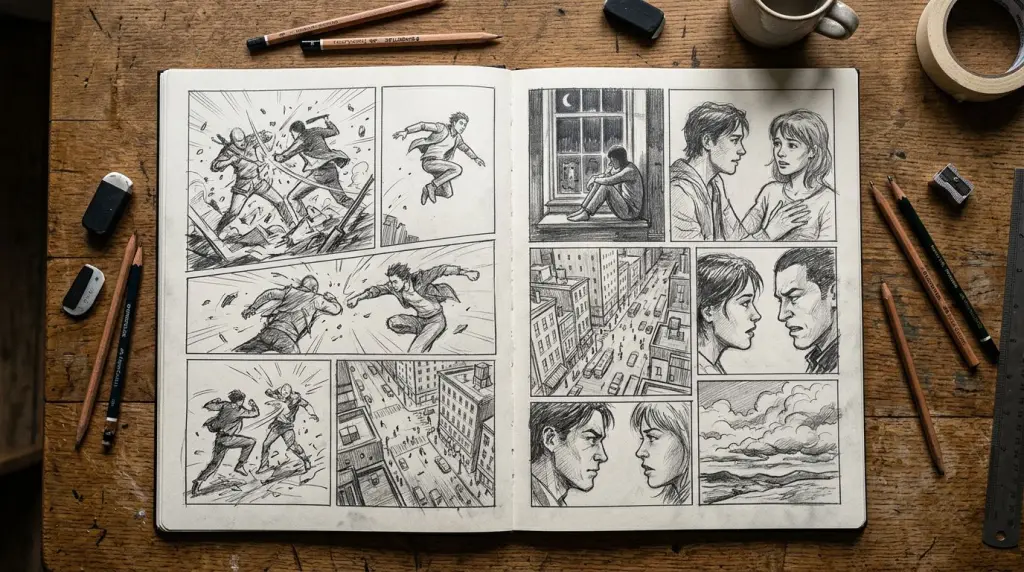
Comic pacing is the deliberate control of how fast or slow a reader moves through a sequence of panels. It shapes emotional weight, suspense, and clarity. Every choice — panel size, panel count per page, gutter width, and transition type — either accelerates or decelerates the reader's eye.
In prose, pacing lives in sentence length and paragraph breaks. In film, it's the edit. In comics, pacing is spatial. The page is a fixed canvas, and you decide how much of it each moment gets.
A full-bleed splash page forces the reader to stop. A nine-panel grid pushes them forward fast. Neither is better — they serve different beats.
The Three Speeds Every Comic Needs
Think of your story as having three gears:
- Fast: Short panels, high panel count per row, minimal background detail. Use for action, argument, chase sequences.
- Medium: Standard 3–4 panel rows, balanced dialogue and action. Your default storytelling mode.
- Slow: Large panels, splash pages, wide gutters, silent panels. Use for revelation, grief, awe, dread.
Most pacing problems come from staying in one gear too long. A fight scene that never slows down loses impact. A quiet character moment stretched across twelve panels loses tension.
How Panel Count and Panel Size Drive Comic Beat Structure
Panel count and panel size are your primary pacing tools. More panels per page = faster pace. Larger panels = slower pace. Comic beat structure — the rhythm of action, reaction, and pause — depends on matching panel real estate to emotional weight. A beat that deserves space needs space.
Here's a practical rule: give your most important moment the most panel real estate on the page.
If your protagonist just learned their mentor is dead, that reaction panel should be large. Not because it's dramatic — because the reader needs time to feel it before you move on.
Worked Example: A Confrontation Scene
Let's say you're scripting a six-panel page where two characters finally face off after three chapters of tension.
Before (flat pacing):
- Panel 1: Wide shot, both characters in a hallway
- Panel 2: Character A speaks
- Panel 3: Character B responds
- Panel 4: Character A steps forward
- Panel 5: Character B steps back
- Panel 6: Wide shot again
All six panels are equal size. The reader blows through it. The confrontation feels like a Tuesday.
After (controlled pacing):
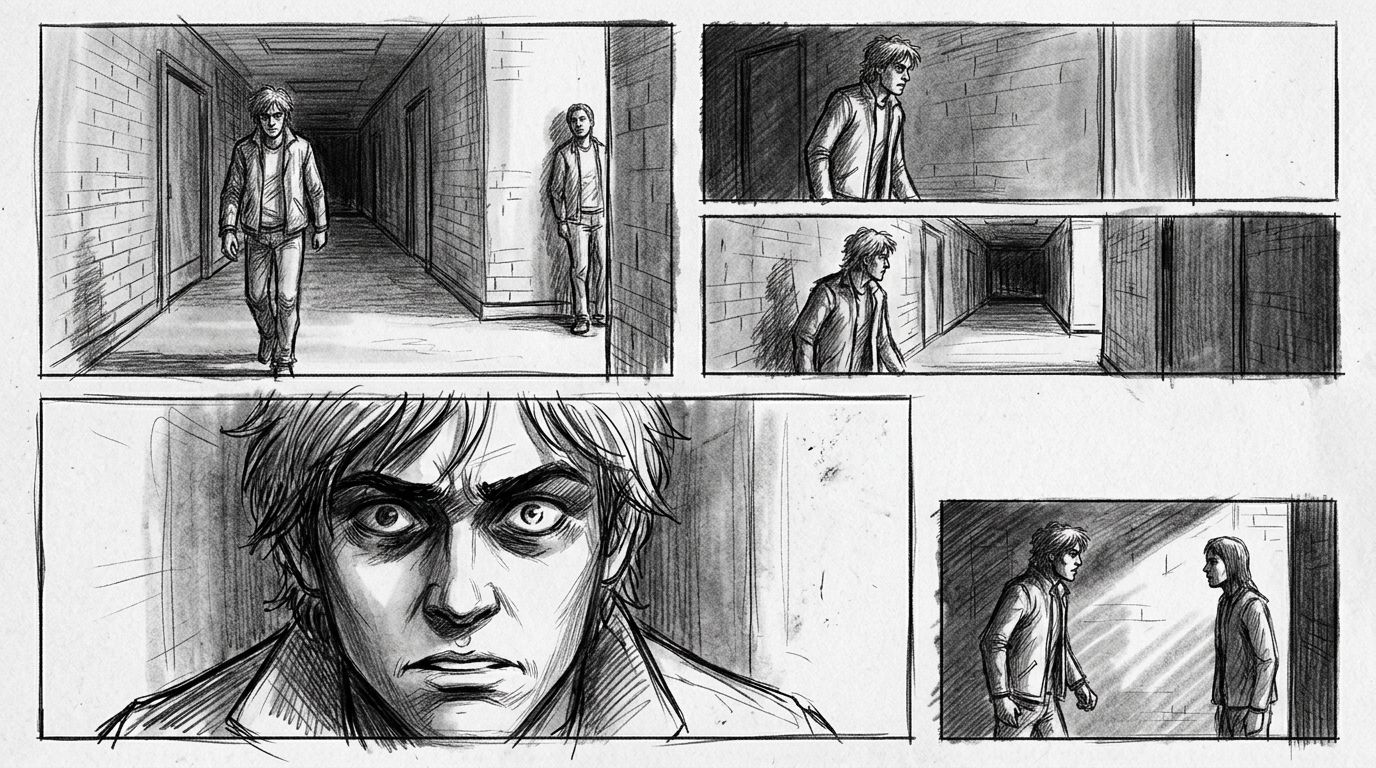
- Panel 1 (wide, top third of page): Establishing shot — hallway, both characters, distance between them
- Panel 2 (small): Character A's hand tightens into a fist
- Panel 3 (small): Character B's eyes narrow
- Panel 4 (medium): Character A speaks — one line of dialogue
- Panel 5 (half-page): Character B's face, close-up, silent. No dialogue. Just the reaction.
- Panel 6 (small, bottom corner): Character A's feet as they step forward
Same six panels. Completely different experience. Panel 5 does the work. The reader stops there. The silence lands.
Scene Transitions in Comics: The Six Types and When to Use Each
Scene transitions in comics control how much time passes between panels and how much the reader's brain has to fill in. Scott McCloud identified six transition types — moment-to-moment, action-to-action, subject-to-subject, scene-to-scene, aspect-to-aspect, and non-sequitur. Choosing the right one shapes both pace and reader engagement.
Here's how each one affects pacing:
| Transition Type | Time Jump | Pace Effect | Best Used For |
|---|---|---|---|
| Moment-to-moment | Fraction of a second | Very slow | Hyper-detailed action, emotional beats |
| Action-to-action | Seconds | Slow to medium | Physical sequences, fights |
| Subject-to-subject | Seconds to minutes | Medium | Dialogue, reaction shots |
| Scene-to-scene | Minutes to years | Fast | Chapter breaks, time skips |
| Aspect-to-aspect | No time (same moment) | Slow | Atmosphere, world-building |
| Non-sequitur | Undefined | Disorienting | Experimental, dream sequences |
Most mainstream comics lean on action-to-action and subject-to-subject. Manga uses aspect-to-aspect heavily to build mood before a scene kicks off. Webtoons often use scene-to-scene with a visual cue (a new location panel) to handle the vertical scroll format.
Webtoon Pacing vs. Print Pacing
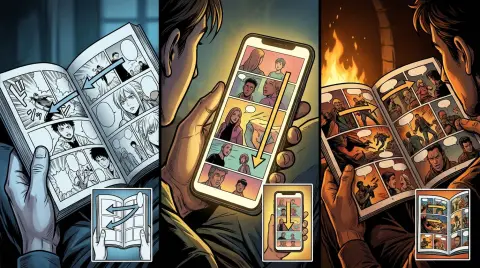
Webtoon panel pacing works differently from print. There's no page turn — the reveal mechanism is the scroll. You control suspense by placing a key image below the visible viewport. Readers scroll into it.
This means:
- Use tall panels to slow the scroll
- Place emotional peaks at the natural pause point (roughly every 8–12 panels in a vertical strip)
- Use a single wide panel as a visual chapter break within a long episode
If you're converting prose or a Wattpad chapter into a webtoon, the scroll rhythm needs to be scripted deliberately. Tools like novel to comic can handle the visual generation, but the pacing decisions still need to come from you as the writer.
How to Use White Space and Gutters for Pacing
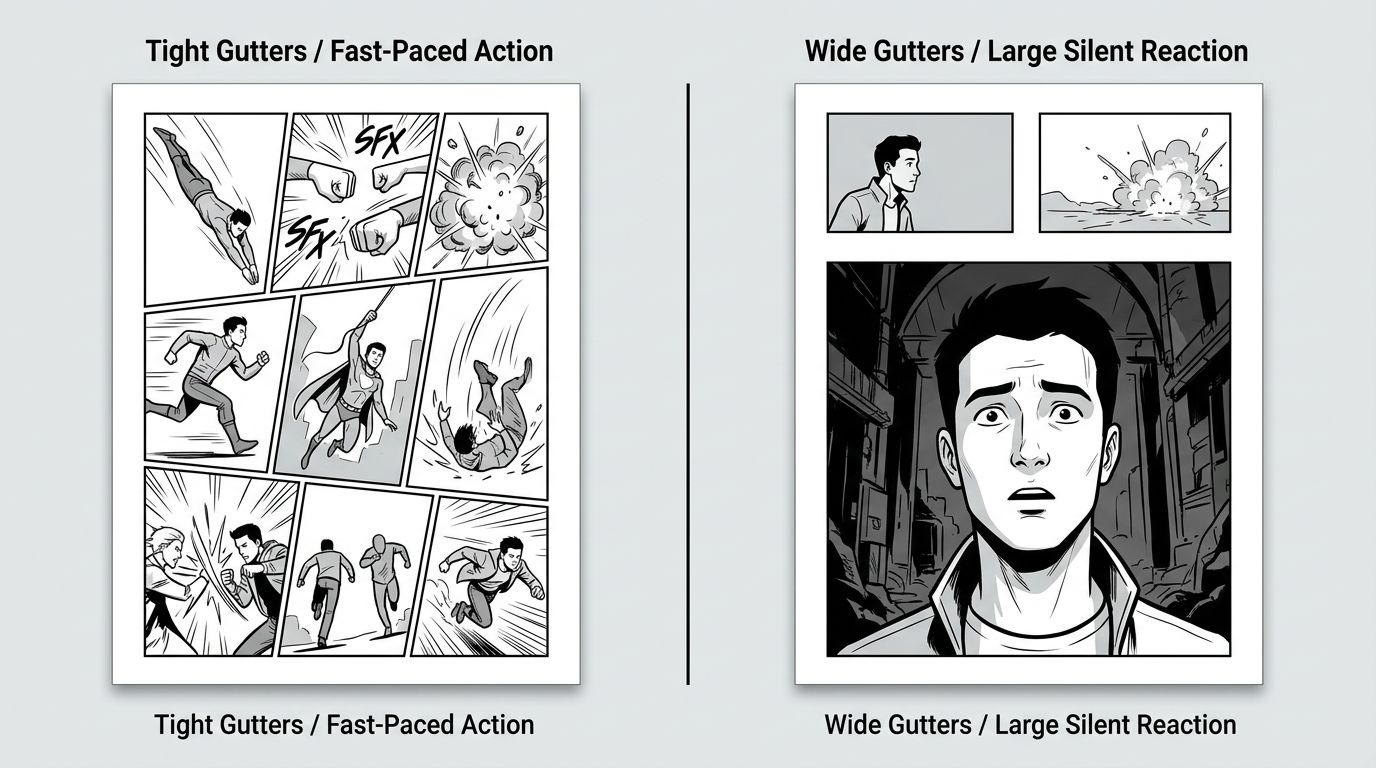
White space and gutters — the gaps between panels — are active pacing tools, not empty space. Wider gutters slow the reader down by making the brain work harder to connect panels. Tighter gutters speed up the sequence. Silent panels (no dialogue, no caption) force a pause and create emotional weight.
This is one of the most overlooked techniques in comic storytelling pacing. Creators spend hours on panel content and zero time on gutter width.
Try this: take a four-panel sequence and double the gutter between panels 2 and 3. That gap creates a beat. The reader pauses. Whatever happens in panel 3 hits harder.
Silent panels work the same way. A character staring out a window with no caption forces the reader to project emotion onto the scene. That's powerful — but only if you've earned it with the panels before it.
Common Comic Pacing Failures (And How to Fix Them)
The most common pacing failure is uniform panel size across an entire page. When every panel gets equal space, every moment feels equally important — which means nothing feels important. The fix is deliberate contrast: vary panel size to signal which beats matter.
Here are the failures that show up most often:
Failure 1: The wall of dialogue. Six panels, every one with a speech bubble. No action, no reaction shots, no silent beats. The reader's eye has nowhere to rest. Fix: cut every third dialogue panel and replace it with a reaction close-up or an environmental detail.
Failure 2: Action without pause. A fight scene that never slows down. Every panel is a punch or a dodge. There's no moment for the reader to feel the stakes. Fix: insert one large silent panel mid-fight — a character catching their breath, blood on the floor, a broken object. One pause resets the tension.
Failure 3: The recap panel. Opening a scene with a wide establishing shot that restates what the reader already knows. Fix: start in the middle of the action and let the environment appear in the background of later panels.
Failure 4 (AI-specific): Regenerating panels without checking sequence rhythm. When you use an AI comic generator to rebuild a single panel, the new image might be visually correct but rhythmically wrong — too similar in composition to the panel before it, killing the visual contrast that drives pace. Always review regenerated panels in sequence context, not in isolation. This is a real limitation of current AI workflows and requires a manual check every time.
Applying Comic Pacing When You Script for AI Generation
If you're using AI tools to generate your panels, pacing decisions move upstream — into your script. The AI renders what you describe. If your script says "medium shot, two characters talking," you'll get a medium shot of two characters talking. The pacing is flat because the script is flat.
Script for pacing explicitly:
- Specify panel size ("large panel, half the page")
- Note silence ("no dialogue, character stares at the letter")
- Call out transition type ("cut to: exterior, three hours later")
- Flag reaction beats ("close-up on hands, not face")
For a full workflow from script to finished panels, the How to Make a Comic with AI in 2026 (Step-by-Step Guide) covers the end-to-end process. For layout decisions that support your pacing choices, the Comic Panel Layout: A Practical Guide for New Creators goes deeper on grid structures.
FAQ
What is comic pacing and how do I improve it?
Comic pacing is how fast or slow a reader moves through your panels. Improve it by varying panel size (large = slow, small = fast), using silent panels for emotional beats, and choosing scene transitions intentionally. Study a chapter of your favorite comic and count how often panel size changes per page.
How many panels per page is good for pacing?
There's no universal answer. Three to four panels per row is a standard medium pace. Six to nine panels per page pushes fast. One to two panels per page slows to a crawl. Match panel count to the emotional gear of the scene — action gets more panels, revelation gets fewer.
Does comic pacing work differently in webtoons?
Yes. Webtoons use vertical scroll instead of page turns, so the reveal mechanism changes. Suspense builds by placing key images below the visible viewport. Tall panels slow the scroll. Emotional peaks should land at natural pause points every 8–12 panels. The principles of beat structure still apply, but the spatial logic is vertical instead of horizontal.
Pacing is a craft skill. It takes deliberate practice — scripting a scene one way, then re-scripting it with different panel sizes, and comparing how each version reads. Start with one page. Identify the most important moment. Give it the most space. Cut everything that doesn't earn its panel.
When you're ready to see your paced script as actual panels, try the AI comic generator at TabStory — paste your script, set your character descriptions, and generate the sequence. Then review it in order and adjust the beats that don't land.