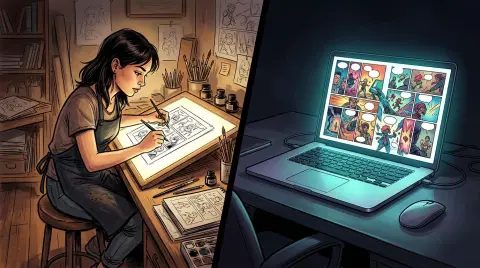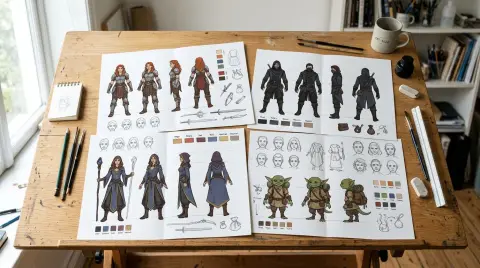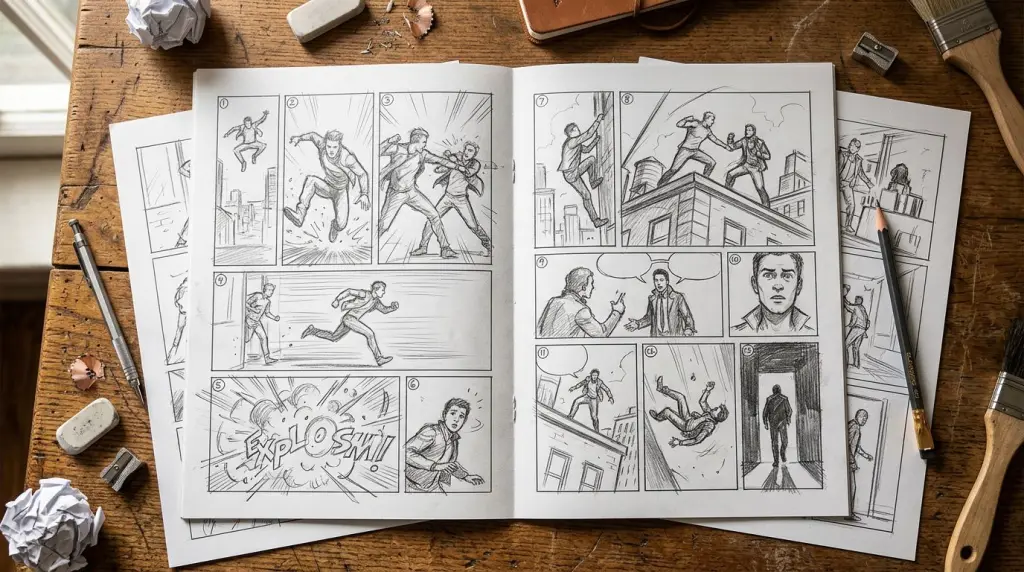
Comic panel layout is the single biggest craft decision you make on every page. Get it right and readers move through your story without thinking. Get it wrong and they stop, re-read, or just close the tab. This guide walks you through every major layout type, explains the logic behind each one, and shows you how to apply comic paneling techniques whether you're drawing by hand or using an AI comic generator.
What Is Comic Panel Layout and Why Does It Matter?
Comic panel layout is the arrangement of individual panels on a page or screen strip. It controls reading order, pacing, and emotional weight. A tight grid speeds the eye. A full-page splash slows it. Every layout choice is a pacing choice, and pacing is storytelling.
Think of the page as a stage. You decide how many scenes happen at once, how much space each gets, and where the audience looks first. A six-panel grid gives you six beats of equal weight. A two-panel page with one giant image and one small reaction shot tells the reader: this moment is huge, and here is how your character feels about it.
New creators often default to equal-sized panels because it feels safe. It is safe — and it is also flat. Learning to vary panel size is the fastest way to add drama without changing a single line of dialogue.
The Core Comic Panel Layout Types
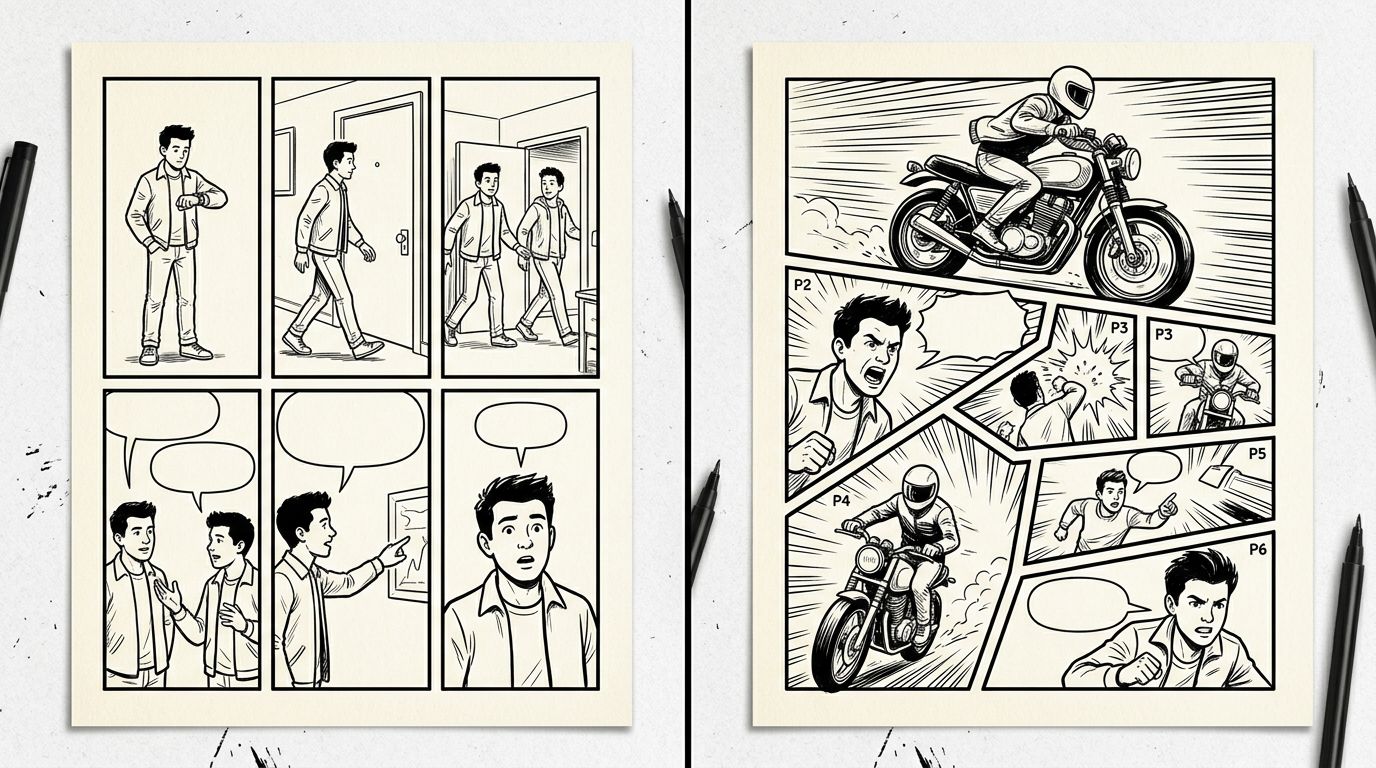
There are five layouts every creator needs to know: the grid, the z-path, the tier, the splash, and the bleed. Each serves a different narrative function. Most pages combine two or three of them. Mastering these five gives you a working vocabulary for any genre.
The Grid
The grid divides a page into equal rows and columns — three rows of two panels, or two rows of three. It is the workhorse of superhero and action comics. Equal panels = equal time. Use it for rapid-fire dialogue, montage sequences, or any scene where you want the reader moving fast.
The classic six-panel grid (two columns, three rows) fits a full conversation in one page. The nine-panel grid, made famous by Watchmen, creates a cold, clinical rhythm — perfect for procedural or psychological stories.
The Z-Path
The z-path layout guides the eye in a Z shape across the page: top-left to top-right, then diagonally down-left, then across to bottom-right. You create it by placing large panels at the corners and smaller connective panels in the middle. It feels dynamic without being chaotic. Strong for action sequences.
The Tier
Tiers are horizontal bands stacked vertically. Each tier is one row. You can have two wide cinematic tiers or four narrow ones. Wide tiers feel like widescreen film. Narrow tiers feel like surveillance footage or memory. Webtoon creators use tiers constantly because the vertical scroll format rewards horizontal bands that reveal one at a time as the reader scrolls.
The Splash and the Double-Page Spread
A splash panel fills an entire page. A spread fills two facing pages. Both are full stops — use them for first appearances, major reveals, or the emotional peak of a chapter. Overuse kills the effect. One splash per chapter is usually enough.
The Bleed
A bleed panel extends to the edge of the page, cutting off the panel border. It makes the image feel like it is escaping containment. Use it for moments of chaos, speed, or overwhelming scale.
How to Lay Out Comic Panels: A Worked Scene
To lay out comic panels effectively, start with the emotional beat you need to land, then work backward to the panel count and sizes. Map dialogue to panels last. Most scenes need fewer panels than writers think — cutting panels forces you to make each one carry more weight.
Here is a concrete example. Scene: a character opens a letter and realizes she has been accepted to art school.
- Panel 1 (small, top-left): Close-up of hands holding an envelope. Tight. Builds anticipation.
- Panel 2 (small, top-right): Her face, neutral, before she reads. Equal size to Panel 1. Matched rhythm.
- Panel 3 (wide tier, middle): The letter itself — or just her eyes scanning it. Wide panel slows the reader down. This is the pivot.
- Panel 4 (large, bottom half of page): Her face, full expression, tears or a huge grin. Big panel = big emotional payoff.
Four panels. One page. The layout does the emotional work before a single word of dialogue.
Now the before version many beginners write: six equal panels, one for each micro-beat, including her walking to the mailbox, picking up the mail, sorting the mail, finding the envelope, opening it, and reading it. Six panels of equal size flatten the climax. The opening of the letter gets the same visual weight as walking to the mailbox. That is a pacing problem, not a drawing problem.
Panel Composition Inside the Layout
Panel composition is what happens inside each frame — camera angle, subject placement, and negative space. Layout and composition work together. A well-composed panel in the wrong layout position loses half its impact. A weak composition in a full-page splash still reads as important.
Three composition rules that pay off immediately:
- Vary your shot distance. Alternate wide establishing shots with close-ups. If every panel is a medium shot, the page feels like a security camera feed.
- Use the rule of thirds. Place your focal point at an intersection of the thirds grid, not dead center. Dead center reads as static unless you are going for a deliberate confrontational stare.
- Match panel shape to content. Tall vertical panels feel like falling or standing. Wide horizontal panels feel like landscape or time passing. Diagonal or irregular panels feel like chaos or speed.
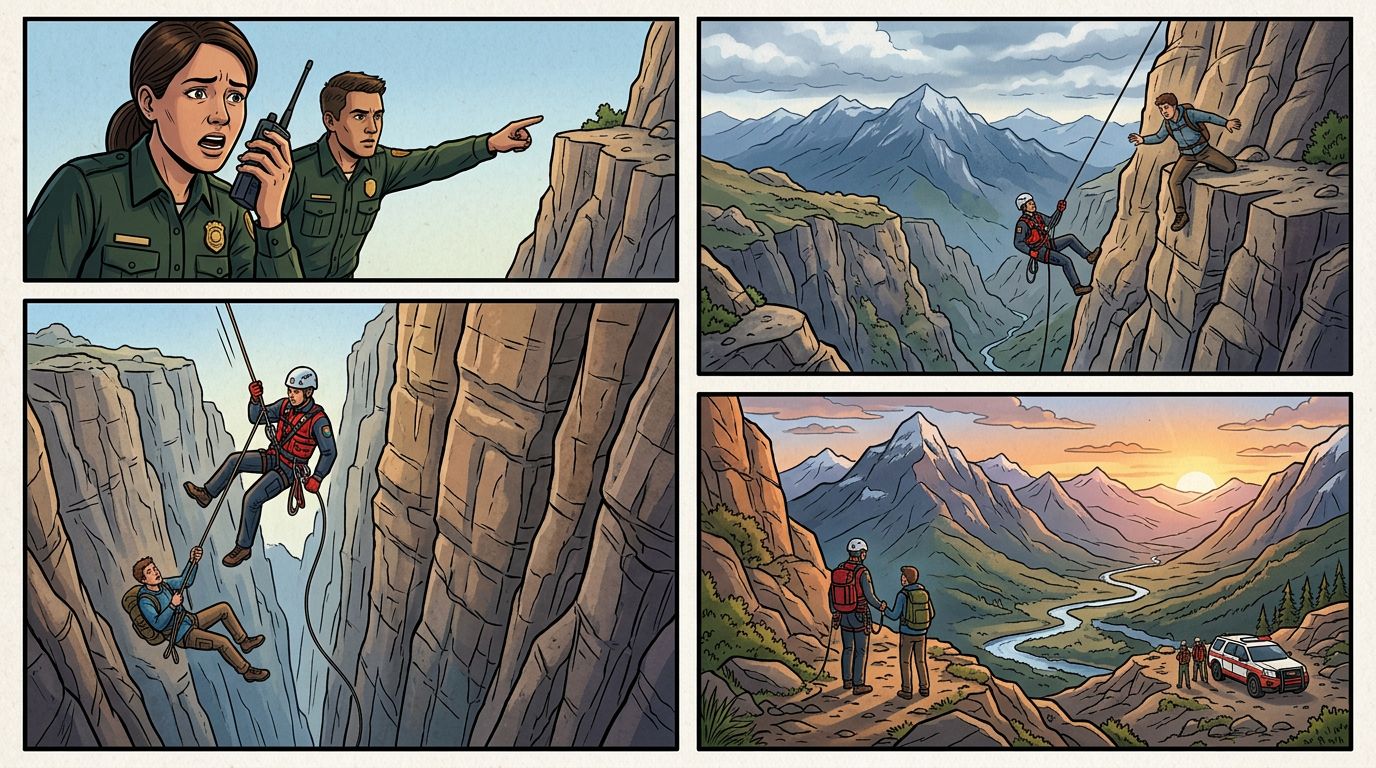
Comic Paneling Techniques for Webtoon vs. Print
Webtoon layout follows a vertical infinite canvas instead of a fixed page. Panels stack top-to-bottom and reveal as the reader scrolls. This changes everything: bleeds go left and right, not top and bottom; cliffhangers land at the bottom of a scroll stop; and you control reveal timing through panel height.
For print comics, you design for a two-page spread viewed all at once. The reader sees the whole page before reading a single panel. For webtoons, the reader sees only what fits their screen. That is a fundamentally different relationship with pacing.
Key webtoon layout adjustments:
- Use tall panels to slow the scroll and build tension.
- Place your chapter's biggest moment at a natural scroll-stop (roughly every 800–1000 pixels of canvas).
- Avoid panels side by side on mobile — they shrink to unreadable sizes.
- Use wide full-bleed panels for establishing shots.
If you are converting a prose chapter or a Wattpad story into a webtoon, the vertical format actually maps well to scene-by-scene narrative beats. Each scene becomes a scroll section. Check out AI Comic Generators for Writers: Turn Your Fiction Into Visual Stories for a deeper look at that conversion workflow.
What Still Breaks: The Failure Case
Even experienced creators get this wrong: panel transitions that skip too much.
Scott McCloud's Understanding Comics names six transition types. The one that breaks layouts most often is the action-to-action transition where the action gap is too large. You show a character winding up a punch in Panel 1 and the villain flying across the room in Panel 3 — but Panel 2 is a reaction shot from a bystander. The reader's eye loses the physical logic of the fight.
AI comic tools compound this problem. When you generate panels from a script, the AI does not automatically understand spatial continuity between panels. You can get a left-facing character in Panel 2 and a right-facing character in Panel 3 even though they are the same person in the same scene. This is the character consistency problem, and it is the hardest thing to solve in AI-assisted comics right now.
Tools that lock a character model to a named character and let you regenerate a single panel without touching the rest of the page handle this better. That workflow — locked cast, chapter as source of truth, one-panel regenerate — is what separates a production-ready AI tool from a one-shot image generator. You can read more about that distinction in How to Make a Comic with AI in 2026 (Step-by-Step Guide).
Applying Layout Principles in an AI Comic Workflow
When you use an AI comic generator, you script the layout before you generate. Specify panel count, panel size (small/medium/large/splash), shot type, and character position in each panel description. The more layout information you give the script, the more consistent the output.
A panel description that produces good layout results looks like this:
Panel 3 — wide horizontal tier, full bleed. Exterior shot of the city at night, skyline silhouette. Character A stands on a rooftop in the foreground, back to camera, small against the skyline.
A panel description that produces inconsistent results looks like this:
Panel 3 — city at night.
The first description gives the generator a layout instruction (wide horizontal tier), a composition instruction (full bleed, silhouette, foreground/background relationship), and a character instruction (back to camera, scale). The second gives it almost nothing.
If you are working with a novel to comic workflow, break your prose into scene beats first, assign a panel count per beat, then write panel descriptions from those beats. Do not try to map every sentence to a panel — that produces the six-equal-panels problem described above.
Frequently Asked Questions
How many panels should a comic page have?
Most print comic pages use 4–6 panels. Fewer panels give each more visual weight. More panels speed up pacing. There is no rule — but more than nine panels on a standard page makes everything too small to read comfortably.
What is the difference between panel layout and panel composition?
Layout is the arrangement of panels on the page — their size, shape, and position. Composition is what happens inside a single panel — camera angle, subject placement, and use of space. You need both. A strong layout with weak compositions still reads poorly.
Does comic panel layout work differently for webtoons?
Yes. Webtoons use a vertical infinite canvas, so panels stack top-to-bottom and reveal as the reader scrolls. Side-by-side panels shrink on mobile. Pacing is controlled by panel height and scroll-stop placement rather than page turns. The core principles — vary panel size, match shape to content, control reading order — still apply.
Ready to put these layout principles into practice? Build your first panel sequence with TabStory's AI comic generator — script your panels, lock your characters, and regenerate any single panel that does not land without touching the rest of your page.