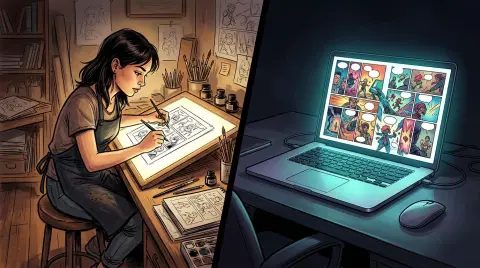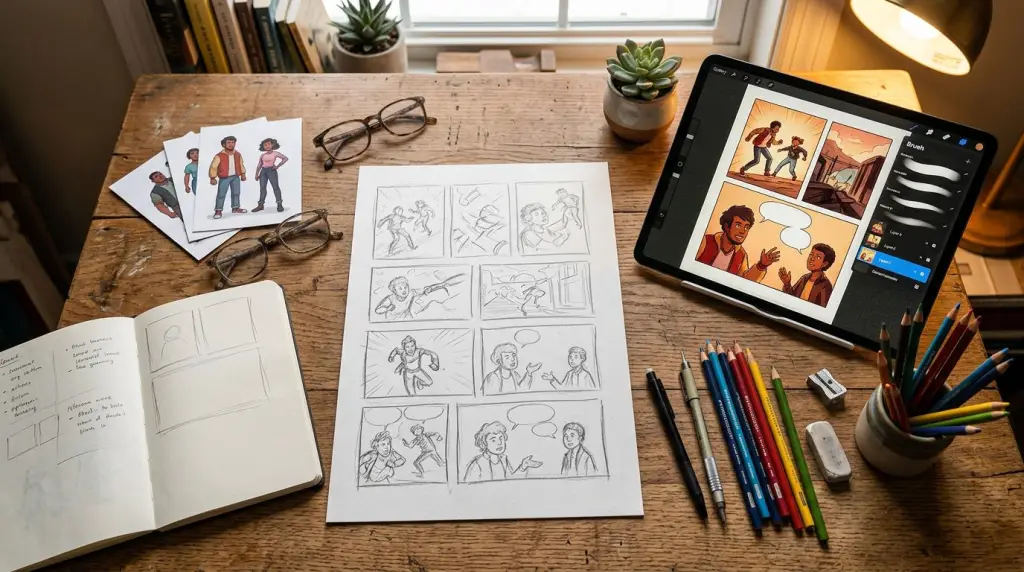
So you want to make a comic strip. You have an idea, maybe a joke, a slice-of-life moment, or the first beat of a longer story. The problem is you have never drawn a panel in your life, or you have, but doing it consistently every day feels impossible. That is exactly where a good comic strip maker earns its keep.
This guide is for beginners. It covers what these tools actually do, how to structure a 4-panel strip that works, a real worked example you can copy, and the one failure case that trips up almost every new creator.
What a Comic Strip Maker Actually Does
A comic strip maker is software that handles the visual production of your strip — panel layout, character art, speech bubbles, and style — so you can focus on writing the joke or story beat. Most tools online today are either template-based drag-and-drop editors or AI-driven generators that turn text prompts into finished panels.
The two categories behave very differently.
Template-based tools (think older web apps with clip-art characters) give you a fixed cast of pre-drawn figures. You pick poses, drop in dialogue, export. Fast, but limited. You cannot create original characters, and every strip looks like everyone else's.
AI comic strip generators let you describe a scene in plain English and generate original art. The upside is creative freedom. The downside — and this is the real beginner trap — is character consistency. Generate the same character twice without a locked reference, and you get two different people.
That consistency problem is the single biggest reason beginners abandon daily comic strip creation before week two.
How to Structure a 4-Panel Comic Strip
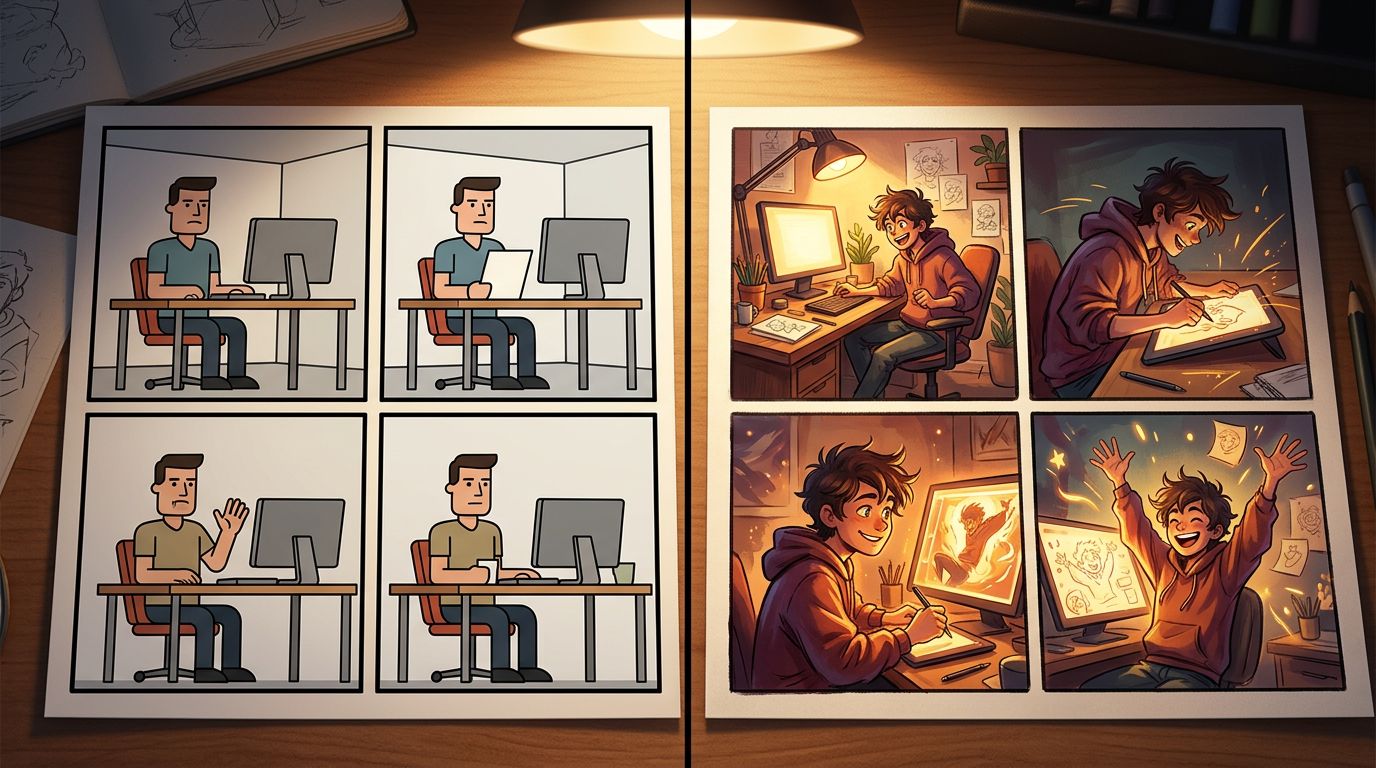
The 4-panel format is the most beginner-friendly structure in comics. Panel 1 establishes the situation, Panel 2 develops or complicates it, Panel 3 delivers the turn or escalation, and Panel 4 lands the punchline or emotional beat. Master this structure and you can produce a daily strip reliably.
Here is the structure broken down:
- Panel 1 — Setup: Introduce the character and context. One clear image, minimal dialogue.
- Panel 2 — Complication: Something shifts. A question, an obstacle, a reaction.
- Panel 3 — Escalation: Push the complication further. This is where timing lives.
- Panel 4 — Payoff: The punchline, the twist, or the emotional landing.
Keep dialogue short. Three to eight words per bubble is the sweet spot for strips. Longer than that and the reader's eye fights between reading and looking.
Worked Example: "The Monday Coffee Strip"
Here is a complete 4-panel script you can feed directly into a comic strip generator.
Panel 1
Scene: Small kitchen, morning light. Character: Maya, 30s, messy bun, oversized hoodie, holding an empty mug.
Dialogue: "Okay. New week. Fresh start."
Panel 2
Scene: Same kitchen. Maya stares at the coffee maker. The coffee maker is unplugged.
Dialogue: "..."
Panel 3
Scene: Close-up on Maya's face. Dead-eyed stare. A single tear.
Dialogue: "It was plugged in yesterday."
Panel 4
Scene: Maya sitting on the kitchen floor, still holding the empty mug. Cat sits next to her.
Cat dialogue: "Same time tomorrow?"
This script works because each panel has one clear visual action, the dialogue is short, and the payoff reframes the whole strip with the cat's line. When you paste this into an AI comic strip maker, you are giving the engine specific scene descriptions, not vague prompts. Specific inputs produce consistent outputs.
Choosing the Right Comic Strip Maker Online
The right tool depends on whether you need a one-off strip or a recurring series. For a single joke, a fast template tool works. For a series with returning characters, you need a generator that locks your character designs across panels and chapters — otherwise you rebuild your cast from scratch every session.
Here is what to look for:
Character locking. Can you save a character reference and reuse it? This is non-negotiable for daily comic strip creation.
Style control. Can you pick manga, webtoon, newspaper strip, or indie comic styles? Style consistency matters as much as character consistency.
Panel layout options. Does it support 4-panel horizontal strips, vertical webtoon scrolls, or both?
Text-to-panel workflow. Can you paste a script and generate panels from it, or do you have to prompt each panel manually? Script-driven generation is dramatically faster.
TabStory's AI comic generator is built around a locked-cast workflow. You define your characters once. Every panel you generate after that references those locked designs. You can also paste a full chapter of prose — from a Wattpad story, a Google Doc, or a novel draft — and it maps the narrative into panels automatically. That is the core difference from tools that treat each panel as an isolated prompt.
For a deeper look at how AI tools compare on these workflow dimensions, see Best AI Comic Generators in 2026: Tested and Ranked.
If you are converting existing written fiction into strips, the novel to comic workflow handles that conversion directly.
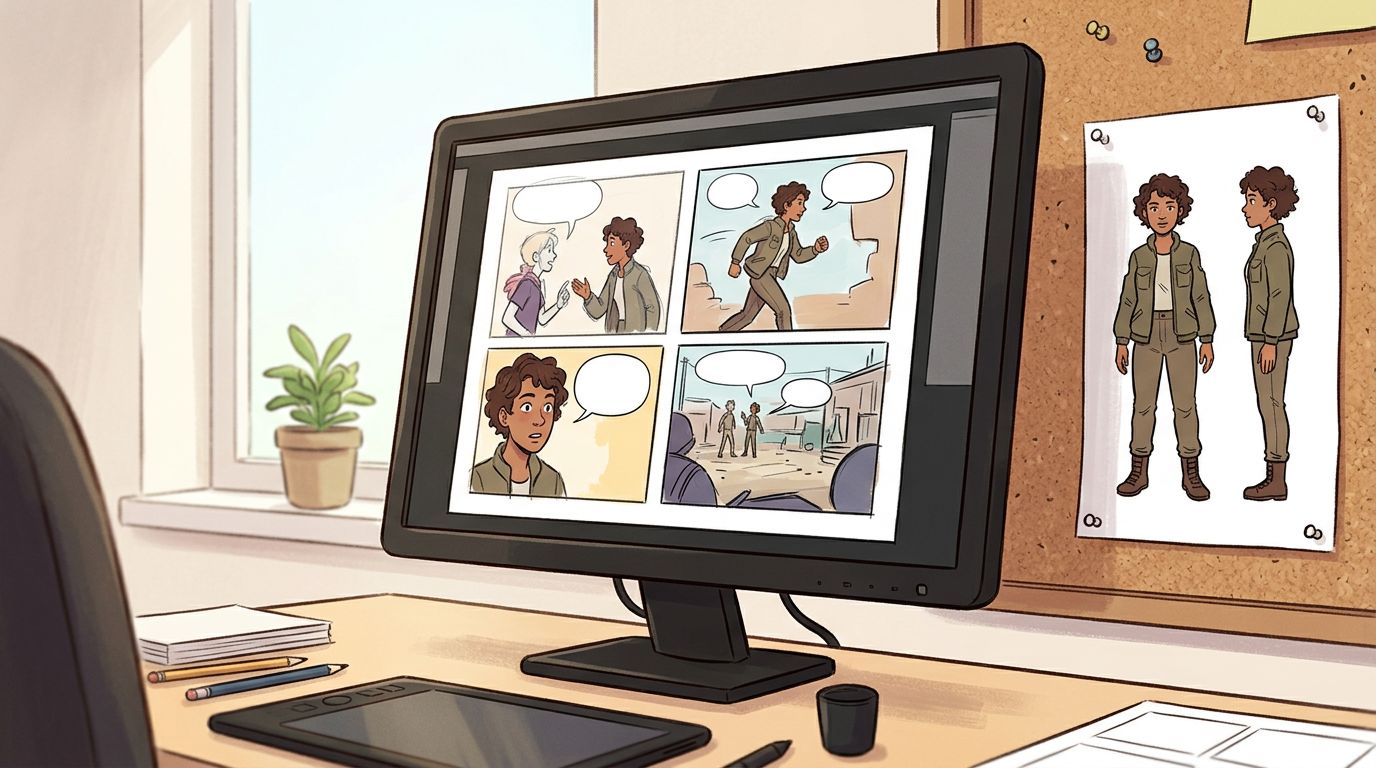
The Failure Case: Prompt Drift Across Panels
The most common failure in AI comic strip creation is prompt drift — where your main character looks noticeably different from panel to panel because the generator has no persistent memory of their design. Hair changes color, face shape shifts, clothing details disappear. It breaks immersion and makes the strip look unfinished.
This happens when you:
- Write a new prompt for each panel from scratch
- Use vague character descriptions ("a young woman" instead of "Maya, 30s, dark brown wavy hair in a messy bun, olive skin, wearing a grey oversized hoodie")
- Switch tools mid-project
- Use a tool that does not support character reference images or locked design seeds
How to avoid it:
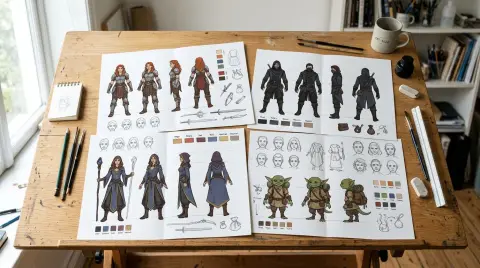
- Write a detailed character sheet before you generate a single panel. Include hair color, skin tone, eye shape, clothing, and any signature props.
- Use a tool that lets you save and lock that reference.
- If your tool does not support locking, paste the full character description into every single panel prompt — every time, no shortcuts.
- Do a test run of three panels before committing to a full strip. Check for drift early.
Prompt drift is not fully solved by any tool yet. Even with locked references, extreme camera angles or unusual lighting can cause minor inconsistencies. The workaround is to regenerate the drifted panel individually rather than redoing the whole strip. Tools that let you regenerate one panel without touching the others save significant time here.
For a full walkthrough of the AI comic creation process from script to publish, the How to Make a Comic with AI in 2026 (Step-by-Step Guide) covers every stage in detail.
Daily Comic Strip Creation: Building a Sustainable Workflow
Sustainable daily comic strip creation comes down to three habits: batch-scripting your strips a week ahead, locking your character designs before day one, and treating your first published strip as a learning run rather than a finished product.
Here is a practical weekly rhythm for beginners:
Sunday (30 minutes): Write scripts for Monday through Friday. Five strips, four panels each. Keep them in a single document.
Monday–Friday (15 minutes each): Generate that day's strip using your locked character references. Review for drift. Regenerate any broken panels. Export and post.
Friday (10 minutes): Note what broke that week. Adjust your character descriptions or prompts before the next batch.
This rhythm keeps the creative work (writing) separate from the production work (generating). Most burnout in daily comic creation happens when creators try to do both at the same time, every day.
If you are a writer converting longer fiction into strips rather than writing new scripts from scratch, read AI Comic Generators for Writers: Turn Your Fiction Into Visual Stories for a workflow built around existing prose.
FAQ
What is the easiest comic strip maker for beginners with no drawing skills?
AI-powered comic strip generators are the easiest entry point for non-artists. You write a scene description in plain English, and the tool generates the panel art. The key is choosing a tool that locks your character designs so your cast looks consistent across every strip.
Can I make a 4-panel comic strip online for free?
Yes. Several tools offer free tiers that let you generate a limited number of panels per month. Free plans usually cap resolution, restrict style options, and do not include character locking. For a one-off strip or testing a concept, free tiers work fine. For a daily series, a paid plan with character consistency features is worth the cost.
How do I keep my characters looking the same in every panel?
Write a detailed character description — hair color, skin tone, clothing, distinguishing features — and save it as a locked reference in your tool. Paste that full description into every panel prompt if your tool does not support automatic locking. Run a three-panel consistency test before starting a full strip. Regenerate drifted panels individually rather than restarting the whole strip.
Ready to build your first strip? Paste the "Monday Coffee" script above into TabStory's AI comic generator, lock Maya's design, and generate all four panels in one session. You will have a finished strip in under ten minutes.