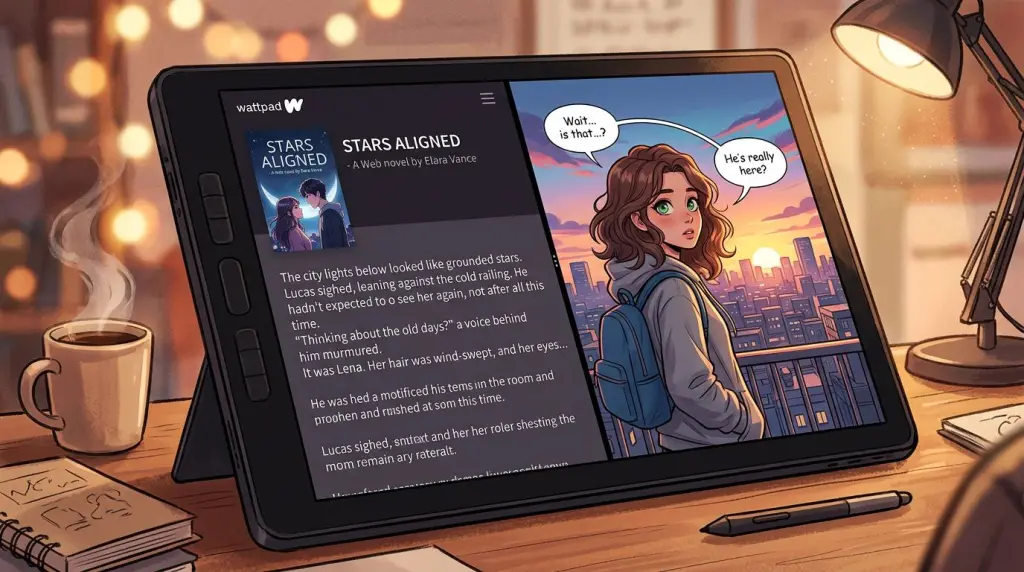
You spent months building a world on Wattpad. You have the reads, the comments, and a loyal fanbase. But in 2026, the most successful creators don't stop at text. They expand. Learning how to turn Wattpad story into a comic is the most effective way to reach the massive Webtoon and Tapas audiences. Visual storytelling captures attention faster than prose ever could. Best of all, you no longer need to spend thousands on a freelance illustrator or spend years mastering anatomy. AI has leveled the playing field for every writer.
Why You Should Turn Your Wattpad Story Into a Comic
To turn your Wattpad story into a comic, you must bridge the gap between descriptive prose and visual beats. This process expands your reach to visual-first platforms like Webtoon and Tapas, increases your monetization potential, and gives your existing fans a fresh way to experience your world.
Wattpad is a powerhouse for storytelling, but it is text-heavy. Many readers today prefer the quick, dopamine-rich experience of a vertical scroll comic. By starting a Wattpad to webtoon transition, you tap into a demographic that might never have found your book.
Visuals also make your story more shareable on social media. A single striking panel of your protagonist can go viral on TikTok or Instagram far easier than a screenshot of a paragraph. This cross-platform synergy drives traffic back to your original Wattpad story while building a new revenue stream through comic platforms. If you have a popular fanfic, a fanfic to comic adaptation can solidify your presence in the fandom as a top-tier creator.
How to Turn Your Wattpad Story Into a Comic with AI
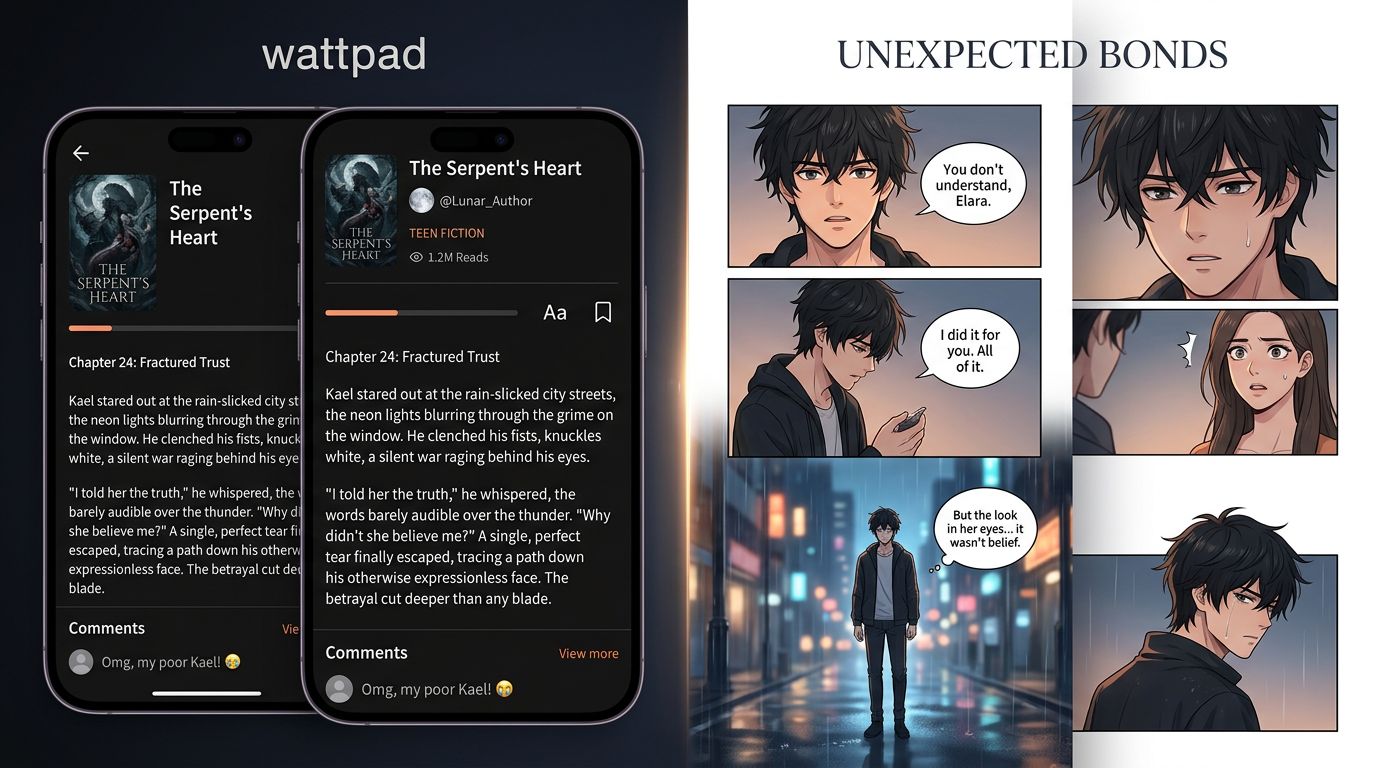
The most efficient way to turn Wattpad story into a comic involves using an AI-powered novel to webtoon converter. You upload your chapters, use AI to extract key dialogue and action, generate consistent character models, and then assemble them into a vertical scroll format designed for mobile devices.
In the past, this required a scriptwriter, a storyboard artist, a line artist, and a colorist. Now, a single creator can handle the entire pipeline. The first step is the script. You cannot just copy-paste your Wattpad chapter. You need to identify the "visual beats."
When using a Wattpad comic maker like TabStory, the AI analyzes your text to suggest which parts of your prose should be dialogue bubbles and which should be background art. This is the core of a successful Wattpad story adaptation. You want to keep the emotional core of your book while stripping away the internal monologues that don't translate to a visual medium.
Character Consistency: The Holy Grail
The biggest hurdle in AI art used to be consistency. You couldn't get the same character to look the same in every panel. In 2026, tools like TabStory have solved this. You create a character profile—defining hair color, eye shape, and clothing—and the AI ensures that character remains recognizable across every scene. This is vital for professional-grade comics.
Comparing Tools for Wattpad to Webtoon Adaptation
Choosing the right tool depends on your technical skill and your budget. Here is how the top options for 2026 compare for creators looking to adapt their work.
| Tool | Best For | Character Consistency | Ease of Use | Workflow Type |
|---|---|---|---|---|
| TabStory | Novel-to-Comic | High (Dedicated Models) | High | Text-to-Comic Pipeline |
| Midjourney | High-end Art | Low (Requires Manual Work) | Medium | Image Generation Only |
| Canva | Layout & Bubbles | N/A | High | Graphic Design |
| Hiring an Artist | Customization | High | Low (Management) | Traditional Outsourcing |
While Midjourney produces beautiful images, it lacks a native storyboard workflow. TabStory is designed specifically as a novel to webtoon converter, making it the preferred choice for Wattpad authors who want to move fast without learning complex prompting.
The Wattpad Story Adaptation Process: From Text to Panels
A successful Wattpad story adaptation requires transforming long-form descriptions into concise dialogue and dynamic action. You must focus on the "show, don't tell" rule, using AI to generate backgrounds and character expressions that convey the emotions your prose previously described in detail.
When you How to Turn a Novel Into a Webtoon, you have to think about pacing. A Wattpad chapter might be 3,000 words. In a comic, that could be 40 to 60 panels.
- The Hook: Every comic episode needs a visual hook in the first three panels.
- Dialogue Trimming: If a speech bubble covers more than 20% of the panel, it’s too long. Break it up.
- The Cliffhanger: Webtoon readers scroll. End your episode on a panel that makes them want to hit "Next."
Using an AI comic generator allows you to experiment with these layouts. You can swap a character's expression from "sad" to "angry" with a single click, allowing you to direct the scene like a movie director rather than a lone writer.
Step-by-Step: Turn Wattpad Story Into a Comic Using TabStory
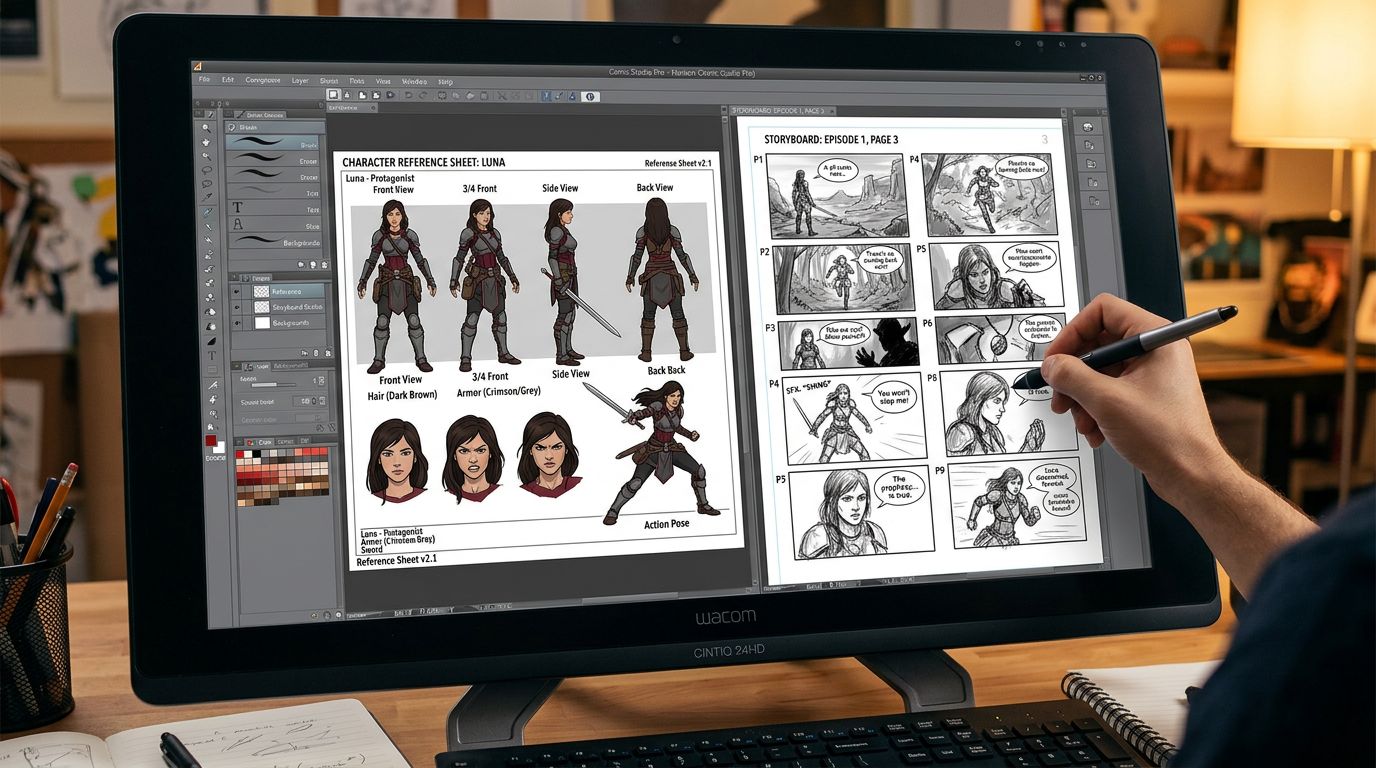
To turn Wattpad story into a comic using TabStory, start by importing your chapter text into the generator. The AI will suggest a panel-by-panel breakdown. You then define your characters, choose an art style (like Manhwa or Classic Comic), and generate the final high-resolution panels for export.
This workflow is specifically designed for writers. You don't need to know how to draw a perspective grid. You just need to know your story.
First, focus on your character sheets. If your Wattpad story has a specific aesthetic—say, a dark academia vibe or a neon-soaked cyberpunk setting—you can set those parameters early. This ensures every background the AI generates fits the mood of your original book.
Second, refine the AI's storyboard. Sometimes the AI might suggest a close-up when a wide shot would be better for the drama. You have full control to adjust the "camera angle" before the final render. If you're new to the tech, check out this guide on How to Make a Comic with AI for deeper technical tips.
Choosing the Right Wattpad Comic Maker
The right Wattpad comic maker should offer a seamless transition from text to image while maintaining your unique authorial voice. Look for features like bulk panel generation, speech bubble editors, and the ability to train the AI on your specific character designs to ensure a professional finish.
Don't settle for generic AI art. Your fans love your Wattpad story because it’s unique. Your comic should be too. Whether you are doing a fanfic to comic project for fun or a professional Wattpad to webtoon launch, the quality of the art must match the quality of your writing.
For those who prefer the Japanese aesthetic, using an AI manga generator can help you achieve that specific screentone and line-art look that defines the genre. Many Wattpad romance stories perform exceptionally well when adapted into the "Villainess" or "Isekai" manga styles.
Next Steps for Your Story
Once your panels are ready, use a tool like Photoshop or Canva to add the final lettering, or use the built-in editors in your chosen AI tool. Then, export your vertical strips. Platforms like Webtoon have specific size requirements (usually 800px wide), so ensure your tool supports these exports.
Ready to see your characters come to life? Stop just writing and start creating. Use the TabStory text to comic tool to begin your adaptation today.
FAQ
Can I monetize a comic made from my Wattpad story?
Yes. If you own the rights to your original Wattpad story, you own the rights to the comic adaptation. You can monetize through Webtoon’s Ad Revenue Sharing, Patreon, or by selling digital PDFs of your work.
Do I need to know how to draw to use a Wattpad comic maker?
No. Modern AI tools handle the drawing, coloring, and shading. Your role shifts from an illustrator to a director and scriptwriter, focusing on composition and storytelling.
How long does it take to turn one Wattpad chapter into a comic?
With AI, you can convert a standard chapter into a 40-panel comic in a few hours. This is a massive improvement over the weeks or months it would take to draw by hand.