Free AI Tools for Comic & Manga Creators
Which tool does this job
Pick the job first. Each row opens the tool that does that one thing.
| Job | Tool | Why this one |
|---|---|---|
| Turn a pencil sketch or a photo of a drawing into clean line art | Sketch Cleanup | Keeps the pose and clothing, and outputs black lines on white. |
| Color black-and-white line art without losing the ink | Line Art Coloring | Adds color and keeps the original line weight. |
| Redraw one region of a panel — a hand, a sign, or a face | Infinite Canvas | Inpaint the marked area and leave the rest of the panel alone. |
| Write the story before you draw | Comic Story Generator | Turns a premise into chapters, arcs, conflicts, and endings. |
| Need an empty background: classroom, street, café, or castle | Manga Background Generator | Draws a fictional place. It does not search a real map. |
| Turn a novel or a script into a comic | Text to Comic | The studio path from prose to finished pages. |
Step · Idea
Story Ideas
Story Idea Generator
A premise worth drawing
The hardest part of starting a comic is deciding what the story is. A loose theme, or nothing at all, becomes three openings.
Premise A city bus still stops at a station demolished five years ago. The only passengers who can see it are people who missed a funeral.
Protagonist Kenji, a night-shift driver, has started opening the doors there anyway. He wants to know which dead person is still buying a ticket.
Random Story Idea Generator
Ask most generators for something random and you get the middle of the distribution. These three are not supposed to look like each other.
Romance Story Idea Generator
Romance comics run on the tension between two people who should be together, and the fact that is keeping them apart.
Isekai Story Idea Generator
Isekai lives or dies on the hook: what the protagonist lost in the old world, and what the new world demands instead.
Horror Story Idea Generator
Gore is the cheapest thing a comic can draw. The frightening part is what the reader sees before the character does.
School Life Story Idea Generator
School stories break when a world-ending threat is bolted on. The interruption should be something that does not belong in a school day.
Plot Twist Story Idea Generator
A twist bolted onto a finished plot reads as a cheat. The first page should already be the wrong genre.
Character
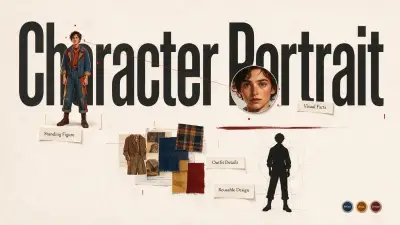
Character Portrait
Describe a character’s look, outfit, and era, then generate a standing portrait you can reuse in comics.
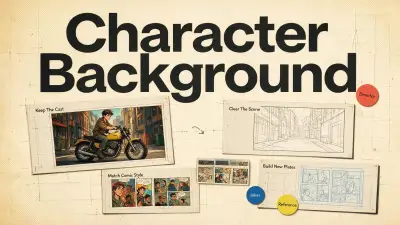
Character Background
Upload a still, keep the character or clear the scene, then generate a new comic background that matches your cast and style.
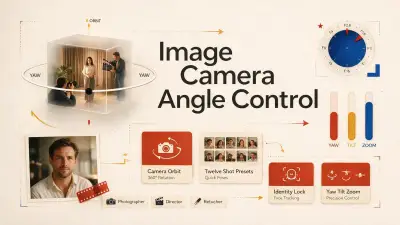
Image Camera Angle Control
Upload a still, drag to orbit the camera, pick one of 12 common shots, then generate a new angle without changing the subject.
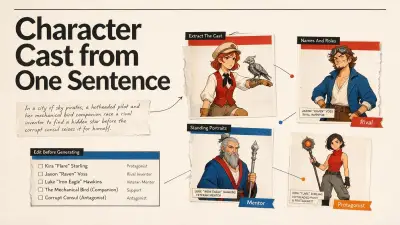
Character Cast from One Sentence
Type one sentence. AI extracts how many characters you need, then you can generate a standing portrait for each.
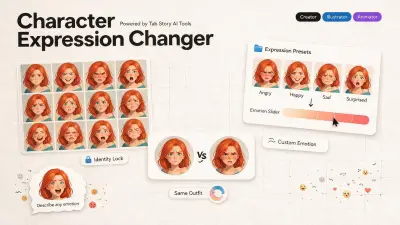
Character Expression Changer
Upload a character, pick or describe an expression, then generate a new face without changing identity.
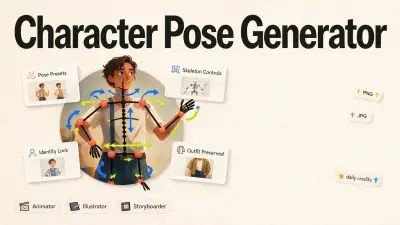
Character Pose Generator
Upload a character, pick a pose or drag the skeleton, then generate a new body pose without changing identity.
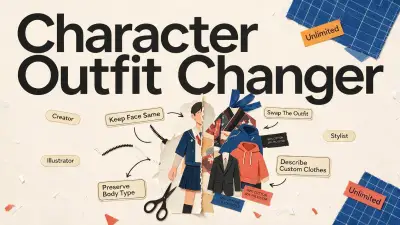
Character Outfit Changer
Upload a character illustration, pick or describe an outfit, then generate new clothes without changing the face or body.
Anime Character Portrait
A standing full-body anime portrait in a 90s anime style, with a readable silhouette and both feet in frame. You fill in the face and clothes.
Realistic Comic Portrait
A standing comic portrait with natural proportions and a graphic-novel line. It is not a photograph, and it is not a chibi.
Chibi Character Portrait
A chibi full-body portrait: the head is about one third of the height, the limbs are short, and both feet stay in frame.
School Uniform Outfit
Put this character in a Japanese school uniform: white shirt, navy blazer, navy skirt or the preset cut. The face, hair, and pose stay.
Fantasy Armor Outfit
Dress this character in plate and a gambeson, with no helmet, so the face and hair you already designed stay visible.
Action Character Pose
Move this character into a forward action stance: weight on the front foot, arms open as if blocking. The face, hair, and clothes stay.
Panel
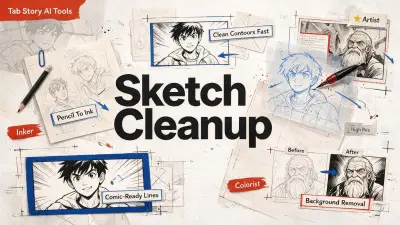
Sketch Cleanup
Upload a pencil sketch, photo of a drawing, or colored illustration and get clean black-and-white comic line art.
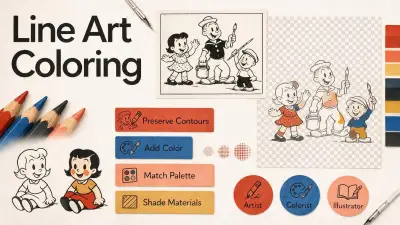
Line Art Coloring
Upload a black-and-white line drawing and get a colored illustration while keeping the original line structure.
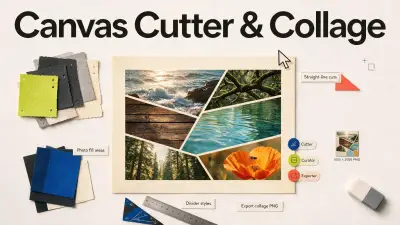
Canvas Cutter & Collage
Cut a canvas into shapes with straight lines, fill each area with photos, and export a collage.
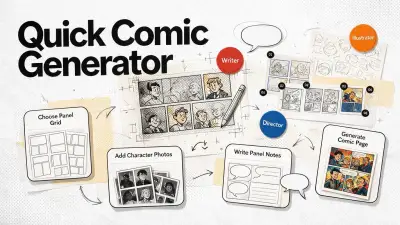
Quick Comic Generator
Choose a panel grid, add character photos, write what happens in each panel, and generate a finished comic page in one run.
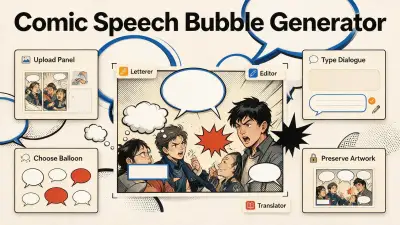
Comic Speech Bubble Generator
Upload a comic panel, type the dialogue, and generate readable speech balloons, thought bubbles, captions, or SFX without redrawing the scene.
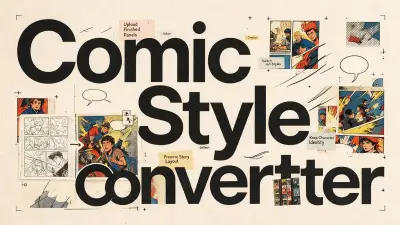
Comic Style Converter
Upload a finished comic page or panel, pick a style, then redraw it in that look without changing the story.
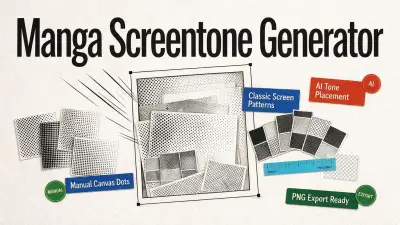
Manga Screentone Generator
Manual Canvas dots you paint onto a region, or AI mode that places manga screentone automatically. Round, square, line, crosshatch, noise, PNG export.
Anime Line Art Coloring
Color a finished ink drawing as 90s anime cel: flat shadow shapes and saturated hair, without redrawing the lines you already drew.
Manga Line Art Coloring
Color manga ink with a small set of flat colors and no skin gradient, so a screentone pass can sit on top. The original lines stay.
Webtoon Line Art Coloring
Color ink for a vertical webtoon: soft light from above and gentle skin color, without replacing the lines you drew.
Manga Speech Bubble
Put a manga oval speech balloon on a panel you already drew. A sample line is filled in so you can replace it with the real dialogue.
Webtoon Speech Bubble
Add a round webtoon balloon to a vertical panel. A sample line is filled in. Replace it, and leave the art underneath alone.
Comic SFX Lettering
Add sound-effect lettering with no balloon around it. The sample word is BOOM. Replace it with the sound you actually need.
Place
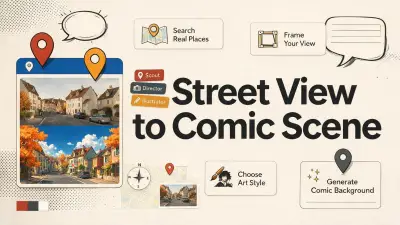
Street View to Comic Scene
Search a real place on Google Street View, frame the angle you like, then redraw it as a comic scene in your chosen art style.
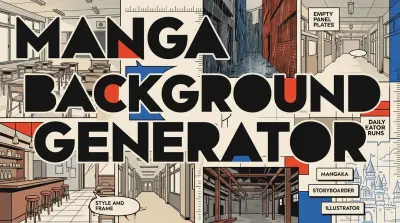
Manga Background Generator
Describe a fictional place — classroom, street, café, corridor, factory, or castle — and generate an empty manga background. No real-location search.
Classroom Manga Background
An empty classroom plate for a manga page: desks, a chalkboard, tall windows, and afternoon sun. No students, and no photo of a real school.
City Street Manga Background
An empty fictional city street at dusk for a manga panel: low shops, overhead wires, one vending machine, wet pavement. Not a photo of a real address.
Fantasy Castle Manga Background
An empty fantasy castle hall: stone arches, stained glass, banners without crests, candlelight, and a staircase. No king, no guards, no famous castle.
Café Manga Background
An empty corner café for a manga scene: a wooden counter, hanging lamps, window seats, and afternoon light. No customers, no barista, no brand.
School Corridor Manga Background
An empty school corridor between classes: lockers, a polished floor, fluorescent lights, and one window at the far end. No students in the shot.
Abandoned Factory Manga Background
An empty abandoned factory interior: rusted catwalks, broken skylights, dust in shafts of light, and silent machines. No workers and no logo.
Finish
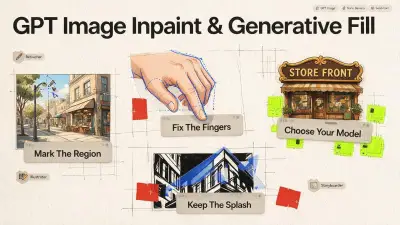
GPT Image Inpaint & Generative Fill
Mark one region of a panel or illustration and regenerate just that patch with GPT Image, Nano Banana, or Seedream — a Generative Fill and Midjourney Vary Region alternative. 1 free generate a day.
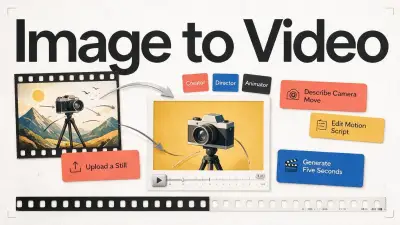
Image to Video
Upload a still, describe the camera move, and generate a 5-second video. One free clip per day, then 50 credits.
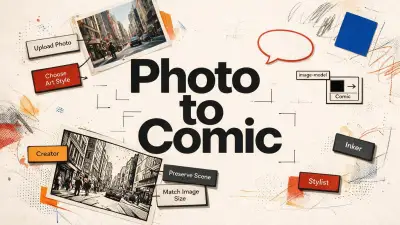
Photo to Comic
Upload a photo, pick an art style, model, and size, then redraw it as a comic illustration without changing the scene.
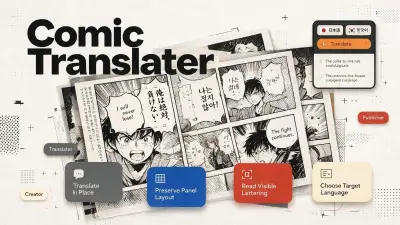
Comic Translator
Upload a manga, manhwa, or webtoon page, choose the source and target language, and get a translated image that keeps the original layout.
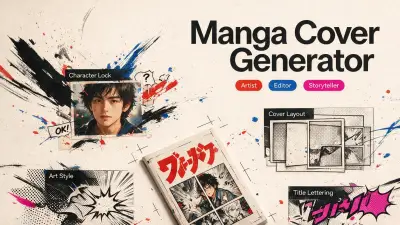
Manga Cover Generator
Upload characters, pick a cover composition and art style, then generate a manga book cover. Titles are printed in type.
Photo to Anime
Redraw a photograph in a 90s anime style. The people, the pose, and the room stay. Only the rendering changes.
Photo to Webtoon
Redraw a photograph in a Korean webtoon style. Soft color only. The people, the pose, and the room stay the same.
Write
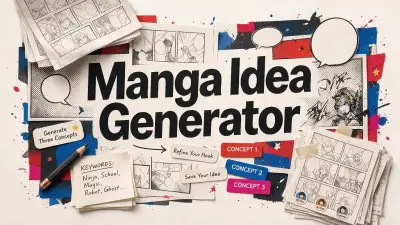
Manga Idea Generator
Turn a spark, a few keywords, or nothing at all into three original manga story concepts you can refine and develop.
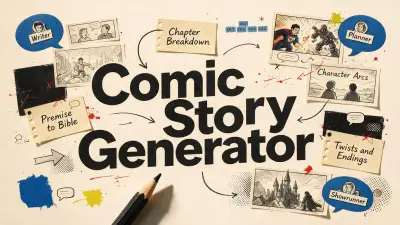
Comic Story Generator
Turn a premise into a complete comic story bible: structure, chapters, character arcs, conflicts, twists, and endings.
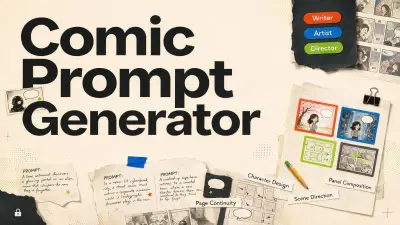
Comic Prompt Generator
Turn a character, scene, panel, or page into a structured visual prompt for AI image generation.
More tools
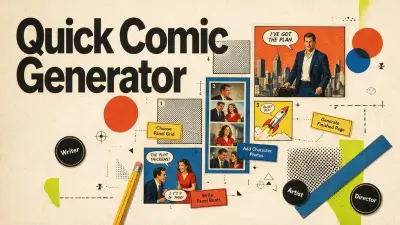
Quick Comic Generator
Pick a panel grid, add characters with photos, write each panel, and generate a finished comic page in one run.
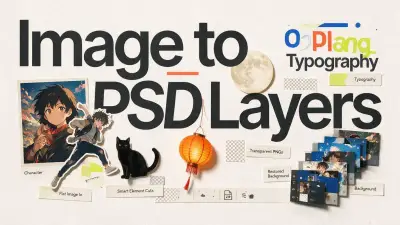
Image to PSD Layers
Turn one flat image — a ChatGPT or Midjourney render, a poster, your own art — into a layered PSD and transparent PNGs, with the background filled in.
How these tools compare
Speed and quality here mean a finished comic step, not a single model score. Tab Story splits the work into separate browser tools with a daily free quota. Photoshop and CLIP STUDIO are desktop suites. Midjourney makes a new picture of the whole frame.
| Job | Tab Story | Photoshop | Midjourney | CLIP STUDIO |
|---|---|---|---|---|
| Sketch to clean line art | Sketch Cleanup, in the browser | Pen tool and filters, by hand | Redraws the whole image | Ink tools, by hand |
| Color line art | Line Art Coloring, keeps the ink lines | Paint on layers | Recolors the whole picture | Flat colors, by hand |
| Change one part of a panel | Infinite Canvas: mark the region | Generative Fill, on the desktop | Vary Region changes more than the box | No matching inpaint step |
| Empty manga background | Manga Background Generator | Paint, or place a photo | A prompt, often with people in it | Draw the perspective |
| Speech balloons | Comic Speech Bubble | Type, by hand | Not a lettering tool | Lettering tools |
| Split an image into layers | Image to PSD layers | Native PSD | One flat image | Native layers |
FAQ
Are these tools really free?
Opening a tool page costs nothing. Most tools then give each signed-in Tab Story account a daily free quota. After that quota, a run spends Tab Story credits. The free runs and the credit cost are printed on each tool card, because they are not the same for every tool.
Do I need to sign in?
You can read every tool page without an account. Generating requires a Tab Story sign-in, so the daily free quota can be counted on that account.
Do I need Photoshop or CLIP STUDIO?
No. These tools run in the browser, with no install. Keep Photoshop for photo composites and CLIP STUDIO for tones, lettering, and print. Use Infinite Canvas when one region of a comic still needs a change.
What is the difference between Sketch Cleanup and Line Art Coloring?
Sketch Cleanup turns a pencil sketch, a photo of a drawing, or a colored illustration into black-and-white line art. Line Art Coloring starts from line art that is already clean and adds color while keeping the original line weight.
Can I use the output commercially?
You own your stories, characters, dialogue, uploads, and generated comics. Tab Story claims no ownership over your content.
Which tool should I start with if I can't draw?
Start with Comic Story Generator to get a story you can draw from, then open Text to Comic to turn that script into pages. If you already have a rough sketch, start with Sketch Cleanup.
Does this work for webtoon and manhwa, not just manga?
Yes. Manga Background can output a 9:16 webtoon panel. Photo to Comic and Comic Style Converter redraw a still in a comic, manga, or webtoon look. The same tools cover manga, manhwa, and vertical pages.
How many free generations do I get per day?
Each tool shows its own number on the card. Infinite Canvas includes 1 free generate a day, then 20 credits. Image to Video includes 1 free clip a day, then 50 credits. Other tools print their own daily free quota and the credit cost after it.