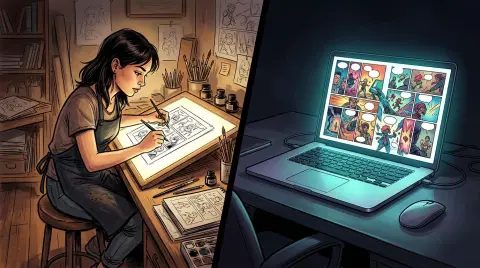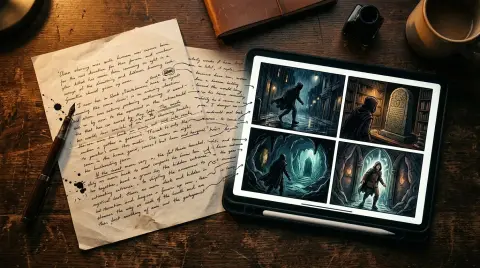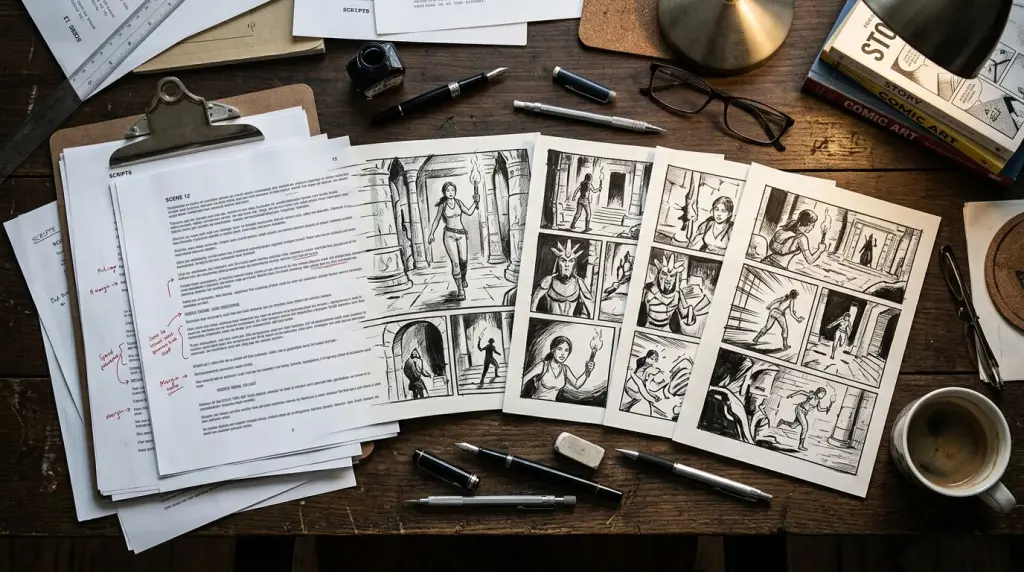
If you've ever written a scene and struggled to picture it as a panel sequence, an AI storyboard generator closes that gap fast. You paste in your script or prose, the tool reads the beats, and you get a rough visual sequence — no drawing skills required. This article walks through how that workflow actually functions, where it saves real time, and where it still falls apart.
What Is an AI Storyboard Generator and Who Needs One?
An AI storyboard generator is a tool that reads written input — a script, a scene description, or a chapter — and outputs a sequence of visual panels showing camera angles, character positions, and key story moments. Writers, comic creators, and indie filmmakers use it to skip the blank-page phase of visual planning.
Traditionally, storyboarding meant either hiring an artist or spending hours sketching thumbnails yourself. Neither option is fast. A storyboard maker powered by AI compresses that process into minutes. You're not getting finished art — you're getting a working blueprint that tells you whether the scene flows.
The people who benefit most:
- Prose writers adapting a novel or Wattpad story into a webtoon or manga format
- Comic scripters who want to see panel pacing before committing to final art
- Solo creators who need to pitch a concept visually without a full art team
- Storyboarding for writers who think in scenes but not in frames
If you fall into any of those categories, the workflow below is built for you.
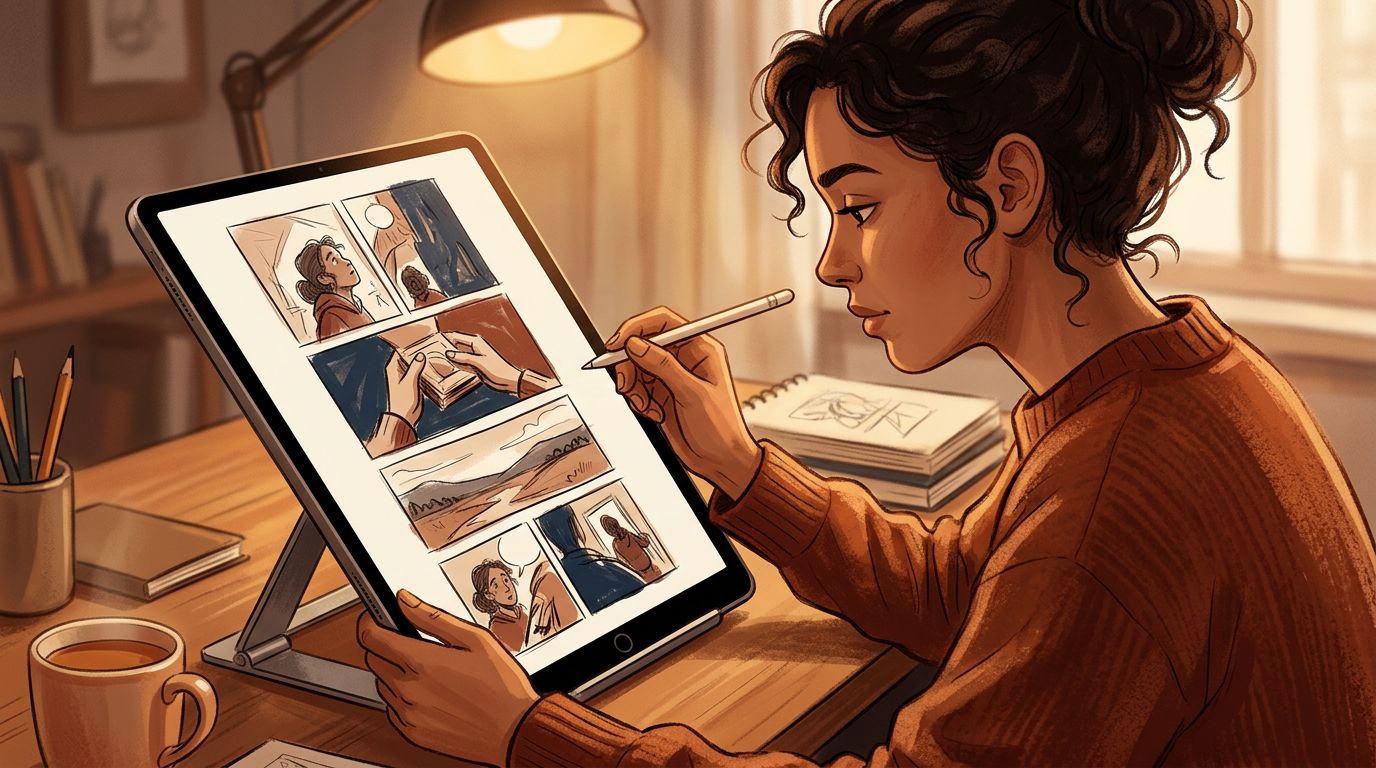
How Story-to-Storyboard AI Actually Works
Most story-to-storyboard AI tools follow the same core pipeline: parse the text for scene breaks and action beats, generate a panel-by-panel description, then render each panel as an image. The quality of the output depends heavily on how clearly your input is structured.
Here's the basic flow inside a tool like TabStory's AI storyboard generator:
- Input your text. This can be a script with scene headings, a chapter of prose, or even a bullet-point outline.
- The AI segments the text into beats. Each beat becomes a candidate panel.
- Characters are locked to a cast. This is the step most general image tools skip. Without a locked cast, your protagonist looks different in every panel.
- Panels are rendered in sequence. You see the full visual flow, not isolated images.
- You regenerate individual panels. If panel three is wrong, you fix panel three — you don't restart the whole sequence.
Step three is the one that separates a storyboard workflow from a generic AI image prompt session. Character consistency across panels is what makes a storyboard readable as a story.
For a deeper look at the manual side of this process, read How to Storyboard a Comic: From Rough Thumbnails to Final Panels — it covers the craft decisions that AI still needs your guidance on.
Worked Example: A Three-Page Action Scene
Let's make this concrete. Here's a short script excerpt and what the AI storyboard output looks like.
Input script (excerpt):
INT. ROOFTOP — NIGHT
MIRA sprints across the gravel. A GUARD steps out from the stairwell door, blocking her path. She skids to a stop. They stare at each other. Mira glances at the ledge — a twenty-foot drop. The guard reaches for his radio.
Panel sequence the AI generates:
| Panel | Shot Type | Description |
|---|---|---|
| 1 | Wide establishing | Rooftop at night, Mira mid-sprint, city lights below |
| 2 | Medium | Guard emerges from stairwell door, backlit |
| 3 | Close-up | Mira's shoes skidding on gravel |
| 4 | Two-shot | Mira and guard face-off, tense standoff |
| 5 | POV (Mira's) | Looking down at the ledge and the drop |
| 6 | Close-up | Guard's hand reaching toward radio on belt |
Six panels, clear pacing, no ambiguity about what each shot shows. A writer reviewing this immediately sees whether the tension builds correctly or whether panel four needs to be split into two beats.
This is the core value: you're editing a visual sequence, not generating images from scratch.
For a full walkthrough of this kind of script-to-panel process, From Script to Storyboard with AI: A Practical Walkthrough goes step by step with real examples.
What Still Breaks: Honest Failure Cases
AI storyboard generators still struggle with complex spatial relationships, large crowd scenes, and any panel where two characters need to interact physically in a specific way. Expect to regenerate those panels manually and give explicit direction.
Here are the specific failure patterns you'll hit:
Character Drift in Long Projects
Even with a locked cast, if your project runs 50+ panels, subtle visual drift creeps in. Hair color shifts slightly. Costume details change. This is a known limitation across all current AI image systems. The fix: use a reference sheet for each character and re-anchor the model every chapter.
Complex Action Choreography
The rooftop example above works because the action is sequential. But a panel showing two characters grappling, with specific limb positions, will often produce anatomically broken results. AI storyboard tools are better at staging than at action choreography.
Dialogue-Heavy Scenes
A scene that's mostly two characters talking in a room is visually flat. The AI will generate the same medium two-shot repeatedly. You need to manually direct camera angle variety — push in for emotional beats, pull back for context.
Adapting Dense Prose
If you're converting a novel chapter with heavy internal monologue, the AI has nothing visual to work with. You need to externalize the action first. This is a craft problem before it's a tool problem. How to Turn a Novel Into a Webtoon: The Complete Adaptation Guide covers how to make that translation before you touch any AI tool.
AI Storyboard Generator vs. Generic Image Tools: The Workflow Difference
The key workflow difference is sequence integrity. Generic AI image tools like Midjourney generate one image at a time with no memory of the previous panel. A dedicated AI storyboard generator maintains character consistency, panel order, and scene context across the entire sequence.
Here's how the workflows compare on the dimensions that matter for comic and webtoon creators:
| Workflow Feature | Generic AI Image Tool | Dedicated AI Storyboard Generator |
|---|---|---|
| Locked character cast | No | Yes |
| Chapter as source of truth | No | Yes |
| Regenerate one panel without breaking others | No | Yes |
| Script/prose as direct input | No | Yes |
| Panel sequence order maintained | No | Yes |
| Collaboration/export for publishing | Limited | Yes |
For creators building a webtoon or manga series, that locked cast column is the one that matters most. Readers notice when your protagonist looks like a different person in chapter three.
TabStory's AI comic generator is built around this sequence-first approach — the chapter is the unit of work, not the individual image.
Storyboarding for Writers: Practical Tips Before You Start
Writers new to visual storytelling get better AI storyboard results when they write their input in external action — what the camera would see — rather than internal thought. Treat your script like stage directions, not prose narration.
Five practical habits that improve output quality:
- Break scenes at action beats, not at dialogue lines. Each panel should show a change in position, expression, or situation.
- Name your characters consistently. If you call her "Mira" in panel one and "the girl" in panel five, the AI may treat them as different people.
- Specify shot type when it matters. "Close-up on hands" and "wide shot of the street" give the AI directional information it can use.
- Write one action per panel. Panels that describe two simultaneous actions confuse the layout engine.
- Use your storyboard as an editing tool, not a final product. The goal is to find pacing problems before you commit to final art.
If you're building a full comic from scratch, How to Make a Comic with AI in 2026 (Step-by-Step Guide) covers the full pipeline from concept to published pages.
FAQ
Can I use an AI storyboard generator without any drawing skills?
Yes. The entire point of a story-to-storyboard AI is that you provide text and the tool generates the visuals. You need writing skills, not drawing skills. Your job is to write clear, action-based descriptions and then direct the output by regenerating panels that don't match your vision.
What's the difference between a storyboard maker and an AI comic generator?
A storyboard maker produces a rough visual blueprint — it's a planning tool. An AI comic generator produces finished or near-finished panels intended for publication. In practice, many tools do both. TabStory's workflow starts with storyboard-level planning and moves through to publishable webtoon or manga pages in the same project.
How do I keep characters consistent across a long storyboard?
Use a locked character reference at the start of your project. Define each character's visual details — hair, clothing, build, face — and keep that reference active for every chapter. Regenerate individual panels that drift rather than accepting inconsistency. The more specific your character definition, the less drift you'll see.
Start Your First Visual Sequence Today
You have a script or a scene. The fastest way to see whether it works visually is to run it through an AI storyboard generator and look at the panel sequence. Fix what's wrong, lock what's right, and move to final art with a blueprint instead of a guess.
Try it at TabStory: https://www.tabstory.net/ai-storyboard-generator. Paste in your scene, see your panels, and start editing your story as a visual sequence.