Writers come to comic creation from a completely different angle than artists do. You already have the story. You already have the characters. What you need is an app that respects that—one that takes your script and turns it into panels without forcing you to become a full-time illustrator first.
This guide breaks down the best comic making apps for writers in 2026, covering desktop tools, mobile options, and AI-powered platforms. We tested each one on the same core writer pain points: character consistency across chapters, script-to-panel workflow, and how much art skill you actually need.
What Makes a Comic App Actually Good for Writers?
The best comic making apps for writers prioritize script input, character locking, and panel-level control—not just image generation. A tool that produces beautiful one-off panels but drifts on your protagonist's face by page three is a liability, not an asset.
Most image generators were built for artists who want to explore visuals. Writers have the opposite problem: you need the same character to look identical in panel 1 and panel 47. You need your chapter text to map onto a storyboard automatically. You need to fix one bad panel without regenerating the whole page.
Here's what to evaluate before you commit to any platform:
- Character consistency — Can you lock a character's appearance and reuse it?
- Script or text input — Does the tool accept prose or script as the source of truth?
- Panel-level editing — Can you regenerate a single panel without touching the rest?
- Style control — Manga, webtoon, Western comic—does it match your genre?
- Mobile vs. desktop — Do you need to work on the go, or is a desktop workflow fine?
- Export formats — Does it output print-ready files, vertical scroll strips, or both?
The Comparison Table: Comic Apps for Writers in 2026
Each tool below solves a different part of the writer's workflow. No single app wins every category. Choose based on where your biggest bottleneck actually is.
| Tool | Best For | Character Consistency | Script/Text Input | Mobile App | Panel Regeneration | Starting Price |
|---|---|---|---|---|---|---|
| TabStory | Novel/story → comic, locked cast | ✅ Cast locking per project | ✅ Chapter as source of truth | ✅ Web-responsive | ✅ Single panel | Free tier + paid |
| Midjourney | High-quality single images | ❌ Manual prompt engineering | ❌ No native script input | ❌ Discord only | ❌ Full re-prompt | $10/mo |
| Canva | Quick social comics, templates | ⚠️ Character stickers only | ❌ No script pipeline | ✅ Strong mobile | ❌ No AI panel control | Free + $15/mo |
| Dashtoon | Webtoon-style series | ✅ Character builder | ⚠️ Panel-by-panel manual | ✅ Yes | ⚠️ Limited | Free + paid |
| LlamaGen | Rapid panel prototyping | ⚠️ Prompt-based only | ❌ No script import | ❌ Web only | ⚠️ Re-prompt | Free tier |
| GenToon | Manga style exploration | ⚠️ Style seeds | ❌ No script input | ❌ Web only | ⚠️ Limited | Free tier |
| ComicsMaker.ai | Short-form story comics | ⚠️ Basic character reference | ⚠️ Scene prompts | ❌ Web only | ⚠️ Partial | Free + paid |
For deeper head-to-head breakdowns, see the Midjourney, Canva, and Dashtoon comparison pages.
Best Comic Making Apps for Writers: Tool-by-Tool Breakdown
TabStory — Built Around the Writer's Workflow
TabStory is the only tool in this list that treats your chapter text as the primary input. You paste your scene, define your cast once, and the AI comic generator maps dialogue and action beats directly onto panels—without you writing a separate image prompt for each one.
The core workflow difference: most apps ask you to describe each panel visually. TabStory asks you to write your story the way you already do, then handles the visual translation. Your character's appearance is locked at the project level. Change a hairstyle in chapter one and it propagates forward.
Key writer-specific features:
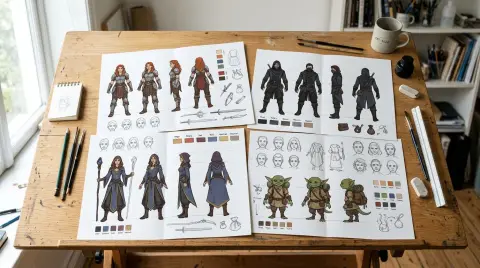
- Cast locking — Define each character's face, build, and costume once. Every panel references that definition.
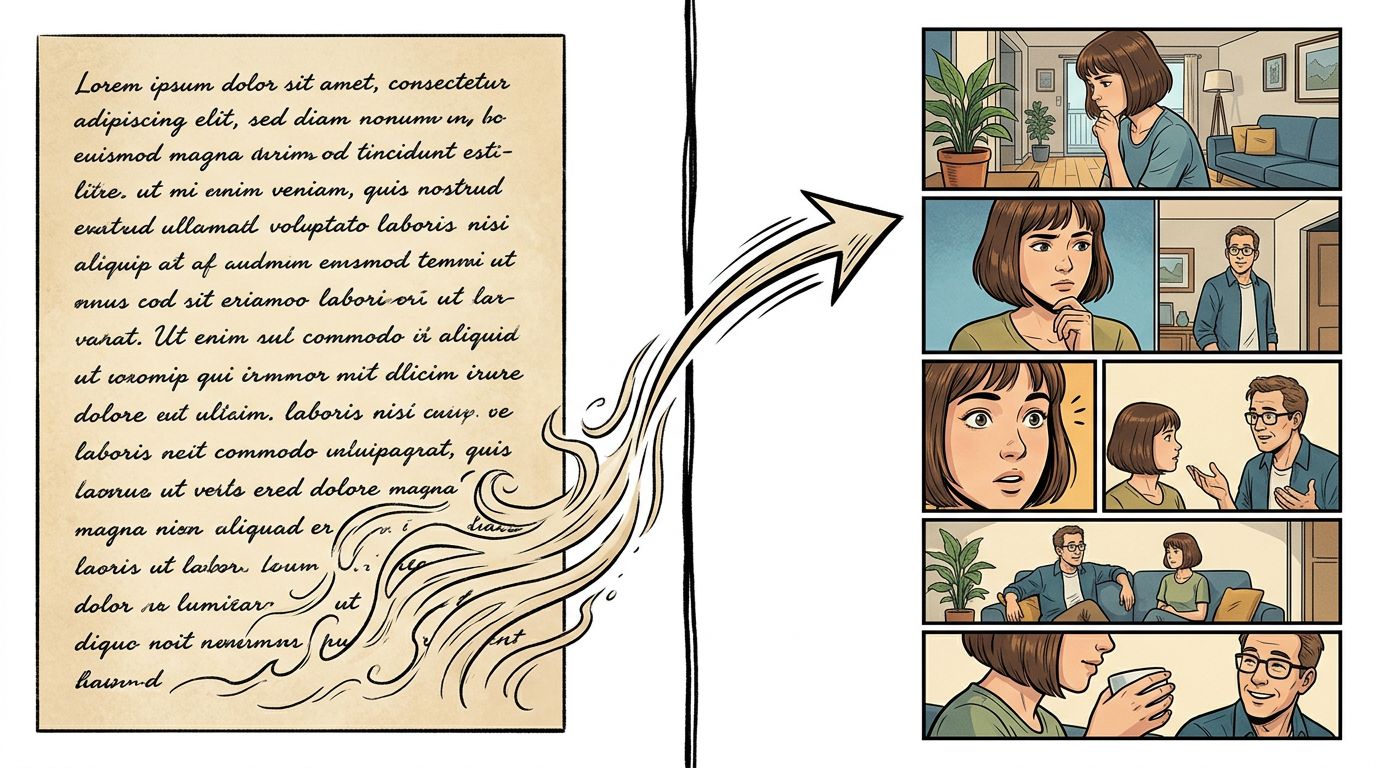
- Chapter as source of truth — Paste a scene or chapter excerpt. The system parses it into panel beats.
- Single-panel regeneration — One panel looks off? Regenerate just that panel. The rest of the page stays intact.
- Style modes — Manga, webtoon vertical scroll, and Western comic formats are all supported.
If you're adapting a novel or a Wattpad story, the novel to comic workflow is the fastest path from prose to published panels.
For a full walkthrough of the creation process, the How to Make a Comic with AI in 2026 (Step-by-Step Guide) covers every stage from script to export.
Midjourney — Stunning Images, Painful Consistency
Midjourney produces some of the highest-quality comic art available in 2026, but it has no native script pipeline and no character locking. Every panel is a fresh prompt. Maintaining a consistent protagonist across 20 panels requires significant prompt engineering skill.
For writers who want to create a single cover image or a mood board for their story, Midjourney is excellent. For serialized chapter-by-chapter comic production, the manual overhead is brutal. You'll spend more time fighting character drift than writing.
If you're already using Midjourney and want to see how it stacks up against a script-first workflow, the Midjourney comparison page has a detailed breakdown.
Canva — Fast Templates, No Story Pipeline
Canva is the fastest way to put text and images into a comic-style layout, but it is fundamentally a design tool, not a comic creation tool. It has no AI panel generation, no character consistency system, and no script input. It works best for short-form social content.
Canva's comic templates are solid for one-page gags or promotional strips. For a 20-chapter webtoon adapted from your novel, Canva will hit its ceiling by chapter two. The mobile app is genuinely excellent, which is why it earns a spot on this list for writers who need quick visual mockups on the go.
Dashtoon — Webtoon-First, Manual Panel Work
Dashtoon has a real character builder and a webtoon-native format, making it one of the stronger options for writers who want to produce vertical-scroll series. The tradeoff is that panel creation is still largely manual—you build each panel individually rather than feeding in a full scene.
The character consistency is better than Midjourney but requires more setup time than TabStory. If your priority is a polished webtoon aesthetic and you're comfortable with a panel-by-panel workflow, Dashtoon is worth testing. See the Dashtoon comparison for a side-by-side on character tools.
LlamaGen and GenToon — Rapid Prototyping, Limited Depth
Both LlamaGen and GenToon are useful for quick visual exploration—testing an art style, generating a few panels to pitch a concept—but neither has the infrastructure for long-form serialized comics. Character consistency is prompt-dependent, and there's no script import.
Use these tools to answer the question "what style fits my story?" before committing to a full production workflow.
Mobile Comic Maker Options in 2026
For writers who work on mobile, the realistic options in 2026 are Canva (design-focused), Dashtoon (webtoon builder), and TabStory's web-responsive interface. True native mobile comic creation apps with AI generation are still limited—most serious production work happens on desktop or tablet.
Here's the honest breakdown for mobile:
- Canva mobile — Best-in-class for layout and template work. No AI panel generation.
- Dashtoon mobile — Character building and panel assembly work on mobile. Some features are desktop-only.
- TabStory — Web-responsive. Works on tablet browsers well. Not a native app, but functional for reviewing and light editing on the go.
- Midjourney — Requires Discord. Technically mobile-accessible but not a mobile comic maker in any practical sense.
If you're writing on your phone and want to see your scenes as panels immediately, the most practical workflow is to draft in your notes app and paste into TabStory when you're at a tablet or laptop.
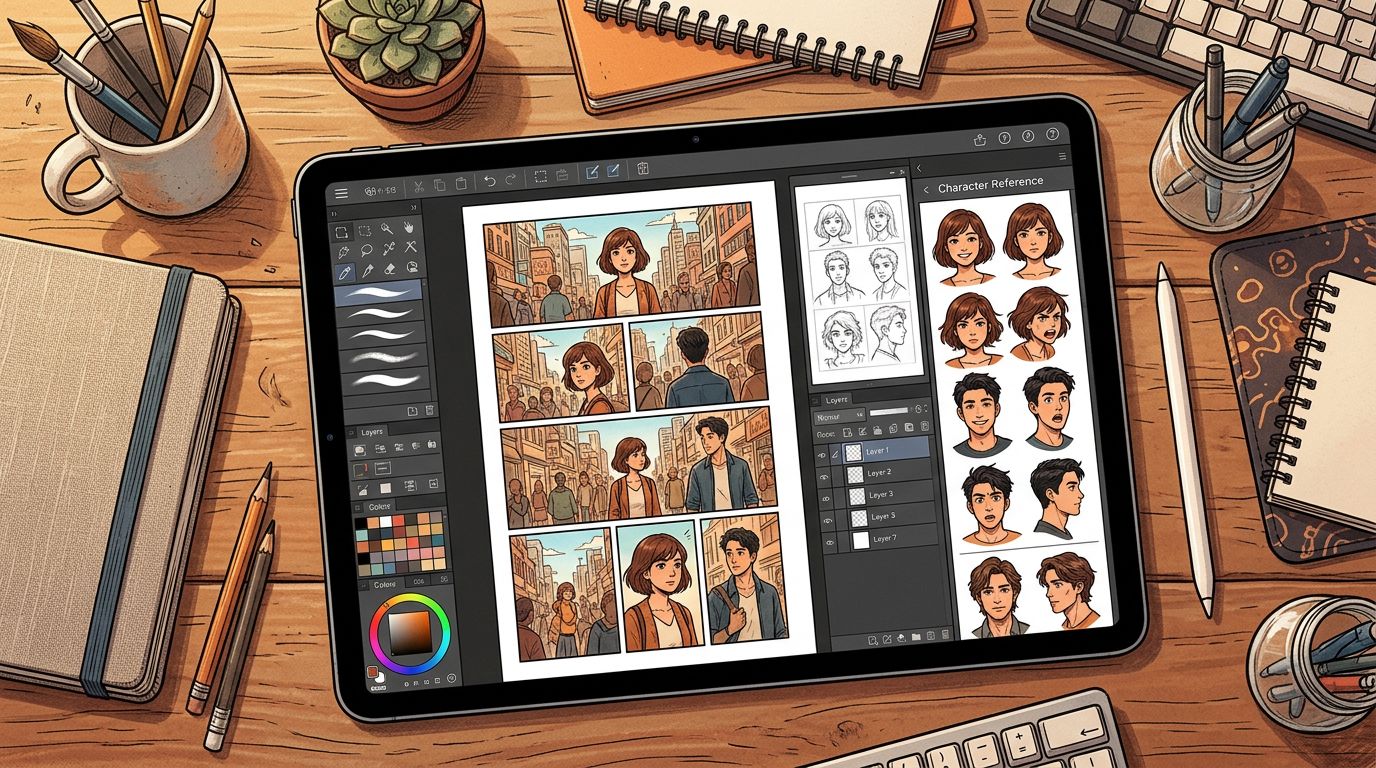
Worked Example: Adapting a Scene from a Novel
Here's a concrete before/after to show how the script-to-comic workflow actually runs.
Source text (from a fantasy novel chapter):
Mara pressed her back against the cold stone wall. Footsteps echoed in the corridor. She counted three guards—two with torches, one with a crossbow. She had six seconds.
Panel breakdown TabStory generates from this scene:
- Panel 1 — Wide shot. Stone corridor, torchlight flickering. Mara's silhouette pressed flat against the wall. Shadow-heavy.
- Panel 2 — Close-up on Mara's face. Eyes sharp, jaw set. Counting silently.
- Panel 3 — POV from Mara's perspective. Three guards approaching. Two torches, one crossbow visible.
- Panel 4 — Extreme close-up on Mara's hand. Fingers spread. Six seconds.
The character definition for Mara—her dark braided hair, the scar above her left eyebrow, her leather armor—was set at the project level. Every panel that includes her references that definition automatically. No re-prompting.
What this saves: Writing four separate image prompts, manually describing the corridor in each one, and hoping the character looks the same across all four panels.
What Still Breaks: The Honest Failure Case
No comic creation app in 2026 is perfect. Here's the most common failure point for writers using AI comic tools:
Complex crowd scenes and multi-character interactions break character consistency. When three or more named characters appear in the same panel, most AI systems—including TabStory—struggle to maintain all of them simultaneously. You'll get two characters looking right and a third who drifts.
The practical workaround: write crowd scenes with one or two focal characters clearly identified. Use background figures for the rest. Save your tight character-accuracy budget for close-ups and two-shots.
Speech bubbles and text placement are also still imperfect across all tools. Most AI comic apps generate panel art and add text as a separate layer—which means lettering placement can feel mechanical. Budget time for manual lettering adjustments before you publish.
For a broader look at what free tiers actually deliver versus paid plans, Free AI Comic Generators: What You Get (and What You Don't) is worth reading before you commit to a subscription.
Comic Software for Authors: How to Choose
The right comic software for authors depends on one question: are you adapting existing prose, or building a new comic from scratch? Prose adaptation needs a text-input pipeline and character locking. Building from scratch gives you more flexibility to use image-first tools.
Quick decision guide:
- Adapting a novel or Wattpad story → TabStory's novel to comic workflow or the AI webtoon generator for vertical scroll format.
- Creating manga-style content → TabStory's AI manga generator or Dashtoon.
- Quick mockup or pitch deck → Canva or LlamaGen.
- Highest visual quality, art-first → Midjourney, with manual consistency management.
- Comparing specific alternatives → Check ComicsMaker.ai and AI Comic Factory for short-form options.
For a ranked list across all categories, Best AI Comic Generators in 2026: Tested and Ranked covers the full field.
FAQ
What is the best comic making app for writers who can't draw?
TabStory is the strongest option for non-artists because it accepts prose or script as input and handles the visual translation automatically. You define your characters once, paste your scene, and get panels back. Canva works for simple layouts but has no AI panel generation.
Can I make a comic on my phone in 2026?
Yes, but with limits. Canva has the best native mobile experience for layout work. Dashtoon is functional on mobile for webtoon building. TabStory works in mobile browsers, especially on tablets. Full AI comic generation with character consistency is still primarily a desktop or tablet workflow.
How do I keep my characters looking the same across chapters?
Use a tool with explicit character locking—where you define a character's appearance once and the system references it in every panel. TabStory does this at the project level. Midjourney and Canva do not have this feature natively; you'd need to manage consistency manually through reference images and detailed prompts.
Is there a comic app that turns my novel into panels automatically?
TabStory's novel-to-comic workflow is the closest to fully automatic. You paste a chapter, the system parses it into panel beats, and generates art using your locked character definitions. It's not fully hands-off—you'll still review and regenerate individual panels—but it eliminates the manual prompt-per-panel bottleneck.
What's the difference between a comic app and a comic creation app with AI?
A traditional comic app (like Clip Studio Paint) gives you drawing tools and panel templates. An AI comic creation app generates the artwork from text or image prompts. For writers, the AI-powered tools are more relevant because they don't require illustration skills—but they introduce new challenges like character consistency and style control that traditional tools don't have.
Start Making Your Comic
You have the story. The gap is just the visual layer. Pick the tool that fits your actual workflow—not the one with the most impressive demo images.
If you're adapting existing prose or building a serialized story with a consistent cast, start with TabStory's AI comic generator. Paste your first scene, lock your characters, and see your panels in minutes.