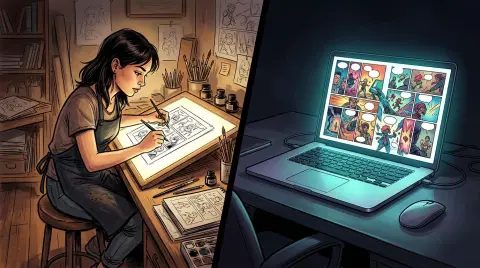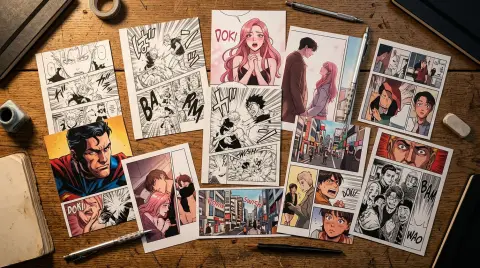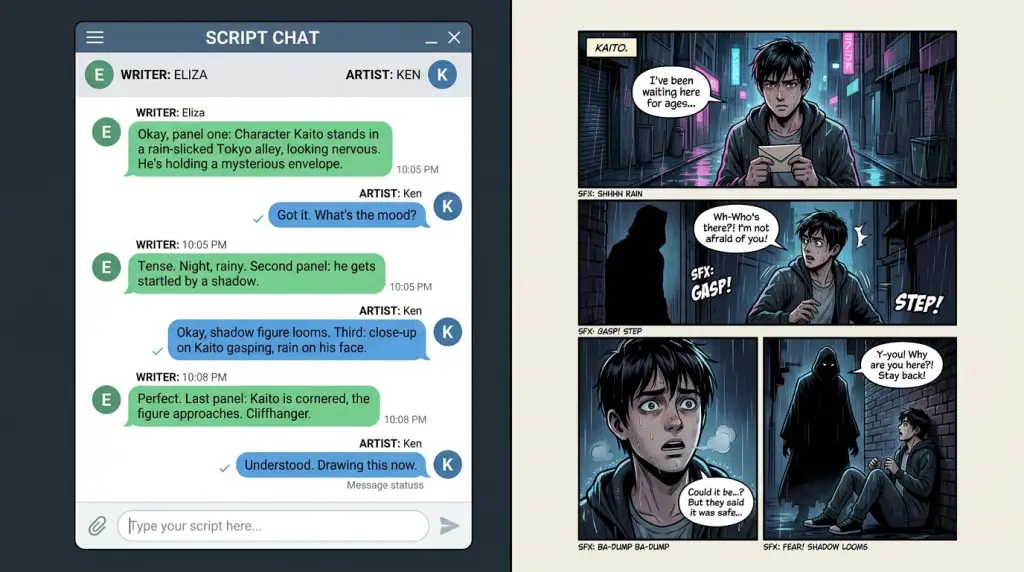
If you've searched for a ChatGPT comic generator, you've probably run into two camps: people who swear it changed their workflow overnight, and people who spent three hours fighting inconsistent character faces. Both camps are right. ChatGPT is genuinely useful for parts of the comic-making process. It is not, on its own, a complete pipeline. This article breaks down exactly what it does, what it can't do, and how it stacks up against tools built specifically for comics, manga, and webtoons.
What Can a ChatGPT Comic Generator Actually Do?
ChatGPT is a strong script and story collaborator. It can draft panel-by-panel breakdowns, write dialogue, suggest pacing, and generate scene descriptions in seconds. What it cannot do natively is produce consistent, publication-ready comic art across multiple pages without significant manual effort.
Let's be specific. ChatGPT (with image generation via DALL-E or the GPT-4o model) can:
- Write a full ChatGPT comic script with panel descriptions, character actions, and dialogue
- Generate single-panel illustrations from a text prompt
- Suggest visual style references (shonen manga, webtoon romance, noir graphic novel)
- Brainstorm story arcs, chapter outlines, and character backstories
- Rewrite clunky dialogue until it sounds natural
Those are real, useful capabilities. A lot of indie creators use ChatGPT exactly this way — as a writing partner, not an art engine.
Where it struggles:
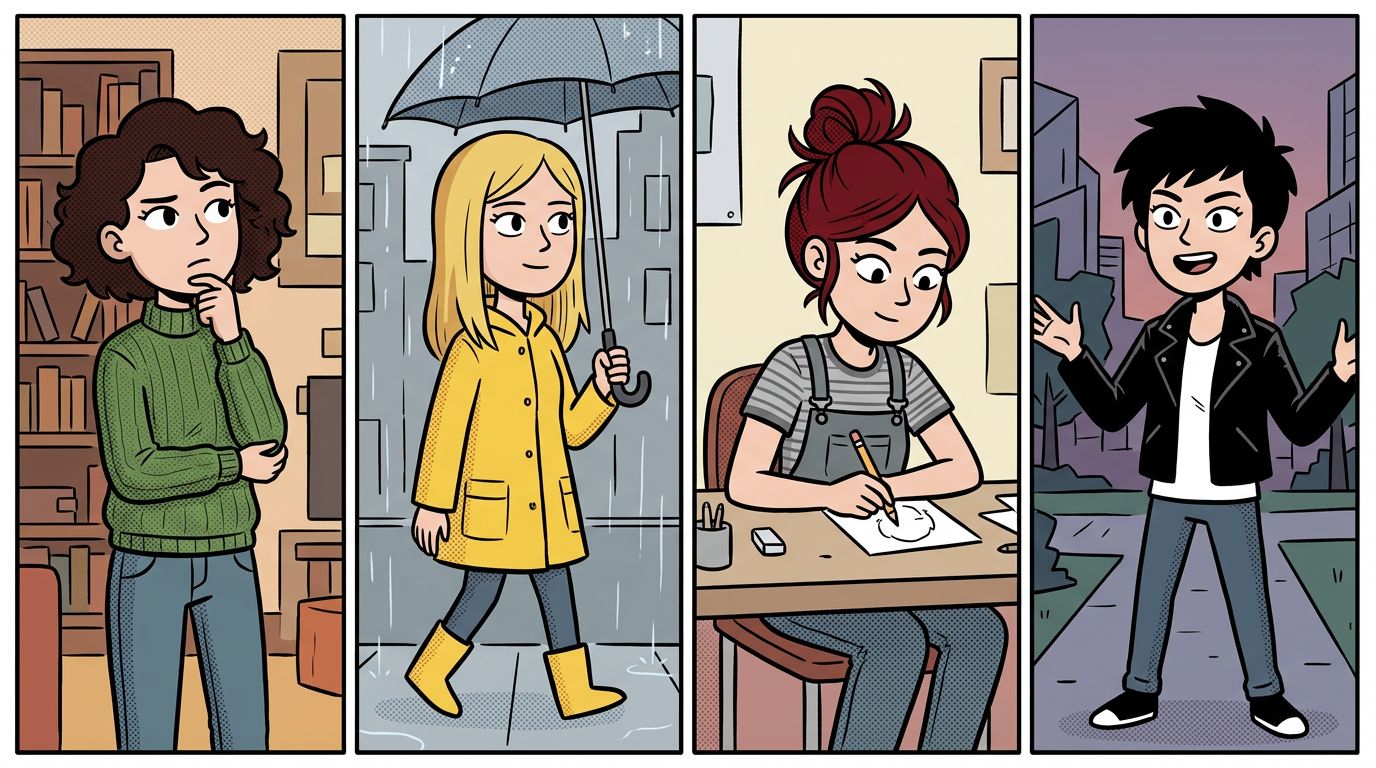
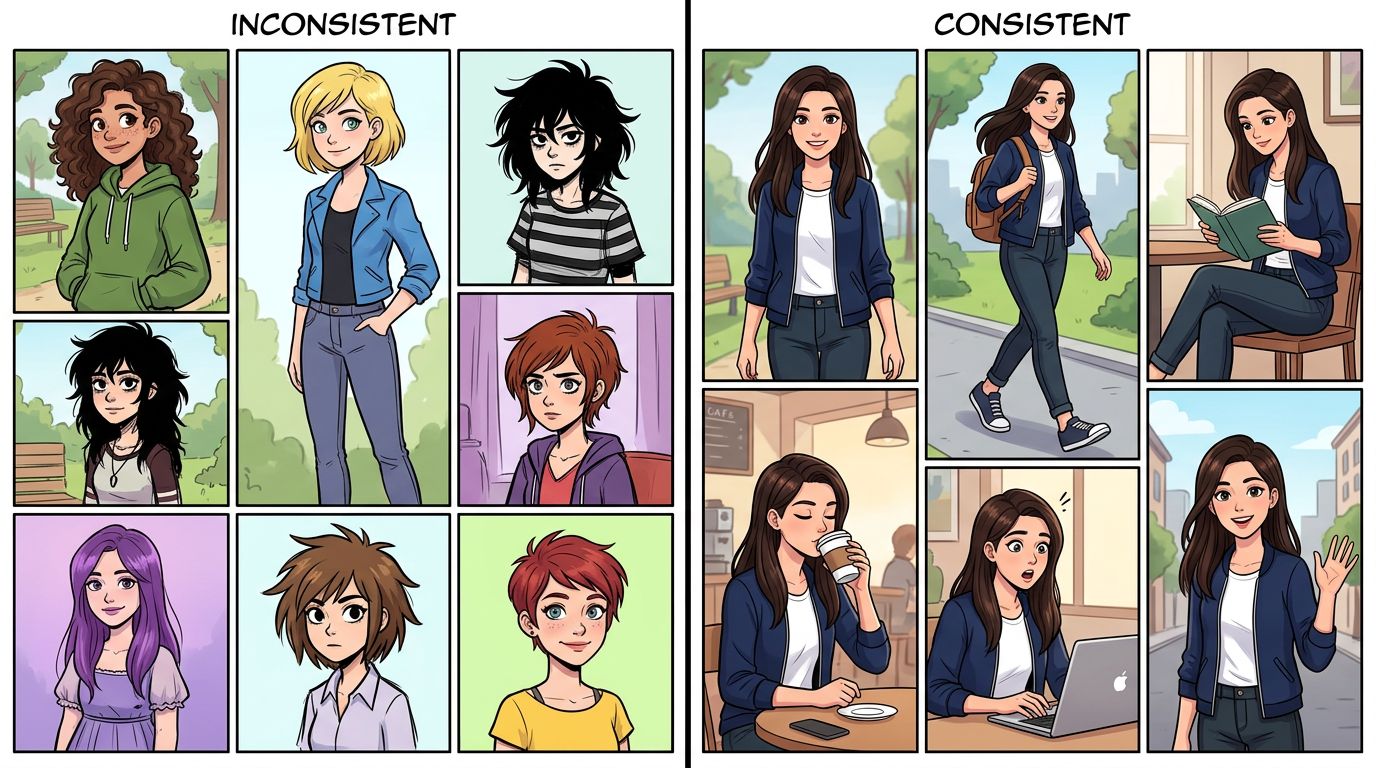
- Character consistency across panels. Ask ChatGPT to draw your protagonist in panel 1, then panel 4, and you'll likely get two different people. Hair color shifts. Eye shape changes. Outfit details disappear.
- Multi-panel page layout. Getting a proper 6-panel grid with correct gutter spacing, bleed, and reading order is hit-or-miss. You're often stitching images together manually.
- Long-form continuity. A single scene might look great. A 20-page chapter is a different problem. There's no memory of what your character looked like three pages ago.
- Manga-specific conventions. Speed lines, screentone, chibi reaction faces, and panel-to-panel motion blur require fine-tuned models, not a general-purpose chatbot.
How to Make Comics with ChatGPT: A Worked Example
You can make comics with ChatGPT by using it as a two-stage tool: first generate a structured script, then feed each panel description into an image model. The workflow works for short-form content but requires manual assembly and constant style prompting to hold visual coherence.
Here's a concrete example. Say you're making a 4-panel slice-of-life webtoon strip about a barista who discovers her coffee shop is haunted.
Step 1 — Write the ChatGPT comic script
Prompt ChatGPT:
"Write a 4-panel comic script. Genre: slice-of-life horror-comedy. Characters: Maya, 20s barista, messy bun, apron. Setting: small coffee shop, early morning. Beat: Maya sees a ghost in the espresso machine reflection. Keep dialogue under 15 words per bubble."
ChatGPT output (condensed):
- Panel 1: Maya wipes the counter, yawning. Dialogue: "Another 5 AM shift. Great."
- Panel 2: She starts the espresso machine. Close-up on the chrome surface.
- Panel 3: In the reflection — a translucent figure waves cheerfully.
- Panel 4: Maya stares. Dialogue: "...I need a raise."
That's a solid script. Pacing is clean. Dialogue earns its space. (For more on writing tight dialogue, see Writing Comic Dialogue: Make Every Speech Bubble Earn Its Place.)
Step 2 — Generate panel art
Now you take each panel description and prompt an image model. With ChatGPT's native image generation, you'd write something like:
"Webtoon art style, panel 1: young woman in her 20s, messy bun, coffee shop apron, wiping a counter, tired expression, warm morning light, no text."
Repeat for each panel. Then manually arrange them in Canva, Photoshop, or a webtoon template.
The failure case: By panel 3, Maya's apron has changed color, her bun is now a ponytail, and the coffee shop background looks like a different location. You didn't change the character description — the model just drifted. This is the core problem with using a general-purpose ChatGPT comic generator for anything longer than a single strip.
For a deeper look at structuring your script before you hit any image tool, check out How to Write a Comic Script (Format, Template, and Examples).
ChatGPT Manga: Does It Work for Japanese-Style Comics?
ChatGPT can approximate manga aesthetics in single images, but it lacks the fine-tuned models needed for authentic screentone, panel flow, and right-to-left reading order. For actual ChatGPT manga output, you'll need to supplement with a manga-specific AI or manually post-process every page.
Manga has specific visual grammar: thick ink lines, dramatic speed effects, expressive chibi moments, and a right-to-left panel sequence. General image models trained on broad datasets produce something that looks manga-adjacent — not manga-accurate.
If you're building a shonen action series or a shojo romance, the visual shorthand matters. Readers notice when speed lines are missing from a fight scene or when a reaction shot lacks the exaggerated expression that signals comedy. ChatGPT's image output tends to flatten those conventions into a generic "anime style" that doesn't fully commit.
For dedicated manga output, tools with manga-specific fine-tuned models (covered in the comparison table below) produce more consistent results.
AI Chatbot Comic Creation vs. Dedicated Comic Tools: Honest Comparison
AI chatbot comic creation with ChatGPT is best for scripting and ideation. Dedicated tools handle the full pipeline — locked character models, chapter-level continuity, and panel regeneration — that a general chatbot can't maintain across a multi-page story.
Here's how the main options stack up on the workflows that actually matter to comic creators:
| Tool | Script / Story Input | Character Consistency | Multi-Page Continuity | Manga/Webtoon Styles | One-Panel Regenerate | Story/Novel to Comic |
|---|---|---|---|---|---|---|
| TabStory | Full chapter as source of truth | Locked cast across pages | Yes, chapter-level | Manga, webtoon, comic | Yes | Yes — paste novel text |
| ChatGPT (DALL-E/GPT-4o) | Strong scripting, weak image memory | Drifts panel-to-panel | No native continuity | Generic anime-adjacent | Manual re-prompt | No native pipeline |
| Midjourney | No script input | No character locking | No | Strong stylization | Manual | No |
| Canva | Template-based | No AI consistency | No | Limited | No | No |
| Dashtoon | Story input | Partial character locking | Partial | Webtoon-focused | Partial | Limited |
| LlamaGen | Prompt-based | Limited | No | Varied | No | No |
| GenToon | Prompt-based | Limited | No | Webtoon-leaning | No | No |
| MangaFlow | Story input | Partial | Partial | Manga-focused | Partial | Limited |
Key workflow differences to understand:
- Locked cast means your character's face, outfit, and proportions stay the same in panel 1 and panel 47. ChatGPT has no mechanism for this without external tooling.
- Chapter as source of truth means you paste your chapter text and the tool maps it to panels automatically. ChatGPT requires you to manually break the chapter into individual panel prompts.
- One-panel regenerate means you can re-roll a single bad panel without touching the rest of the page. In a ChatGPT workflow, you re-prompt and hope the new image matches your existing panels.
For a closer look at how Midjourney fits into a comic workflow, see the Midjourney comparison. For Canva's comic toolset specifically, the Canva comparison covers what it handles and where it stops.
Where ChatGPT Fits in a Real Comic Workflow
ChatGPT fits best at the front of your comic workflow — brainstorming, scripting, and dialogue polish — before you move into any image generation tool. Treat it as your writing room, not your art department.
Here's a practical split:
Use ChatGPT for:
- First-draft panel scripts from a story idea
- Dialogue rewrites and pacing checks
- Character backstory and world-building notes
- Breaking a novel chapter into a panel-by-panel outline
- Generating style reference descriptions to feed into image tools
Use a dedicated tool for:
- Generating actual panel art with consistent characters
- Maintaining visual continuity across a full chapter
- Exporting publication-ready pages in webtoon or manga format
- Regenerating a single panel without disrupting the rest
If you're converting a Wattpad story or a novel chapter into a comic, the text-to-comic pipeline matters a lot. A general chatbot makes you do that mapping manually. A purpose-built text to comic AI takes your chapter text and handles the panel breakdown, character placement, and style application as part of the same workflow. That's a fundamentally different process, not just a faster one.
For a full walkthrough of how that conversion works, Text-to-Comic AI: How One Paragraph Becomes a Full Comic Page covers the mechanics in detail.
The Real Limits of Using ChatGPT as a Comic Generator
The real limits of ChatGPT as a comic generator are structural, not just quality-related. It has no persistent visual memory, no panel layout engine, and no export format for webtoon or manga publishing. These aren't bugs to fix — they're outside the scope of what a language model is built to do.
Let's name the specific failure modes:
1. Visual drift in long sessions. Even if you paste the same character description every time, the model interprets it slightly differently each generation. Over 20 panels, small variations compound into a character who looks like a different person.
2. No page layout logic. Comics have panel hierarchy — establishing shots, close-ups, splash pages, gutters. ChatGPT generates images, not pages. You assemble the layout yourself.
3. No speech bubble integration. Generated images don't include properly placed, properly sized speech bubbles. You add those in post. For a 20-page chapter, that's significant manual work.
4. Style consistency across sessions. Close your browser and come back tomorrow. Your style prompt is gone. You're starting from scratch to match yesterday's look.
5. Manga-specific conventions. As covered above, screentone, panel flow, and right-to-left layout require tools trained specifically on manga production.
None of this means ChatGPT is the wrong tool — it means it's the wrong tool for this specific job. For scripting and story development, it's genuinely excellent. For producing a finished, consistent comic chapter, you need something built for that purpose.
If you're planning a multi-episode series, the three-act structure matters as much as the art. Three-Act Structure for Comics: Plotting Episodes Readers Finish is worth reading before you script your first arc.
FAQ
Can ChatGPT generate a full comic book?
ChatGPT can write the script and generate individual panel images, but it cannot produce a full comic book with consistent characters, proper page layout, and publication-ready formatting on its own. You'd need to manually assemble pages and repeatedly re-prompt to approximate visual consistency.
Is ChatGPT good for writing a comic script?
Yes. Writing comic scripts is one of ChatGPT's strongest use cases for creators. It handles panel descriptions, dialogue, pacing notes, and scene breakdowns quickly. Pair it with a dedicated image tool for the visual side.
Can ChatGPT make manga?
ChatGPT can generate manga-adjacent images, but it lacks fine-tuned manga models, screentone effects, and right-to-left layout logic. For authentic manga output, tools trained specifically on manga art styles produce more accurate results.
What's the difference between ChatGPT and a dedicated AI comic generator?
ChatGPT is a general-purpose language and image model with no persistent character memory or page layout engine. Dedicated AI comic generators maintain a locked character cast, track visual continuity across chapters, and support one-panel regeneration without disrupting the rest of the page.
Can I turn a novel or Wattpad story into a comic using ChatGPT?
You can use ChatGPT to manually break a novel chapter into panel descriptions, but the actual image generation and layout assembly remain manual. Dedicated text-to-comic tools automate the mapping from story text to panel art with consistent characters and proper formatting.
Start With Your Story, Not a Prompt
ChatGPT is a strong writing partner. It's not a complete comic pipeline. If you're ready to move from script to finished pages — with consistent characters, chapter-level continuity, and a format your readers can actually read — try the AI comic generator at TabStory.
Paste your chapter. Lock your cast. Publish your story.
Turn your text into a comic now at tabstory.net/text-to-comic.